Professional Virtual Town Hall Production Services Explained
Last Updated: November 19, 2026
Quick Summary
Professional virtual town hall production services are end-to-end arrangements where a specialist team handles the technical delivery of a live company broadcast, from camera and audio through to streaming, moderation and recording. A virtual town hall is a live online broadcast where leadership addresses a whole organisation at once, usually with Q&A and polling built in. These events are run for corporate, government and education audiences.
- DIY suits small teams with low stakes, while full-service fits large or high-stakes events.
- Always prepare a secondary internet connection, backup encoder and pre-recorded fallback segment.
- Cap live Q&A at a fixed window and have a moderator pre-select questions.
- Confirm the verified concurrent viewer ceiling in writing and test at your real peak.
- Send date, viewer numbers, speakers and captioning needs to get an accurate quote.
Table of Contents
- What Professional Virtual Town Hall Production Services Actually Cover
- DIY, Hybrid and Full-Service Production: Which Tier Fits Your Event
- Virtual Town Hall Best Practices That Protect the Broadcast
- Building a Town Hall Meeting Agenda Template That Works Live
- How a Town Hall Meeting Livestream Is Produced Step by Step
- Choosing a Virtual Town Hall Platform: Access, Security and Capacity
- What Drives Production Budgets and How to Request a Quote
- Get a Quote for Your Next Virtual Town Hall
- Frequently Asked Questions
What Professional Virtual Town Hall Production Services Actually Cover
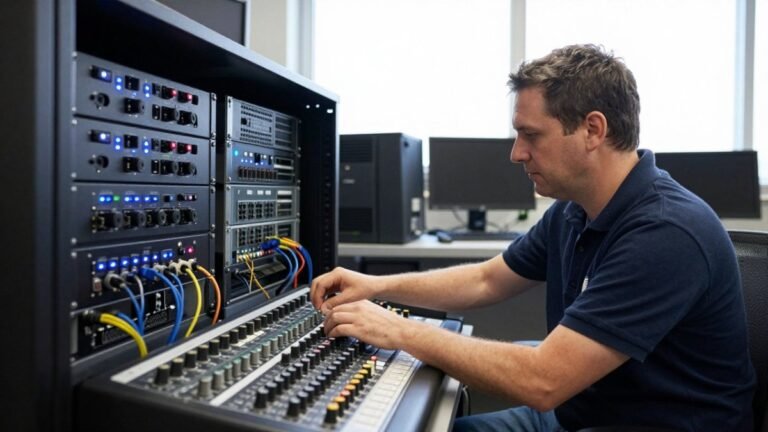
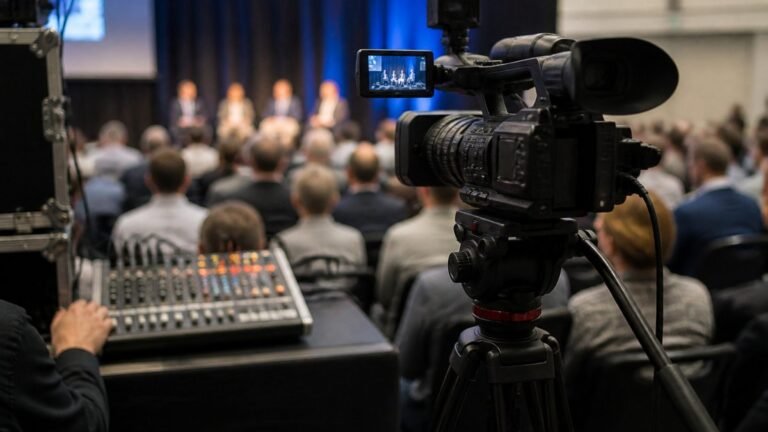
Professional virtual town hall production services are end-to-end arrangements where a specialist team handles the technical delivery of a live company broadcast, from camera and audio through to streaming, moderation and recording.
A virtual town hall is a live online broadcast where leadership addresses a whole organisation at once, usually with Q&A and polling built in. For the recording side in detail, see our complete guide to professional webcast recording and archiving.
Here is what most guides get wrong. They treat production as “someone pressing go on Zoom.” It is closer to running a small television studio for an hour.
The sections below break down each tier, the workflow, the platform questions and what actually drives cost.
DIY, Hybrid and Full-Service Production: Which Tier Fits Your Event
The right tier depends on three things: audience size, how sensitive the content is, and how badly a failure would hurt. A 40-person team update and a 5,000-person all-hands do not need the same setup.
| Tier | What You Handle | Typical Fit | Main Risk |
|---|---|---|---|
| DIY | Platform, cameras, hosting, moderation | Small teams, low stakes | One dropped connection ends the event |
| Hybrid | Your venue and speakers, vendor handles streaming | Mid-size, internal comms | Handover gaps between teams |
| Full-service | Nothing; vendor runs production and delivery | Large or high-stakes events | Less control over creative choices |
DIY works when the stakes are low. The moment executives are speaking to the whole company, or the content is commercially sensitive, the calculus changes.
Hybrid suits organisations with a good in-house AV team and a venue they trust. Full-service suits anyone who wants a single accountable party.
Best for: organisations where a failed broadcast carries real reputational cost.
Skip if: you have fewer than 50 attendees and no sensitive content.
Virtual Town Hall Best Practices That Protect the Broadcast
The most reliable virtual town hall best practices share one trait: they assume something will go wrong and plan for it before the event starts. Redundancy is not paranoia, it is standard practice.
Practical protections to consider for any event:
- A secondary internet connection, ideally on a different provider, with automatic or one-click failover tested before doors open
- Backup encoding hardware, powered and configured before doors open, not left in a box
- A pre-recorded fallback segment that can be played if the live feed fails, cued and ready to roll
- Captions tested on the actual stream, not just in a test room, see our step-by-step accessibility and captioning guide for the full process
- Access controls checked with a real external login, not an admin account
- A backup presenter briefed and available, particularly where a single executive carries the broadcast
Security deserves its own line. Our guide to mitigating cyber risks in professional live events covers the threats specific to live broadcasts. For sensitive internal communications, insist on authenticated attendee access, encrypted delivery and a clear policy on recording distribution.
Failure Prevention, Backup Plans and Escalation
A useful way to plan is to name the failure modes and assign an owner and a response to each before the event. The common ones are: presenter no-show or late arrival, loss of the primary internet path, encoder failure, platform outage, audio dropout on the main microphone, and a Q&A queue that overruns its window.
For each, decide in advance:
- Trigger. What has to happen for the team to act? A dropped stream for more than a set number of seconds, for example.
- Owner. One named person, not a committee, with the authority to switch to the fallback.
- Action. Roll the pre-recorded segment, switch to the backup encoder, move to the backup presenter, or extend the holding slide while the issue is resolved.
- Communication. Who tells the audience, and with what wording, so the message is calm and consistent.
Watch out: a backup presenter who has not rehearsed on the actual platform is not a reliable backup. Put them through the same line check as the primary speaker.
Rehearsal, Run of Show and Speaker Management
Rehearsal is where most problems get caught. A technical run before the event, plus a line check on the day, helps catch many failure modes.
Your run of show should list every segment with timings, who is on camera, which slide is live, and who cues each transition.
Building a Town Hall Meeting Agenda Template That Works Live
A town hall meeting agenda template that survives contact with a live audience is built around timeboxes, not topics. Every segment needs a hard duration and a named owner.
Use this structure as a starting point:
- Pre-show holding slide and countdown (5 min)
- Host welcome and housekeeping (3 min)
- Executive update, one speaker, one slide deck (15 min)
- Department segment or guest presenter (10 min)
- Live polls, two questions maximum (5 min)
- Moderated Q&A from chat and submitted questions (15 min)
- Closing summary and next steps (3 min)
- Post-show holding slide while stream closes (2 min)
Two rules matter more than the template. First, cap live Q&A at a fixed window and have a moderator pre-select questions, because an open queue will run long. Second, always run a poll early. It gives the audience something to do and buys the production team a natural pause.
Town hall agenda segment durations
How a Town Hall Meeting Livestream Is Produced Step by Step
A town hall meeting livestream is produced in a fixed sequence, and each step has a checkpoint before the next begins. Skipping a checkpoint is how streams fail.
- Discovery and technical requirements. Confirm audience size, access model, languages, captioning needs and recording rights.
- Platform and access setup. Configure the streaming platform, attendee registration and authentication.
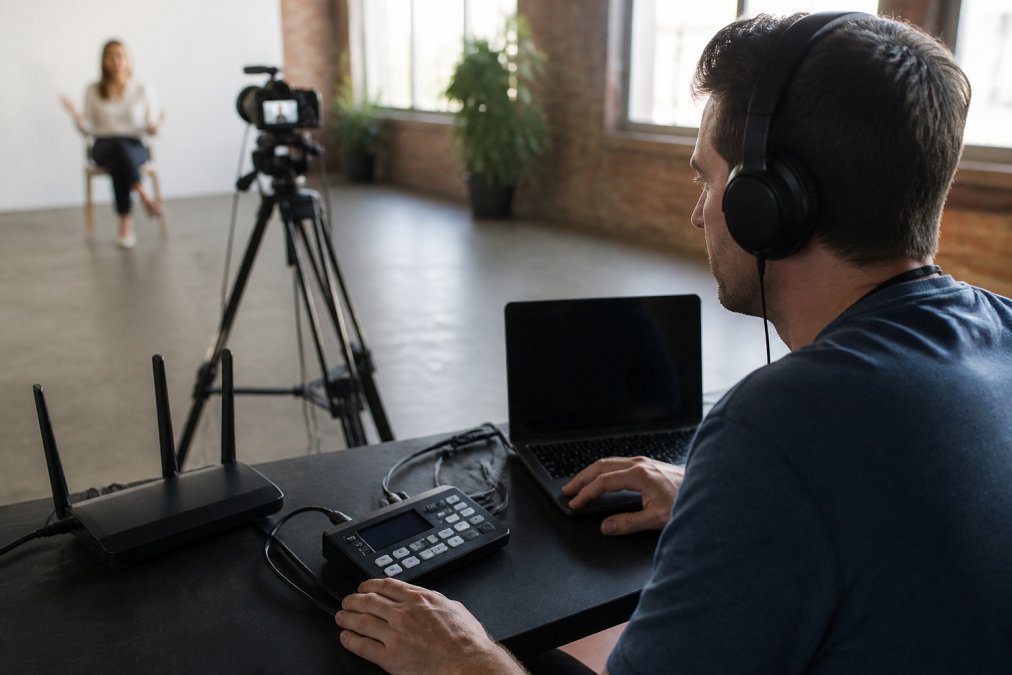
- Venue or studio build. Cameras, audio, lighting and comms set up and tested.
- Rehearsal. Full run with speakers, slides and a test audience on real devices.
- Pre-show checks. Line check, redundancy verification, moderator briefing.
- Live broadcast. Production team monitors stream health, audio levels and the Q&A queue in real time.
- Close and archive. Stream ends cleanly, recording is captured and handed over.
For a detailed walkthrough of the streaming mechanics, see our 7 steps to stream town hall meetings online.
Choosing a Virtual Town Hall Platform: Access, Security and Capacity
A virtual town hall platform must clear three tests before anything else: can the right people get in, can the wrong people be kept out, and can it hold your peak audience. Everything else is a feature list.
Ask vendors directly:
- What is the verified concurrent viewer ceiling, and has it been load-tested?
- How does attendee authentication work, and can it tie into your identity provider?
- Where is data stored, and how long are recordings retained?
- What happens to the stream if a single encoding node fails?
On capacity, get the number in writing against your expected attendance, not a generic marketing figure. Our secure live video streaming guide for business covers the questions worth putting in a tender document.
Watch out: “unlimited viewers” claims usually mean the platform will accept the connections, not that quality will hold. Test at your real peak.
What Drives Production Budgets and How to Request a Quote
Pricing depends on scope, so the useful approach is to understand the main cost drivers and the questions that lead to an accurate quote.
Production budgets move with scope, not with the vendor’s logo. In practice, six variables account for most of the variation between a modest internal update and a multi-camera annual general meeting:
- Duration and rehearsal time. A two-hour broadcast with a full technical rehearsal the day before is a different job from a 45-minute update with a line check only. Rehearsal hours are billable production hours.
- Camera positions and vision mixing. One locked-off camera is a fraction of the cost of three operated cameras with a switched program feed, lower-thirds and picture-in-picture.
- Studio versus on-location crew. A studio build is predictable and repeatable; an on-location crew adds travel, load-in, venue power and network checks, and often a site survey.
- Captioning and languages. Live human captioning costs materially more than automated captions, and additional languages multiply the requirement. Pre-recorded captions on the replay are cheaper than live.
- Redundancy level. A second internet path on a different provider, backup encoding hardware and a pre-recorded fallback segment all add cost, but they are the difference between a recoverable glitch and a cancelled town hall.
- Post-event editing. A clean recording handed over as-is is one line item; a chaptered, captioned, trimmed replay with slides synced is another.
To request a quote that comes back accurate, send:
- Date, start time and duration, including rehearsal
- Expected peak concurrent viewers
- Venue address or studio requirement
- Number of speakers and camera positions
- Captioning, translation or accessibility needs
- Whether you need the recording edited afterwards
- Any security or compliance requirements
Watch out: a quote that arrives without these questions being asked is a placeholder, not a price.
When comparing proposals, normalise them line by line: rehearsal hours, camera count, captioning type, redundancy, recording handover and support coverage.
Get a Quote for Your Next Virtual Town Hall
The gap between a broadcast that works and one that embarrasses a leadership team is usually preparation, not luck.
Webcasting Livestream provides managed production with fail-safe procedures, a no drop-off guarantee, HD delivery across all devices, and all video recorded and provided at no extra cost, with content owned by you.
Get started with Webcasting Livestream and run your next town hall without watching the connection light.
Frequently Asked Questions
What does a virtual town hall production service include?
A production service can cover live streaming delivery and recording, and the scope should be confirmed with the provider. Ask any provider to list exactly what is included, whether recordings are handed over at no extra cost, and what backup arrangements exist if the primary stream fails.
How do you keep a virtual town hall secure for sensitive internal communications?
Restrict attendee access with single sign-on or registration lists, use unique join links, and enable waiting rooms or passcode entry. Ask the provider how data is stored, where recordings sit, and whether the platform meets your obligations under the Privacy Act 1988 and the Notifiable Data Breaches scheme. For sensitive announcements, confirm the stream is not publicly discoverable and that chat and Q&A are moderated. Get these answers in writing before the event, not on the day.
How many concurrent viewers can a virtual town hall platform handle?
Capacity depends on the platform and the delivery method, so ask for a documented figure rather than a verbal assurance. Ask the provider for a documented concurrent viewer figure rather than a verbal assurance. If you expect a large audience, request a load test or reference event at that scale, and confirm the fail-safe procedures and backup stream path in place.
Do virtual town hall production services provide a recording, and who owns it?
Most professional services record the event, but ownership and delivery terms vary. Confirm in the contract that all video is recorded and provided to you at no extra cost, and that you retain the rights to reuse it for training or internal communications. Ask about turnaround time and whether the recording includes captions. Ownership of content should be explicit, so you are not paying again to download footage you already commissioned.