How to Plan a Live Webcast Recording for Your Business
Quick Summary
A webcast recording captures a live business event as it is broadcast and keeps a usable copy for later viewing, internal training or compliance. Plan it early, agree the format, ownership and retention terms in writing, and confirm the recording includes every on-screen visual.
- Confirm the recording includes every visual the audience sees, including slides shown only on the in-room display.
- A common master is 1080p at 25 or 30 frames per second, encoded as H.264 in an MP4 container.
- Ask for the master to be recorded clean, without lower-thirds, countdowns or platform overlays.
- Confirm in writing who owns the recording, how long files are retained and whether the provider may use footage for marketing.
- Request quotes against an identical written specification so providers price the same list of inclusions.
Table of Contents
- Corporate Live Streaming Services: What to Expect From a Provider
- Webcast Equipment and Software for a Professional Recording
- Webcast Recording and Archiving: Formats, Delivery and Storage
- Turning a Live Event Into On-Demand Event Video
- Accessibility, Reliability and Measuring Webcast Performance
- Booking Your Next Business Webcast Recording
- Frequently Asked Questions
What a Business Webcast Recording Involves
The real work sits in the planning, the production decisions made weeks beforehand, and the archive that remains long after the event ends.
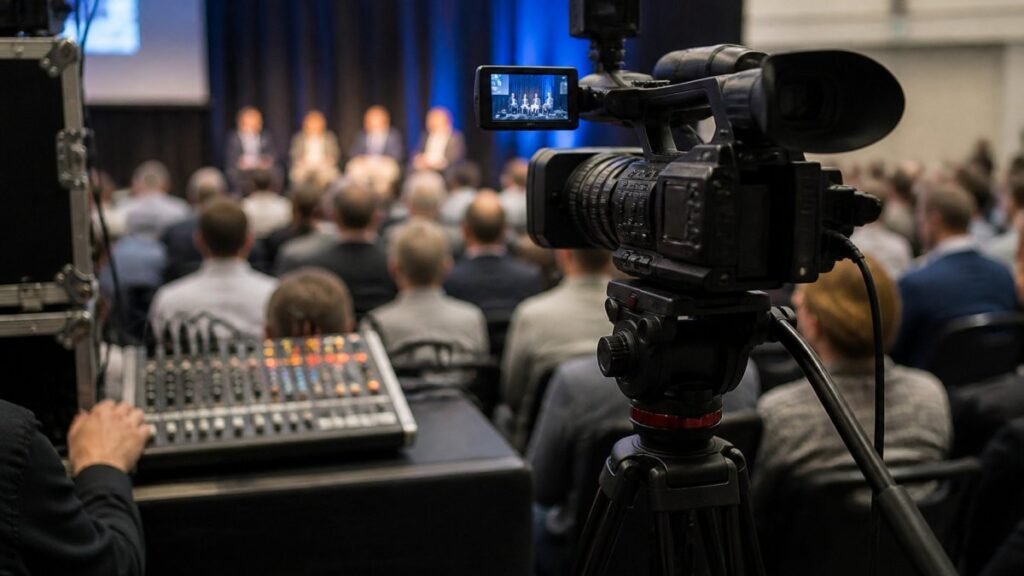
A webcast recording captures a live event as it is broadcast, then keeps a usable copy for later viewing, internal training or compliance. Companies use it for annual general meetings, staff updates, product launches, customer webinars and conferences. Each use case has different audience sizes, approval requirements and retention expectations, so the recording decisions should follow the purpose of the event rather than a generic template.
Three elements shape every project: the live feed, the audience delivery, and the recording itself. The live feed covers cameras, audio and the production crew who switch between them. Audience delivery covers the streaming platform, internet connectivity and the number of viewers expected. The recording covers format, file quality and where the finished video will be stored. Weakness in any one area affects the other two.
Watch out: recordings are often captured only from the program feed, which means slides or screen shares that were shown only on the in-room display may be missing. Confirm with your provider that the recording includes every visual the audience sees.
Planning should start early. A realistic timeline allows time for speaker briefings, rehearsal of the technical run-through and sign-off on who can access the finished file.
Last Updated: November 3, 2026
Corporate Live Streaming Services: What to Expect From a Provider
A corporate live streaming provider should carry the technical delivery so your team can concentrate on content. Getting the boundary between the provider’s responsibilities and yours into writing before the event helps avoid disputes on the day.
A practical planning sequence for a business webcast runs roughly as follows. Weeks out, agree the purpose, audience, platform, recording requirements and access rules, and confirm who signs off the finished file. Closer to the event, brief speakers, rehearse the technical run-through, test connectivity and audio, and lock the run sheet. On the day, the provider runs the production and the stream while your team manages content and speaker logistics. After the event, the recording is delivered, edited if required, captioned and published, and performance is reviewed against the original objectives.
Divide responsibilities explicitly. A managed provider typically supplies production crew, cameras and audio, switching and encoding, the primary and backup internet connection, the streaming platform and the recording. Your team usually retains speaker liaison, content and slides, approval of the final cut, internal communications and decisions about access and retention. List every task and mark who owns it; ambiguity here is where quotes stop being comparable.
Pricing depends on quantity, dates and delivery, so request a quote against an identical written specification from Webcasting Livestream for current prices. A like-for-like comparison is only possible when every provider prices the same list of inclusions.
Ownership and usage rights should be settled early. Confirm in writing that the client owns the recording, how long files are retained, what formats are delivered and whether the provider may use footage for its own marketing. You can read about webcast recording ownership and rights before you sign anything. These terms vary between providers and are easy to overlook until the files are needed.
Webcast Equipment and Software for a Professional Recording
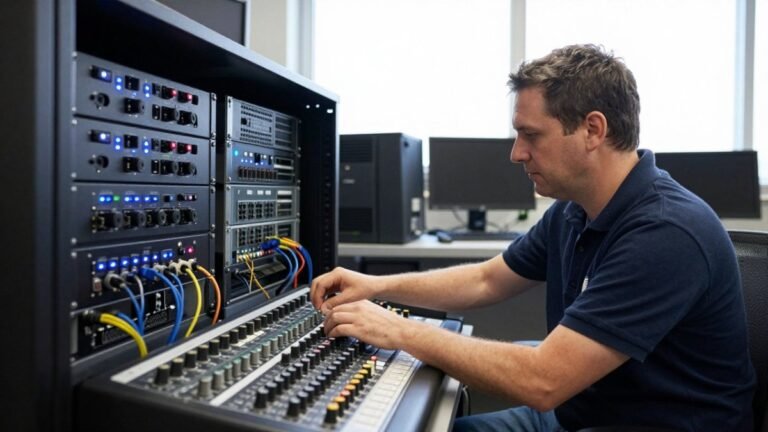
A professional webcast relies on a small set of core components: cameras, microphones, a mixing or switching system, an encoder and a streaming platform. The quality of each affects the final recording, so treat the list as a minimum rather than an optional upgrade.
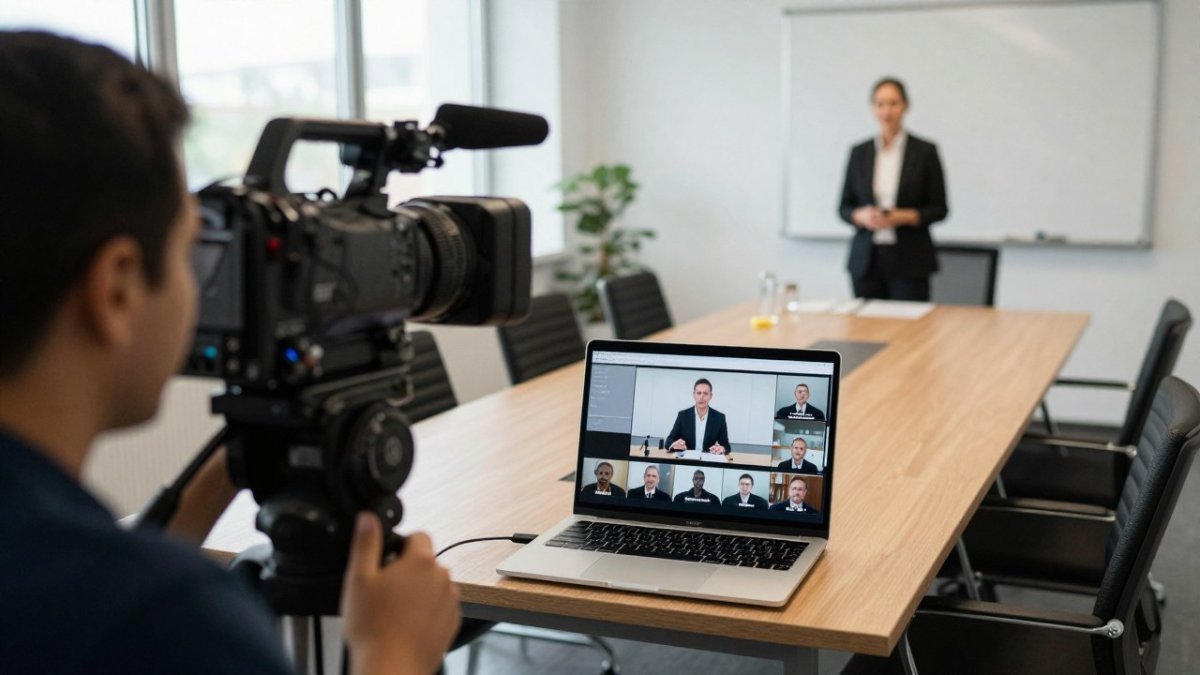
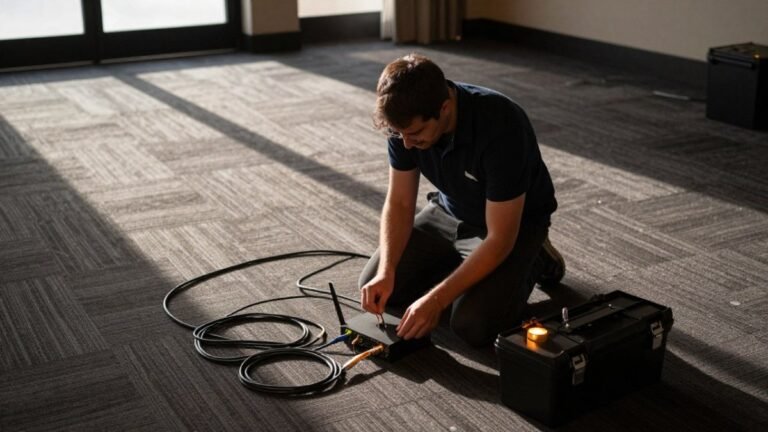
The encoder converts the live feed into a stream that the platform can deliver. Internet connectivity matters here as much as the hardware. A stable upload speed, supported by a backup connection where possible, reduces the chance of interruptions during the broadcast.
Multi-Camera Production and Broadcast Audio
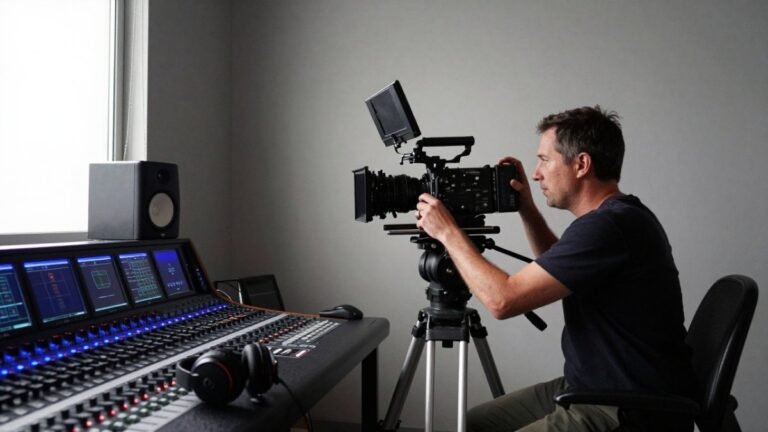
Multi-camera production gives viewers a more engaging picture than a single fixed camera. Switching between a wide shot of the room, a close view of the speaker and a camera on any presentation screen keeps the stream readable on small screens.
Audio is the factor most often underestimated. Viewers tolerate average picture quality far more readily than poor sound. Dedicated microphones for speakers and a proper audio mix, rather than the room’s built-in microphone, produce a clear broadcast audio feed that also suits the recording.
Platform Selection, Access Controls and Integrations
Choosing the streaming platform depends on audience size, branding needs and security requirements. For internal communications, restricted access with a login or registration step may be essential. For public events, the platform should handle the expected number of concurrent viewers without slowing down.
Ask about access controls, reporting and integrations with your existing systems, such as registration tools or email platforms. Confirm that the platform supports the devices your audience uses, including mobile phones.
Webcast Recording and Archiving: Formats, Delivery and Storage
Recording is where most webcast briefs are thinnest, and where the archive decisions made before the event determine how useful the file is six months later. A provider that cannot answer basic questions about resolution, codec, container format and delivery timing is a risk, regardless of how good the live stream looked.
Start with the master recording. For business events, a common master is 1080p at 25 or 30 frames per second, encoded as H.264 in an MP4 container, with a bitrate high enough to survive editing without visible artefacts. Where the production supports it, a higher-resolution master (UHD) gives more room to crop or reframe in post, but it also multiplies file size and storage cost. Ask for the master to be recorded clean, without lower-thirds, countdowns or platform overlays, so it can be re-edited for other uses.
Separate the master from the deliverables. Ask your provider to confirm which deliverables are included, such as the full-length master, a compressed distribution copy and any caption or transcript files.
Delivery timing should be agreed in writing. A common pattern is a same-day or next-day link to the unedited master, with edited and captioned versions following within a small number of business days. If the recording is needed for a compliance obligation, an AGM, for example, confirm the delivery deadline against the body’s own rules rather than assuming the provider’s standard turnaround is fast enough.
Storage and retention need an owner. Decide whether files live with the provider, in your own cloud storage, or both, and for how long. A shareholder meeting recording may need to be retained for years under the organisation’s records policy, while a routine team update might be deleted after a set period. Agree deletion rules before the event so nothing is lost by accident or kept longer than policy allows. Where the provider hosts the archive, ask what happens to the files if the commercial relationship ends.
Ask about post-production options before the event, such as editing, captioning or highlight clips, and confirm what is included in your quote. For more depth on formats and storage, see this complete guide to professional webcast recording and archiving.
The table below summarises the recording specifications and delivery points covered in this section.
| Item | Value | Note |
|---|---|---|
| Common master resolution | 1080p | At 25 or 30 frames per second |
| Codec and container | H.264 in MP4 | Bitrate high enough to survive editing |
| Higher-resolution option | UHD | More room to reframe, larger files |
| Master recording style | Clean | No lower-thirds, countdowns or overlays |
| Delivery timing | Same or next day | Unedited master link, agreed in writing |
| Edited and captioned versions | A small number of business days | Follow the unedited master |
Turning a Live Event Into On-Demand Event Video
On-demand event video extends the value of a live broadcast. Viewers who missed the event can watch the recording later, and new staff or customers can learn from material that would otherwise remain unseen.
Plan the on-demand version as part of the production, not as an afterthought. Decide whether the replay will be published as the full event or as segmented clips, and whether it needs a registration step. Including chapter markers or a short description for each speaker helps viewers find the section they need.
Engagement after the event is often measured through replay views and watch time. Track these figures alongside attendance during the live broadcast to see how the content performs over the longer term.
Accessibility, Reliability and Measuring Webcast Performance
Accessible webcasts reach a wider audience. Ask your provider whether captions can be added to the live stream and the recording, and how accurate they are expected to be.
Reliability is the second concern. Test the full chain before the event, including the connection, audio levels and the viewer experience on different devices. A short rehearsal often reveals problems that would otherwise appear during the live broadcast.
Measure performance after each event. Useful measures include peak concurrent viewers, average watch time, drop-off points, replay views and feedback from attendees. Compare these figures across events to refine your planning for the next recording.
Booking Your Next Business Webcast Recording
A well-planned webcast is easier to deliver when the requirements are clear from the start. Write down the event purpose, the expected audience, the delivery platform and the recording and ownership terms you need. Then request quotes based on the same specification.
Webcasting Livestream provides professional managed services nationwide, with HD streaming across devices, a no-drop-off guarantee and recordings provided at no extra cost. To discuss your event and request a quote, get in touch with the team through the website.
Frequently Asked Questions
What is the difference between a live webcast and a livestream?
The terms are often used interchangeably. A livestream usually refers to video broadcast in real time to any viewer, often on social platforms. A webcast is typically a more produced business broadcast, with a defined audience, registration, scheduled start time and sometimes moderated Q&A. For corporate events such as AGMs, product launches and town halls, a webcast is the more accurate term because it implies managed delivery, professional production and a record of who attended. Pricing depends on production scope, so request a quote from Webcasting Livestream for your specific event.
Can a live webcast be recorded and watched later?
Yes. Most business webcasts are recorded during the live session so that people who could not attend can watch on demand later. The recording can be edited to remove dead air, trimmed to chapters, or delivered as-is. Webcasting Livestream records all video and provides it to the client, and the content belongs to the client. Confirm delivery format, timing and file size with your provider before the event so the archive is ready when you need it.
What equipment is needed to record a business webcast?
At minimum you need reliable video capture, a clean audio feed from the presenters, an encoder that sends the stream to a platform, and a stable internet connection with a backup. Larger events usually add multiple cameras, a broadcast audio mixer and a production crew who handle switching and graphics. Backup internet and redundant power are common safeguards. A professional provider will assess the venue and tell you which elements your event actually needs rather than prescribing a fixed kit.
How do businesses make a webcast available on demand?
After the live event, the recording is exported, reviewed and uploaded to a hosting platform or internal portal. Access can be restricted with logins, passwords or registration-based links so that only authorised staff or customers can view it. Many businesses also add chapter markers and downloadable slides so the on-demand version is useful for training. Discuss hosting, access controls and delivery with your provider during planning.