
Last Updated: October 28, 2026
Quick Summary
The webinar vs webcast difference comes down to one question: do you want a conversation or a broadcast? A webinar is a two-way, interactive session where attendees ask questions, vote in polls and talk to presenters, while a corporate webcast is a one-way broadcast built to reach an audience. The choice usually shapes the entire event plan, from platform setup to how many staff you need on the day.
- Webinars typically serve tens to a few thousand attendees, while webcasts reach thousands to tens of thousands.
- Webcasts often accept 10-30 seconds of latency to keep the feed stable at scale.
- A webinar needs moderate upload of typically 5-10 Mbps up for a single presenter.
- Webcast production services cover multi-camera capture, audio mixing, graphics, encoding and live captioning.
- Confirm how viewer tokens are issued and revoked before signing for market-sensitive webcasts.
Table of Contents
- Webinar vs Corporate Webcast: The Core Differences at a Glance
- Webcast vs Webinar for Business: One-Way Broadcast or Two-Way Conversation
- Webinar Audience Engagement: Polls, Chat and Q&A Sessions
- Technical Requirements and Infrastructure Behind Each Format
- Webcast Production Services: What Professional Support Covers
- Live Streaming for Product Launches and Large Corporate Events
- Analytics, Security and Accessibility: What to Check Before You Choose
- Get a Quote for Managed Webcast Production
- Frequently Asked Questions
Webinar vs Corporate Webcast: The Core Differences at a Glance
The webinar vs webcast difference comes down to one question: do you want a conversation or a broadcast? A webinar is a two-way, interactive session where attendees ask questions, vote in polls and talk to presenters. A corporate webcast is a one-way broadcast built to reach an audience. The choice usually shapes the entire event plan, from platform setup to how many staff you need on the day.
Quick Comparison Table
| Feature | Webinar | Corporate Webcast |
|---|---|---|
| Communication | Two-way, conversational | One-way, broadcast-style |
| Typical audience | Tens to a few thousand | Thousands to tens of thousands |
| Interaction | Polls, chat, live Q&A | Limited, often moderated Q&A |
| Production level | Presenter webcam and slides | Multi-camera, mixed feed |
| Best for | Training, lead generation | AGMs, town halls, launches |
Webcast vs Webinar for Business: One-Way Broadcast or Two-Way Conversation
The webcast vs webinar for business decision starts with how much conversation your audience actually needs. A webinar works like a virtual seminar: a presenter speaks, slides advance, and the audience responds in real time through chat and questions. A webcast behaves more like television. Viewers watch a produced stream, and interaction is usually limited to a moderated Q&A window or a separate channel.
That distinction changes everything downstream. Interactive formats need moderators, polling features and a presenter comfortable with live questions. Broadcast formats need camera operators, graphics and a control room. If you are still weighing which model suits your calendar, our guide to the webcast live stream format explains how a produced broadcast works from start to finish.
Audience Size and Scalability
Scale is the clearest practical divider. Webinar platforms usually cap attendance by licence tier, and large interactive sessions get expensive and hard to moderate. Webcasts are built for reach: a single encoded stream can serve a very large audience without degrading quality, because viewers receive the feed rather than connecting into a shared meeting room. If your expected attendance runs into the thousands, plan for a broadcast architecture from day one.
Interaction and Engagement Levels
Engagement in a webinar is direct. Attendees type questions, respond to polls and sometimes join breakout sessions. Engagement in a webcast is curated. A producer selects questions, an on-screen host reads them out, and the audience participates through structured moments rather than open conversation. Neither is better; they serve different goals. Training sessions reward open dialogue, while an annual general meeting rewards order, clarity and a reliable feed for every shareholder watching.
Webinar Audience Engagement: Polls, Chat and Q&A Sessions
Webinar audience engagement depends on three tools: polls, chat and live Q&A. Polls give you instant feedback and break up a long session. Chat lets attendees talk to each other, which builds momentum. Q&A turns the session into a dialogue, but only if someone is filtering questions and feeding the strongest ones to the presenter. A common mistake is running all three at once with no moderator, which scatters attention and buries the good questions.
Assign one person to moderation and one to technical support. If your presenters are joining remotely, our tips on managing remote event presenters cover rehearsals, backup connections and the handover cues that keep a session moving.
Technical Requirements and Infrastructure Behind Each Format
Infrastructure is where webinar vs webcast diverges most, and it is the part of the decision most often under-scoped. A webinar needs a stable presenter connection, a platform account and a decent microphone. A corporate webcast may involve technical infrastructure and production support. The table below shows what each format typically demands.
| Requirement | Webinar | Corporate Webcast |
|---|---|---|
| Upload bandwidth | Moderate, single presenter (typically 5-10 Mbps up) | High, multiple camera feeds (typically 20-50 Mbps up at the venue) |
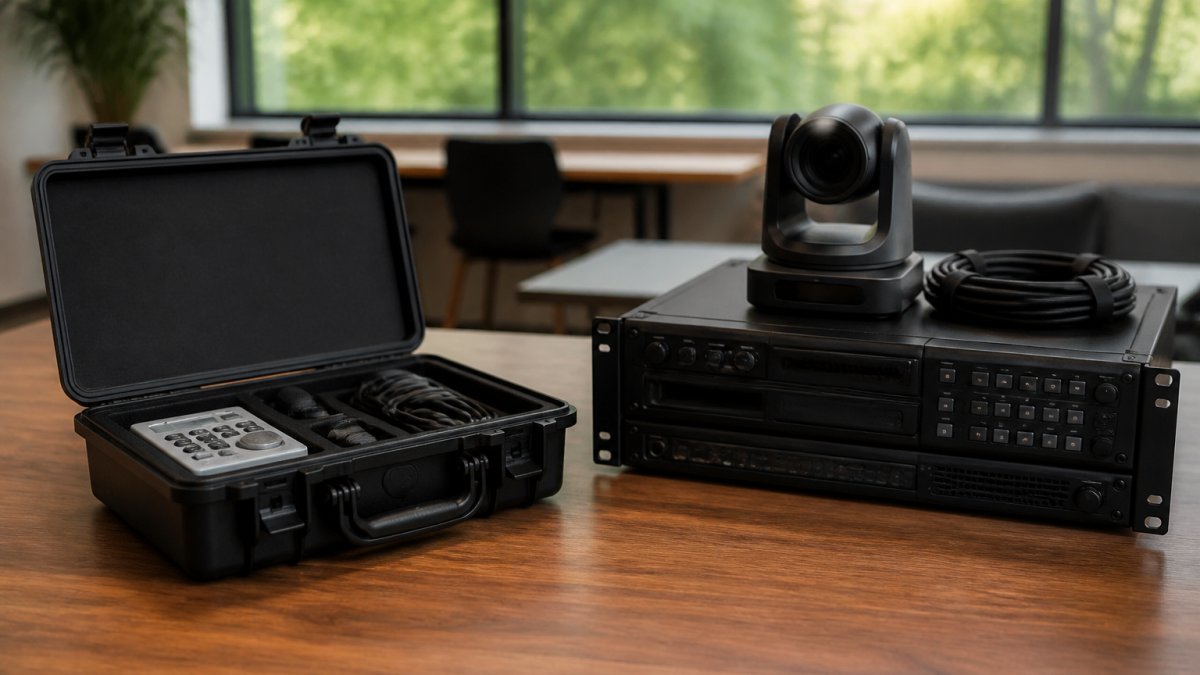
| Encoding | Platform-native, browser-based | Dedicated hardware or cloud encoder, often dual |
| Redundancy | Backup connection advised | Dual network paths and failover encoder |
| Delivery | Platform servers, single region | Content delivery network, multi-region edge nodes |
| Latency | Sub-second to a few seconds, interactive | Typically 10-30 seconds for scale and stability, or sub-5 seconds for low-latency modes |
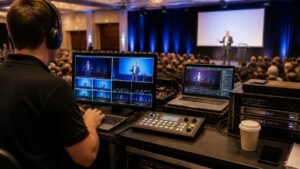
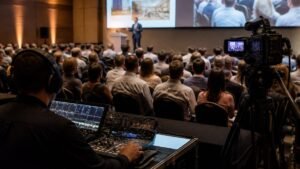
| Crew | Host and moderator | Producer, vision mixer, audio engineer, graphics operator |
| Recording | Platform cloud recording | Redundant local and cloud recording, ISO feeds retained |
Why the encoding layer matters more than the camera
A webinar platform encodes in the browser and pushes a single stream to its own servers. That is fine for a presenter on a laptop, but it gives you almost no control over bitrate, resolution ladder or failover. A corporate webcast can use encoding to deliver a stream to viewers.
Bandwidth, latency and the venue problem
Bandwidth requirements matter more than most organisers expect. Regional and heritage venues frequently deliver less upload than the venue contract implies, and shared corporate networks throttle sustained upload during business hours.
Latency is the trade-off nobody explains well. Interactive webinars need low latency so Q&A feels live. Large webcasts deliberately accept higher latency (often 10-30 seconds) because buffering a few seconds gives the CDN room to absorb network jitter and keeps the feed stable for tens of thousands of viewers. Our guide to stable internet for live events sets out checks to consider before a broadcast.
Security and authentication at the infrastructure layer
This is the gap most comparison articles miss. A webinar platform typically handles authentication through its own registration and single sign-on integrations. A corporate webcast may use access controls for sensitive content. If the event touches market-sensitive information, an ASX-listed company’s results briefing, for example, confirm with your provider how viewer tokens are issued, how long they remain valid, and whether the stream can be revoked mid-event. Get those answers in writing before you sign.
Choose the infrastructure before you choose the platform. If the event needs multi-camera production, redundancy and CDN delivery, a webinar platform will not carry it no matter how many features the sales page lists.
Webcast Production Services: What Professional Support Covers
Webcast production services cover everything between the venue and the viewer’s screen. That means multi-camera capture, audio mixing, graphics and lower thirds, a vision mixing desk, encoding, simulcasting to social channels, live captioning, and recording for on-demand use. A managed crew can support production.
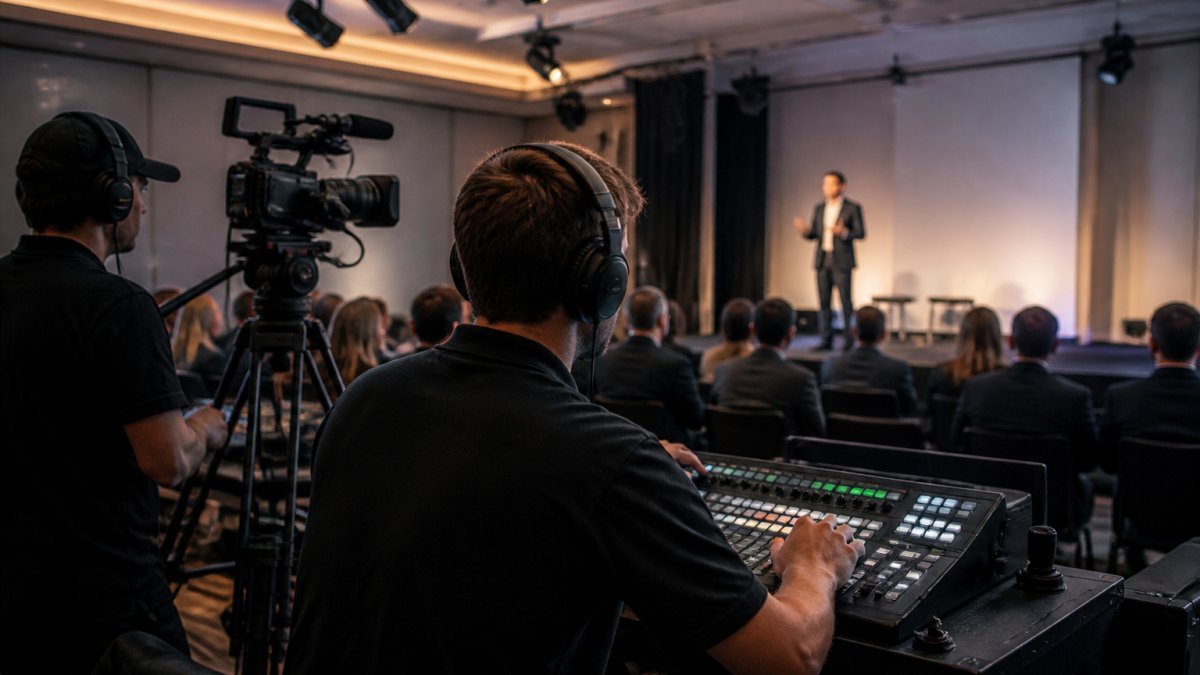
This is the layer most in-house teams underestimate. Webcasting Livestream provides fail-safe procedures, a no drop off guarantee, HD streaming across devices, and recordings at no extra cost, with content belonging to you.
Live Streaming for Product Launches and Large Corporate Events
Live streaming for product launches rewards the broadcast model. A launch is a performance: you want consistent framing, polished graphics, a countdown, and a feed that holds up when thousands of viewers arrive at once. The same logic applies to town halls, AGMs and large conferences where the priority is a flawless viewing experience for everyone watching, not open conversation.
Hybrid events add a wrinkle. The room audience and the remote audience need different pacing, and the stream has to work alongside the live program rather than compete with it. Our virtual product launch best practices walk through run sheets, rehearsal timing and how to keep remote viewers engaged through a staged reveal.
Analytics, Security and Accessibility: What to Check Before You Choose
Most comparisons stop at the live event. The three checks below are what separate a solid format decision from a risky one, and they are where the two formats diverge in ways that matter to finance, IT and legal stakeholders long after the stream ends.
Post-event analytics and ROI tracking
A webinar platform typically reports attendance, attendance duration, poll responses, chat volume, Q&A submissions and per-attendee engagement scores. That data is rich but shallow in reach: it tells you how a few hundred registered leads behaved. A corporate webcast may report delivery-layer data. The practical difference is that webinars produce lead-level data for sales follow-up, while webcasts produce audience-level data for communications and investor relations reporting.
Whichever route you take, confirm before the event that you can export raw data (not just a dashboard), that retention periods meet your record-keeping obligations, and that the data can be reconciled with your CRM or marketing automation platform.
Security and authentication protocols
Corporate IT departments need to know the security differences between open webcasts and gated webinars, and the answer is not simply “webcasts are less secure”. An open webcast is designed for reach: the stream may be public or lightly gated, and the security model relies on unguessable URLs and CDN protections. A gated webinar can use access controls. For internal or market-sensitive events, consider access controls suited to the event.
Ask your provider how viewer tokens are issued and revoked, whether the stream is encrypted in transit and at rest, where recordings are stored and for how long, and who owns the recording. For events that touch personal information, confirm applicable privacy requirements and the provider’s data arrangements with an official source.
Accessibility and compliance requirements
Accessibility is a baseline expectation, not a nice-to-have, and the two formats place different demands on it. Live captions, keyboard-navigable players, transcripts and audio description are the common requirements. For public sector events, check the applicable accessibility requirements with an official source. Captioning options and how captions are delivered depend on the platform and production setup. Confirm before the event that captions appear on the recording as well as the live stream, that the player meets keyboard and screen-reader requirements, and that transcripts are delivered with the recording.
Accessibility and security requirements are cheapest to meet when they are scoped at the format decision, not retrofitted the week before the event. A captioner booked late, or an identity integration built after the run sheet is locked, is where budgets blow out.
Ask your provider how recordings are stored, who owns them, and whether there are fees to reuse them for training later. Get those answers in writing before you sign.
Get a Quote for Managed Webcast Production
Choosing the right format is the easy part. Delivering a broadcast at scale, with security and recordings handled, is where organisations may need support. Webcasting Livestream provides end-to-end managed production with fail-safe procedures, HD streaming across all devices, a no drop off guarantee, and recordings supplied at no extra cost. Tell us your event date, audience size and format, and we will scope the production. Get started with Webcasting Livestream and request a quote for your next broadcast with confidence.
Frequently Asked Questions
Is a corporate webcast the same as a webinar?
No. A webinar is built for two-way participation: attendees ask questions, answer polls and join chat while a presenter works through slides. A corporate webcast is a one-to-many broadcast aimed at a large audience, with interaction usually limited to moderated Q&A. The right choice depends on whether you need conversation or reach.
Which is better for a large audience: a webinar or a webcast?
A webcast is a one-to-many broadcast format. Capacity depends on the platform and production setup, so confirm that they suit your expected audience.
How interactive is a corporate webcast compared with a webinar?
A webcast is generally less interactive than a webinar. The interaction available depends on the event setup. A webinar can allow attendee participation. Choose the format based on the interaction your event requires.
What equipment and production support does a corporate webcast need?
Production requirements depend on the event. Webcasting Livestream provides end-to-end managed production and fail-safe procedures. Contact the provider to confirm the production support your event requires.
Can a webinar or webcast be recorded for on-demand viewing?
Webcasting Livestream provides recordings at no extra cost, and the content belongs to you. Ask the provider about recording formats, hosting and availability.