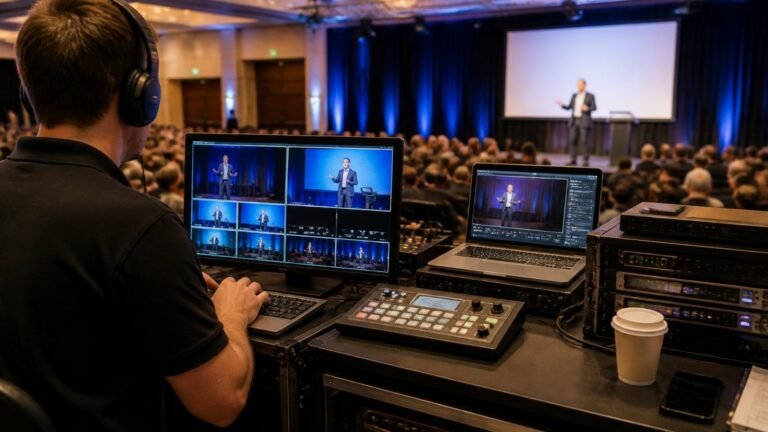
Secure Streaming vs Standard Broadcasting for Events

Table of Contents
- Secure Streaming vs Standard Broadcasting: What Actually Changes
- Broadcast vs Streaming: Definitions That Matter
- The Comparison Table: Standard vs Secure at a Glance
- Enterprise Live Streaming Security Protocols Explained
- Managing Access Control for Live Events
- Streaming Technology Framework: Latency, Bandwidth and Protocol
- Disaster Recovery and Failover Redundancy
- Cost-Benefit Analysis: Secure vs Standard
- Frequently Asked Questions
Last Updated: September 16, 2026
Secure Streaming vs Standard Broadcasting: What Actually Changes
Secure streaming is the delivery of live video over encrypted, access-controlled channels, while standard broadcasting transmits an open signal that anyone in range or with the link can receive. For event organisers, that difference decides who can watch, who can record, and who carries the liability when content leaks. This guide from Webcasting Livestream breaks down where the two approaches diverge, what each costs you in practice, and how to choose for your next event.
Broadcast vs Streaming: Definitions That Matter
Broadcasting is one-to-many transmission over a managed network, historically satellite or terrestrial, where the signal reaches every receiver tuned to it. Streaming delivers video over the public internet, segmented and sent on demand to authenticated viewers. The practical consequence: a broadcast signal is inherently open, while a stream can be gated, encrypted, and logged viewer by viewer.
The Comparison Table: Standard vs Secure at a Glance
The table below summarises the trade-offs that matter most when you’re choosing between the two delivery models for a live event.
| Factor | Standard Broadcasting | Secure Streaming |
|---|---|---|
| Access control | Open signal, no authentication | Viewer authentication and access control |
| Encryption | None by default | End-to-end encryption options |
| Latency | Predictable, higher | Tunable, as low as sub-second |
| Audience reach | Limited to tuned receivers | Global via content delivery network |
| Recording rights | Often restricted | Content belongs to you |
| Cost structure | Fixed infrastructure | Scales with audience and security tier |
Enterprise Live Streaming Security Protocols Explained
Enterprise live streaming security protocols are the technical and procedural controls that protect a stream from unauthorised access, interception, and tampering. They combine transport encryption, digital rights management, and identity verification into a single delivery chain. Get any one layer wrong and the others weaken.
Encryption in Transit: What Each Protocol Actually Does
Encryption protects the stream while it travels between the camera, the encoder, the origin server, and the viewer. Different protocols sit at different points in that chain:
- RTMPS is RTMP wrapped in TLS. It encrypts the contribution feed from the encoder to the ingest server, which is the leg most exposed to interception at the venue. It does not encrypt delivery to viewers.
- SRT (Secure Reliable Transport) encrypts the contribution feed with AES and adds packet recovery, which matters on unstable venue networks. It is increasingly the default where a single uplink is unreliable.
- HLS and DASH over HTTPS encrypt delivery to the viewer. This is the leg that matters for a public or semi-public event, because it is the one an unauthorised viewer could otherwise capture.
- WebRTC encrypts by default using DTLS-SRTP, which is why it is the usual choice for sub-second interactive streams such as Q&A or remote panel contributions.
Digital Rights Management: Protecting the Stream After Delivery
DRM protects the stream after it reaches the viewer. Where transport encryption stops interception, DRM stops redistribution. It works by issuing a licence key to an approved player, so a downloaded segment file is useless without a valid licence check. The major systems are Google Widevine (Chrome, Android, smart TVs), Apple FairPlay (Safari, iOS, tvOS), and Microsoft PlayReady (Edge, Windows, Xbox).
Compliance and Privacy: A Practical Framework
Australian organisations handling personal information in a stream must comply with the Privacy Act 1988 and the Australian Privacy Principles, which govern how personal data is collected, stored, and disclosed. The Office of the Australian Information Commissioner publishes guidance on these obligations, and any streaming provider you engage should be able to explain how their platform supports them.
- What personal information does the stream collect? Registration data, viewer names, IP addresses, and chat logs are all personal information under the APPs.
- Where is it stored and for how long? Retention periods should be defined before the event, not after.
- Who can access the recording? Access should be role-based and logged, not a shared link.
- What happens on a breach? The Notifiable Data Breaches scheme requires eligible breaches to be reported to affected individuals and the Commissioner (Notifiable data breaches).
Ask your provider for a data flow diagram before you sign. If they cannot show where viewer data is stored, who can access it, and how it is deleted, they cannot support your APP obligations.
Managing Access Control for Live Events
Managing access control for live events means deciding, before the stream starts, exactly who can watch and under what conditions. The most reliable approach layers three checks: identity (who is this viewer), entitlement (are they allowed to see this event), and session (is this a single, non-shared connection). Single sign-on integration handles the first, registration lists or ticketing systems handle the second, and token-based session limits handle the third.
Streaming Technology Framework: Latency, Bandwidth and Protocol
Latency, bandwidth, and protocol form the technical backbone of any live stream. Latency is the delay between capture and display; bandwidth is the throughput available at both the encoder and the viewer; protocol is the language the stream speaks across the network. Secure streaming adds encryption overhead to each, so the framework has to be sized for it.
Disaster Recovery and Failover Redundancy
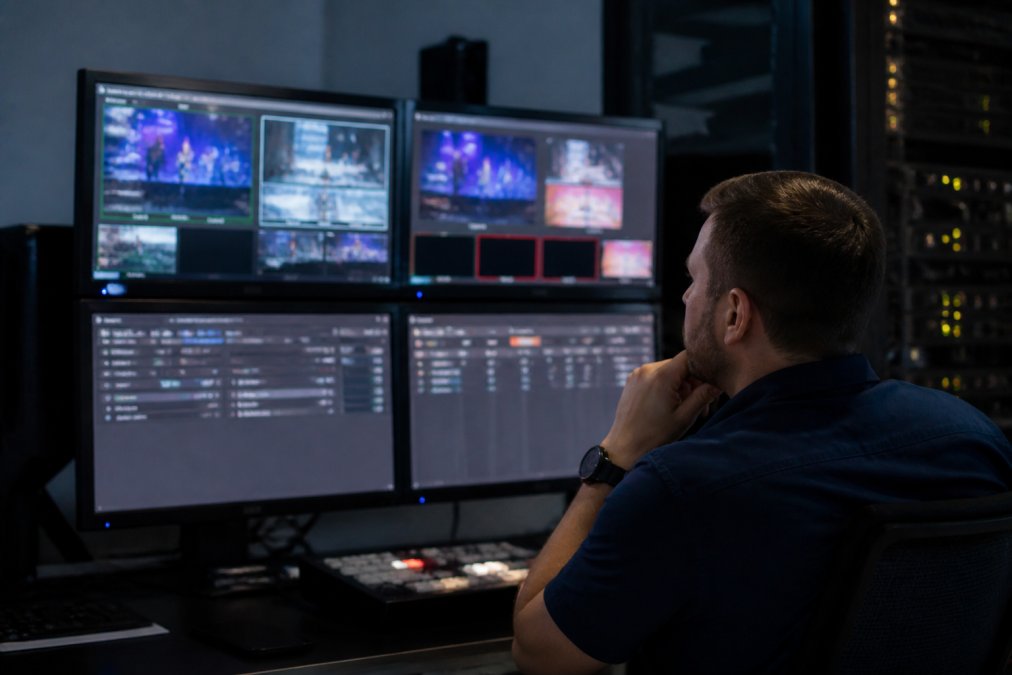
Failover redundancy is the practice of running a backup path that takes over automatically if the primary fails. In secure streaming, that means duplicate encoders, a secondary network route, and a standby origin server, all monitored in real time. Without it, a single dropped connection ends the event.
The Four Layers That Need Redundancy
A resilient secure stream is redundant at every layer, because a failure at any one of them breaks the chain:
- Contribution (venue to ingest): dual encoders feeding two separate ingest endpoints, ideally on different networks. A bonded internet setup, which combines multiple connections into one, covers the case where a single venue uplink degrades.
- Ingest and origin: a primary and standby origin server in separate availability zones, with health checks that promote the standby automatically. If both sit in the same data centre, a single outage takes both down.
- Delivery: a content delivery network with multiple edge locations. This is the layer most platforms handle for you, but it is worth confirming that failover between edges is automatic rather than manual.
- Access and authentication: a standby identity provider or token service. A stream that is up but cannot authenticate viewers is, from the audience’s perspective, down.
Recovery Targets: RTO and RPO
Two numbers should be agreed with your provider before the event:
- Recovery Time Objective (RTO) is how long the stream can be down before the backup takes over. For a live event, this is usually measured in seconds, not minutes.
- Recovery Point Objective (RPO) is how much content you can afford to lose. For a live stream, the practical target is zero, the backup should pick up the same frame, not restart the feed.
Failure Modes to Test, Not Assume
The gap most organisers miss is testing. A failover path that has never been triggered is a theory, not a safeguard. Run a live rehearsal that deliberately kills the primary feed and confirms the switch happens without viewer-visible interruption. Test each of these separately, because they fail differently:
- Encoder failure: kill the primary encoder mid-stream and confirm the backup is already encoding at matching bitrate and resolution.
- Network failure: disconnect the primary uplink and confirm the bonded connection absorbs the load.
- Origin failure: take the primary origin offline and confirm the standby promotes without a new authentication prompt for viewers.
- CDN edge failure: simulate an edge outage and confirm traffic reroutes to a healthy edge.
Skipping the failover rehearsal is the single most common cause of public stream failures. A backup that has never been tested will often fail at the exact moment you need it, usually because the secondary encoder was never configured to match the primary’s bitrate and resolution.
Monitoring and Runbooks
Failover only works if someone knows it has happened. Real-time monitoring should track encoder health, bitrate, latency, and viewer error rates, with alerts that fire before the audience notices. Pair that with a written runbook: who calls the switch, who communicates to viewers, and who owns the recording if the primary fails mid-event. The technical redundancy and the human response are two halves of the same safeguard.
Cost-Benefit Analysis: Secure vs Standard
Secure streaming costs more than standard broadcasting, and the honest question is whether the premium is justified for your event. The answer depends on three variables: the sensitivity of the content, the size of the audience, and the cost of a failure. A public marketing webcast rarely justifies enterprise-grade access control. An AGM, a clinical training session, or a government briefing usually does.
| Your Situation | Recommended Approach |
|---|---|
| Public launch, open audience | Standard broadcasting is sufficient |
| Internal town hall, moderate sensitivity | Secure streaming with basic access control |
| AGM, board briefing, regulated content | Secure streaming with full encryption and audit trail |
| Multi-state event with variable connectivity | Secure streaming with bonded internet and failover |
The decision isn’t really “secure or standard.” It’s “what does a leak or a dropout cost me?” Once you can answer that in concrete terms, the right tier selects itself.
Frequently Asked Questions
What is the difference between broadcasting and streaming?
Broadcasting sends one signal from a single transmitter to many receivers at once, like traditional television or radio. Streaming delivers video over the internet in real time, with each viewer receiving a separate data feed. This lets you add password protection, encryption and viewer analytics that broadcast cannot offer, which is why secure streaming suits corporate events, AGMs and internal communications where you need to know who is watching.
Does secure streaming impact the quality of a live event broadcast?
Encryption and access control add a small processing overhead, but with a properly configured content delivery network and enough upload bandwidth, viewers see no difference. In practice, the bigger risk to quality is an unstable network or insufficient upload speed. Bonded internet and multi-bitrate streaming keep picture quality consistent across devices, so security does not have to cost you resolution.
When should a business choose secure streaming over public broadcasting?
Choose secure streaming whenever the content is confidential, regulated or commercially sensitive. AGMs, board meetings, internal training and product launches before public release all need viewer authentication and encryption. If the event is a public concert or open conference, standard broadcasting with a content delivery network is usually enough. The deciding factors are who should see it and what happens if the wrong person does.
What are the technical requirements for secure event streaming?
You need a stable upload speed (at least double your target bitrate), a streaming protocol such as RTMP or SRT for contribution, and HLS for delivery to viewers. Access control requires an identity provider or token-based authentication. For redundancy, plan a bonded internet connection and a failover path. A managed provider handles most of this, but your IT team should confirm network stability and firewall rules before the event.