Table of Contents
- Why Corporate Event Organisers Are Looking Beyond GoLive Australia
- Corporate Live Streaming Services Australia: What to Expect
- Webcasting vs Video Conferencing for Business Events
- Top Alternatives to GoLive Australia
- Comparison Table: Key Features and Capabilities
- Best Practices for Hybrid Corporate Events
- How to Choose the Right Alternative for Your Event
- Conclusion
Last Updated: August 28, 2026
Why Corporate Event Organisers Are Looking Beyond GoLive Australia
Corporate event organisers across the country are reconsidering their streaming platforms. What started as a convenient solution has become a frustration point for teams managing large-scale conferences, product launches, and internal communications.
A golive australia alternative for corporate events needs to handle more than just pushing video to a screen. It must manage attendee engagement, ensure flawless delivery across regional network conditions, provide full content ownership, and integrate seamlessly with existing business infrastructure. Teams discover their current platform either lacks reliability, charges hidden fees for recordings, or provides insufficient professional support when issues arise during live events.
At Webcasting Livestream, we’ve worked with Australian organisations that made the switch. The pattern is consistent: organisations outgrow their initial choice because the platform wasn’t built for enterprise-level complexity. They need something that performs under pressure, guarantees uptime, and treats their content as theirs to own and reuse.
This guide explores alternatives reshaping how Australian corporations handle live events, covering what separates professional streaming services from basic video tools, comparing key market players, and showing you how to evaluate which solution fits your organisation’s needs.
Corporate Live Streaming Services Australia: What to Expect
Modern corporate live streaming services come in three distinct flavours: managed services handle everything from camera setup to troubleshooting; self-service platforms give you control but require in-house expertise; hybrid models offer guidance without full hands-on management.
For Australian organisations, regional reliability matters significantly. Internet quality varies dramatically between metropolitan areas and regional centres. The best alternatives use distributed infrastructure and failover systems that maintain quality even when primary connections degrade.
Professional corporate streaming means compliance by default. Your platform needs to meet Australian security standards without custom configuration, including secure content delivery, optional access restrictions, and audit trails for sensitive events.
Content ownership is non-negotiable. Your recordings belong to you, not locked behind paywalls or licensing restrictions. The best alternatives make this explicit: recordings are yours immediately, downloadable without extra fees, and reusable for training, marketing, or archival purposes.
Webcasting vs Video Conferencing for Business Events
These categories solve fundamentally different problems.
Video conferencing prioritises two-way interaction. Platforms like Zoom, Microsoft Teams, and Webex excel at meetings where participants need to see and hear each other (the NIH). They typically struggle with audiences above 500-1,000 concurrent viewers and feel cluttered when attendees are passive viewers rather than active participants (peer-reviewed research).
Webcasting treats events as broadcasts. A presenter or panel sits at the front; the audience watches. Technology is optimised for scale, thousands of concurrent viewers without performance degradation. Interactivity comes through moderated Q&A, polls, and chat. For corporate events communicating to an audience rather than collaborating with peers, webcasting is the right fit.
The choice matters operationally. Video conferencing requires every attendee to have camera and microphone ready, introducing technical friction (peer-reviewed research). Webcasting lets viewers join with minimal setup. For internal town halls, product launches, AGMs, and shareholder briefings, webcasting delivers a more professional, controlled experience.
Australian organisations often need both. Internal team meetings might use video conferencing; large corporate events use webcasting. The best alternative platforms acknowledge this by offering webcasting as their core strength while integrating with conferencing tools for hybrid scenarios.
Top Alternatives to GoLive Australia
Webcasting Livestream: Professional Managed Streaming with No Drop-Off Guarantee
Webcasting Livestream was built specifically for Australian corporate events. The service handles camera work, encoding, delivery, and recording, with a team understanding the unique challenges of streaming across the country’s variable network conditions.
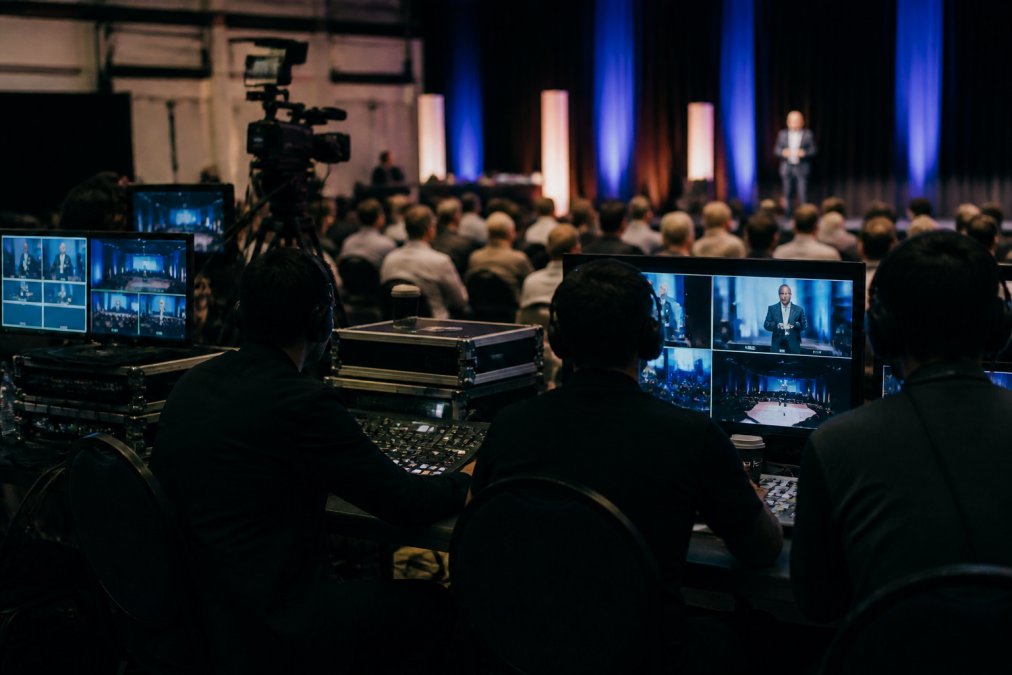
The defining feature is the no drop-off guarantee. If your stream fails during an event, Webcasting Livestream absorbs the re-streaming cost. This commitment forces the platform to build redundancy into every layer: multiple internet connections, automatic failover systems, and backup encoding infrastructure.
Content ownership is absolute. Every recording is yours immediately with no monthly access fees or licensing restrictions on reuse. Download, archive, or repurpose recordings for training or marketing without limitations.
HD quality across all devices is standard. Many platforms deliver HD on desktop but compress aggressively for mobile. Webcasting Livestream maintains quality across desktop, tablet, and mobile in HD.
Pricing is quote-based, with flexibility for complex needs, multi-camera productions, international audiences, and extended duration events. The team builds solutions fitting your budget and technical requirements rather than forcing one-size-fits-all packages.
Redback Conferencing: Web Conferencing for Internal Collaboration
Redback Conferencing combines video conferencing, desktop sharing, and instant messaging. Strengths include real-time desktop sharing without downloads or lag, integrated voice and video, and file sharing in one interface.
For internal team collaboration, Redback works well. It’s lightweight, easy to set up, and doesn’t require extensive IT support. The limitation for corporate events is that Redback is fundamentally a conferencing tool, not a broadcast platform. Scaling to large audiences introduces performance challenges conferencing tools weren’t built to handle.
Pricing requires direct contact with their team, suggesting a flexible model though preventing easy upfront cost comparison.
Encore Event Technologies: Full-Service AV and Production
Encore brings decades of physical event production experience to virtual and hybrid scenarios, including AV equipment, staging, lighting design, and on-site technical support.
This is the right choice if your event is primarily in-person but needs a virtual component. Encore handles managing both simultaneously: capturing the in-person experience, broadcasting to remote audiences, and ensuring both groups feel engaged.
The trade-off is cost and complexity. Encore’s model suits large, complex productions. For straightforward corporate webcasts, you’re paying for unnecessary capabilities. Pricing is quote-based and typically higher than pure streaming services.
AV1: Virtual and Hybrid Event Specialists
AV1 focuses specifically on virtual and hybrid events, streaming from corporate offices, dedicated studios, or multiple remote locations simultaneously. They integrate with common platforms including Webex, Zoom, Microsoft Teams, Facebook, and YouTube.
The strength is flexibility in broadcast locations. The limitation is that AV1 is more technical-coordinator than creative-partner. They execute visions but don’t typically bring production expertise or creative direction.
Pricing is quote-based with no public information available.
Comparison Table: Key Features and Capabilities
| Feature | Webcasting Livestream | Redback Conferencing | Encore Event Technologies | AV1 |
|---|---|---|---|---|
| Broadcast Scale | 5,000+ concurrent viewers | 500-1,000 concurrent viewers | Unlimited | 5,000+ concurrent viewers |
| No Drop-Off Guarantee | Yes | No | No | No |
| Content Ownership | Full ownership, no fees | Limited detail available | Varies by agreement | Varies by agreement |
| HD Quality All Devices | Yes | Yes | Yes | Yes |
| Recording Included | Yes, at no extra cost | Limited detail available | Varies by agreement | Varies by agreement |
| Multi-Location Streaming | Yes | Limited | Yes | Yes |
| On-Site Support | Yes | No | Yes | Limited |
| Pricing Model | Quote-based | Contact for pricing | Quote-based | Quote-based |
| Best For | Large corporate events, AGMs, product launches | Internal team meetings | Complex hybrid productions | Multi-location events |
Best Practices for Hybrid Corporate Events
Hybrid events require different thinking than purely virtual or in-person events.
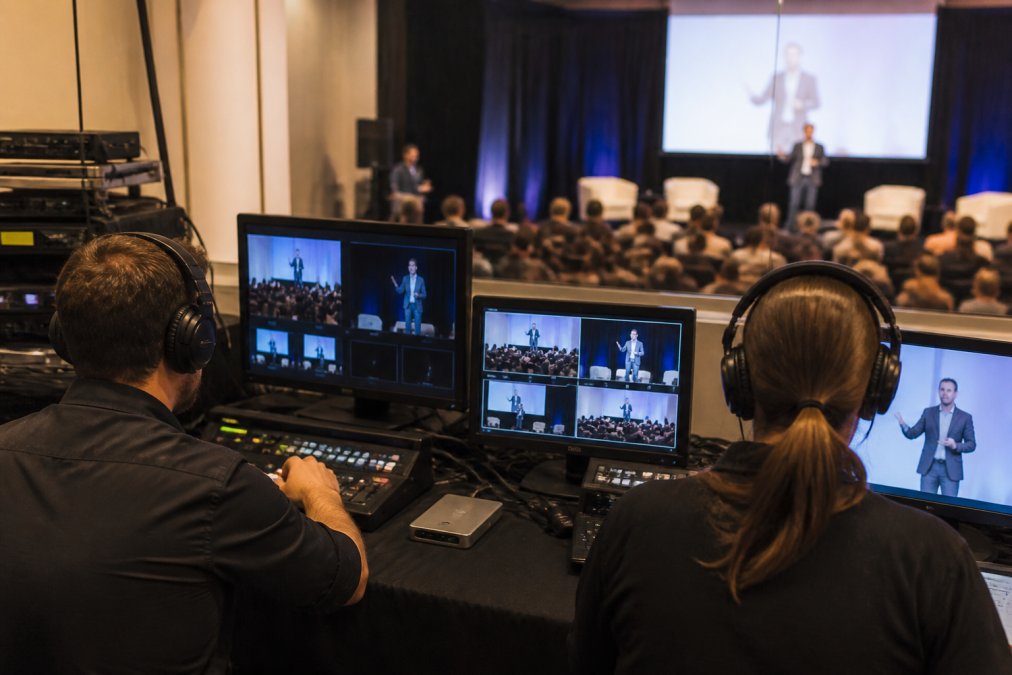
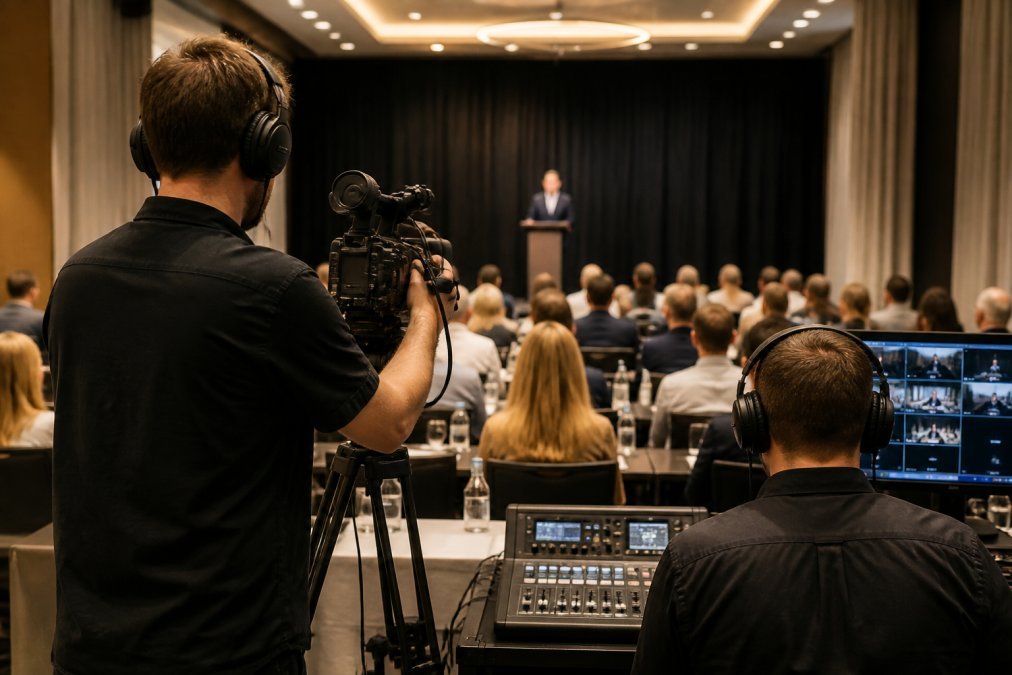
Remote attendees shouldn’t feel like second-class participants. Invest in camera work capturing room energy through multiple angles, close-ups of speakers, and audience reactions. This communicates to remote viewers that they’re part of the same event.
Audio is where most hybrid events fail. Ensure remote participants hear clearly, not just the speaker, but audience questions and ambient energy. Careful microphone placement and audio mixing are essential, which is why professional support matters.
Engagement tools must work for both groups. Polls visible to in-person and remote attendees, live Q&A accessible to both, and shared interactive experiences create a unified event.
Bandwidth planning is critical for Australian events. Test stream quality across different network conditions, particularly in regional areas with limited connectivity. Professional streaming services handle this automatically.
Recording strategy matters. Capture the full event including audience reactions, not just speaker feeds. This creates authentic material for post-event marketing and training content.
How to Choose the Right Alternative for Your Event
Start by defining your scale. How many concurrent viewers do you expect? This immediately eliminates some options. Video conferencing becomes unreliable above 1,000 viewers; broadcast platforms handle 5,000+ without issues.
Assess your support requirements. Do you have in-house technical expertise to manage streaming, encoding, and troubleshooting? Or do you need a managed service? Relying on your IT team to manage a live event creates operational risk when problems arise. A managed service removes this burden.
Evaluate content ownership and reuse. Will you need to download recordings, archive them long-term, or repurpose them for training or marketing? Clarify licensing terms upfront.
Consider regional reliability. Test the platform’s performance in areas where your audience will be. Ask prospective providers about their infrastructure and failover systems.
Assess integration needs. What business tools do you already use? A streaming platform integrating with your existing systems reduces friction.
Finally, talk to references. Ask prospective providers for similar organisations they’ve worked with and contact them directly about their experience, particularly regarding support responsiveness when problems arise.
Choosing a golive australia alternative for corporate events means moving beyond cost comparison to evaluating reliability, support, and long-term value. Webcasting Livestream delivers on all three fronts. With a no drop-off guarantee, full content ownership, and HD quality across all devices, it’s built specifically for Australian organisations that can’t afford streaming failures. Whether hosting a 500-person internal town hall or a 5,000-person product launch, our team manages the technical complexity so you can focus on your message. Get a quote today and see how professional streaming transforms your corporate events.
Frequently Asked Questions
What should I look for in a corporate live streaming platform?
Prioritise reliability, HD broadcast quality across all devices, content ownership, and comprehensive recording services. Look for platforms offering fail-safe procedures, scalability for your expected audience size, secure data handling, and seamless integration with your existing business tools. Professional managed services with dedicated technical support ensure your event runs without technical glitches, especially critical for sensitive corporate communications.
How does professional webcasting differ from standard video conferencing?
Professional webcasting is engineered for large-scale, polished broadcasts to hundreds or thousands of viewers, with HD production quality, multi-camera support, and sophisticated event automation. Video conferencing prioritises two-way interaction for smaller groups. Webcasting delivers one-to-many streaming with professional production values, while conferencing focuses on participant engagement. For corporate events, product launches, and AGMs, webcasting provides the broadcast quality and scalability needed.
Why should I choose a local Australian webcasting provider over GoLive Australia?
Local providers understand regional internet conditions, compliance requirements, and venue partnerships specific to the market. Many offer superior uptime guarantees, dedicated local technical support, and faster response times. Australian providers can deliver reliable service across metro and regional areas, support hybrid and virtual formats natively, and often include comprehensive recording and content ownership, features that justify investment beyond basic budget alternatives.
What are the key differences between virtual and hybrid event platforms?
Virtual event platforms serve fully online audiences with registration, networking, and engagement tools built for remote attendees. Hybrid platforms blend in-person and online experiences, requiring robust streaming, synchronised content delivery, real-time polling, and attendee engagement features for both groups. Hybrid solutions demand greater technical complexity, multi-location coordination, and production quality to ensure remote participants feel included and engaged alongside in-person attendees.
How do I ensure data security and compliance when streaming corporate events?
Choose providers offering end-to-end encryption, secure authentication, and compliance with privacy standards. Confirm support for restricted access and geo-blocking if needed. Verify the provider's data handling practices, backup procedures, and ability to secure sensitive internal communications. Ask about compliance with relevant regulations and data protection protocols. Professional managed services typically include security protocols as standard, protecting your content and attendee information throughout the event lifecycle.
This article was written using GrandRanker