

Last Updated: November 1, 2026
Quick Summary
Essential infrastructure for corporate broadcasts combines capture devices, signal routing, encoding, network transport, distribution and monitoring to carry a live production from source to audience. Each layer has a failure mode and needs a backup path, so redundancy is built where a single failure would take the broadcast off air.
- Most corporate productions in 2026 run a hybrid: SDI inside the venue, IP for contribution and distribution.
- Run two encoders in a primary/backup configuration so a software fault does not take both down.
- Provision two physically separate connections from different providers where possible.
- Test the UPS under load annually because batteries degrade silently.
- Schedule a failover drill during rehearsal and record how long the switch took.
Table of Contents
- Why Corporate Broadcasts Fail Without the Right Infrastructure
- The Core Components of Broadcast Infrastructure
- Corporate Live Streaming Equipment That Earns Its Place
- Live Streaming Internet Requirements for Reliable Delivery
- Redundancy, Failover and Disaster Recovery
- Secure Corporate Live Streaming and Access Control
- Your Corporate Broadcast Production Checklist
- Planning Your Corporate Broadcast Infrastructure With Webcasting Livestream
- Frequently Asked Questions
Why Corporate Broadcasts Fail Without the Right Infrastructure
Most corporate broadcasts don’t fail because of bad cameras.
A town hall with one presenter and a laptop can run on consumer gear.
Organisations that treat streaming as an afterthought often discover during the live event that a dropped signal has no undo button.
The core argument is simple: infrastructure is not the equipment list. It is the design that decides what happens when something breaks.
The Core Components of Broadcast Infrastructure
Broadcast infrastructure is the combination of capture devices, signal routing, encoding, network transport, distribution and monitoring that carries a live production from source to audience.
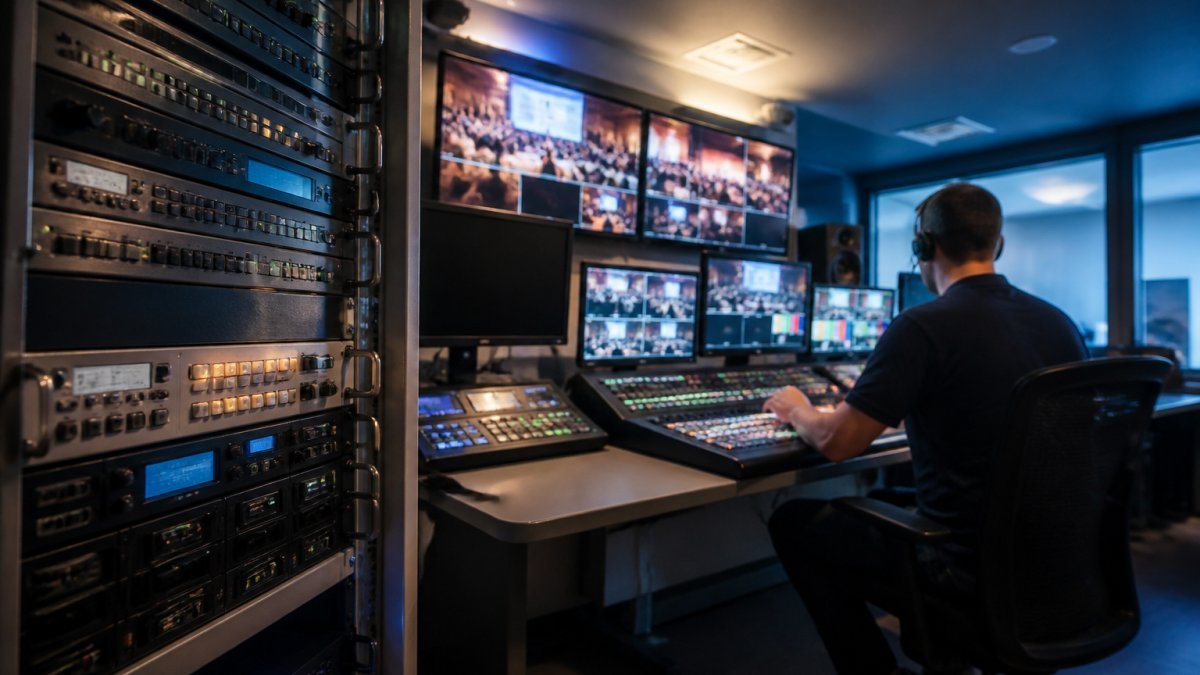
Signal Flow From Source to Distribution
Signal flow describes the route a video and audio feed takes from camera through switching, encoding, and delivery to the viewer’s device.
In practice, cameras feed a switcher, the switcher output goes to an encoder, the encoder pushes to a distribution platform, and the platform delivers to viewers. Every arrow is a place where a cable, port, or licence can let you down.
IP Workflows, SDI and Hybrid Networks
IP workflows move video as data packets across standard network infrastructure, while SDI carries uncompressed video over dedicated coaxial cabling. Hybrid designs keep SDI where determinism matters and use IP where flexibility and remote production matter more.
The practical difference is operational complexity. IP lets you route signals across a building or a country and scale without rewiring a venue. SDI is predictable and familiar to broadcast engineers.
Corporate Live Streaming Equipment That Earns Its Place
A common mistake is overinvesting in cameras and underinvesting in audio and encoding. Viewers forgive soft video. They do not forgive dropouts and echo.
Live Streaming Internet Requirements for Reliable Delivery
Live streaming internet requirements come down to sustained upload bandwidth, low jitter, and a connection not shared with everything else in the building.
Watch out: bonding or failover only works if it has been tested under load. For a deeper look at the risks that threaten broadcast continuity, see our guide to mitigating cyber risks in professional live events.
Redundancy, Failover and Disaster Recovery
Redundancy means having a second path ready before you need it. Failover is the mechanism that switches to that path. Disaster recovery is the plan for when both fail.
Where to Build Redundancy
Not every layer deserves a duplicate. Build redundancy where a single failure would take the broadcast off air, and accept single points of failure where the consequence is a degraded but watchable stream. Network stability remains the most critical of these single points, necessitating a robust approach to reliable industrial connectivity to ensure that the stream persists even when primary paths falter.
- Encoding: Run two encoders in a primary/backup configuration, ideally from different manufacturers or at least different firmware versions, so a software fault does not take both down. A common pattern is a hardware encoder as primary and a software encoder on a separate machine as backup, with both fed from the same switcher output via a distribution amplifier.
- Network: Provision two physically separate connections from different providers where possible. A fibre primary and a fixed-wireless or 5G backup is a practical combination for many venues. Bonding multiple links into a single logical connection improves resilience but does not replace a genuinely diverse path.
- Power: Put production equipment behind an uninterruptible power supply sized to carry the load until either the event ends or a generator takes over. Test the UPS under load annually; batteries degrade silently.
How Failover Actually Works
Failover can be manual or automatic, and the choice has operational consequences.
Manual failover relies on an operator noticing a problem and throwing a switch. It is simple, predictable, and cheap, but depends on someone watching the right monitor at the right moment. Automatic failover uses health checks, heartbeat signals, or stream-level monitoring to detect a failure and switch without human intervention.
An untested backup link is a rumour, not a safeguard. Schedule a failover drill during rehearsal, not during the live event, and record how long the switch took and what the audience saw during the gap.
Disaster Recovery Planning
Disaster recovery covers the scenario where redundancy has already failed: the venue loses power entirely, the primary site becomes inaccessible, or a cyber incident takes production systems offline. A workable plan answers four questions before the event:
- Who decides? Name a single person with the authority to declare a disaster and invoke the backup plan, and name a deputy.
- What is the fallback production path? For many organisations this is a pre-configured cloud production environment or a second venue with a standby presenter and a pre-recorded message.
- What does the audience see? Have a holding slide, a recorded apology, or a rescheduled notice ready to publish within minutes.
- How do you communicate? Keep an out-of-band channel (phone bridge, messaging group) that does not depend on the systems that have failed.
Document the plan, store a printed copy, and walk through it with everyone who has a role. A disaster recovery plan that lives only in one person’s head is a single point of failure in itself.
Testing and Documentation
Redundancy is only proven by testing.
For a deeper look at the risks that threaten broadcast continuity, see our guide to mitigating cyber risks in professional live events.
Secure Corporate Live Streaming and Access Control
Secure corporate live streaming protects confidential content through authentication, encryption, and controlled distribution. If you are comparing platforms, see our guide to secure streaming alternatives to Zoom for corporate. For a deeper guide on secure corporate live streaming, see our dedicated article.
Authentication Models
Choose an authentication model that matches the sensitivity of the content and the size of the audience.
- Single sign-on (SSO): Integrate the streaming platform with your identity provider so viewers authenticate with their existing corporate credentials. This is the strongest option for internal broadcasts because access is revoked automatically when someone leaves the organisation. Look for SAML 2.0 or OpenID Connect support.
- Unique access links: Generate one-time or time-limited links per viewer. Useful for external audiences and events where you need to know exactly who watched. Links should expire, be bound to a single viewer where possible, and be revocable.
- Registration and approval: Require viewers to register and be approved before the event. This adds friction but gives you a definitive audience list and a audit trail.
- Passcode protection: The weakest option, suitable only for low-sensitivity content. Passcodes get shared, forwarded, and posted publicly.
Encryption in Transit and at Rest
Encrypt the stream in transit using TLS for the web player and SRTP or equivalent for the media path where supported. For recordings, encrypt at rest using AES-256 or the equivalent offered by your storage provider, and manage keys separately from the content. If you distribute via a content delivery network, confirm that the CDN supports token authentication so that only authorised viewers can pull the stream.
Watermarking and Leak Deterrence
Watermarking discourages leaks by making them traceable. Two approaches are common:
- Visible watermarking: Overlay the viewer’s name, email, or employee ID on the video. This is a strong deterrent but can be intrusive; use it for the most sensitive briefings.
- Forensic or invisible watermarking: Embed a unique identifier in the video that survives re-encoding and can be extracted from a leaked copy. This is less intrusive but requires platform support and a process for extracting the identifier when a leak is suspected.
Neither approach prevents a determined leaker with a screen recorder. Both raise the cost of leaking and improve your ability to respond.
Access Control and Distribution Restrictions
Restrict embedding to approved domains so the player cannot be lifted onto an unauthorised site. Disable or restrict downloading and local recording where the platform allows it. Log who watched what, when, and from where, and retain those logs according to your organisation’s records policy. For sensitive briefings, consider geo-restriction if the audience is known to be within a particular region.
Privacy and Regulatory Obligations
Corporate broadcasts often involve employee data, so consult your legal and privacy teams about how viewer information is collected, used and stored before broadcasting material that could be sensitive.
Your Corporate Broadcast Production Checklist
A corporate broadcast production checklist turns a vague plan into a series of verifiable steps. For guidance on recording and archiving the broadcast, see our complete guide. Use it in the weeks before the event, then again on the day.
| Phase | Task | Timing |
|---|---|---|
| Planning | Confirm audience size, access model and recording ownership | 4 weeks out |
| Design | Map signal flow and identify single points of failure | 3 weeks out |
| Network | Book dedicated upload capacity and test under load | 2 weeks out |
| Rehearsal | Run a full dry run with failover triggered | 1 week out |
| Show day | Monitor stream health and hold a backup path open | Live |
| Post-event | Deliver recordings and archive securely | Within days |
Planning Your Corporate Broadcast Infrastructure With Webcasting Livestream
Planning infrastructure is where most organisations either save themselves a crisis or create one.
Webcasting Livestream provides end-to-end live streaming, with fail-safe procedures, HD quality across all devices, and recording ownership with all video recorded and provided at no extra cost.
Best for: corporations, government bodies, and event organisers running high-stakes broadcasts.
Skip if: you’re running a one-off internal call with no external audience.
Pricing depends on scope, dates, and delivery requirements, so get a quote to scope your event.
Frequently Asked Questions
What equipment is needed for a professional corporate broadcast?
A professional corporate broadcast needs cameras, a vision mixer, microphones and audio mixing, lighting, an encoder, and a reliable network connection. Most setups also include a backup encoder and redundant internet. For corporate broadcasts, the priority is consistency rather than cinematic quality: matched cameras, clean audio and a control position with monitoring.
What internet speed is recommended for a reliable live stream?
Live streaming internet requirements depend on resolution and bitrate.
How can a company protect a private corporate broadcast?
Ask your provider how access is controlled and revoked, and confirm how recordings are stored. Recordings are provided to you, so you keep ownership of them.
What backup systems should a live broadcast have?
Ask what happens if the primary link drops mid-session and how quickly the backup takes over, because the answer determines whether viewers notice.
How do you test a corporate broadcast before going live?
Run a full rehearsal on the same network, equipment and platform you will use on the day, at the same time of day if possible. Check audio levels, camera framing, captions, lower thirds, and viewer access on desktop and mobile. Test the failover path by pulling the primary connection deliberately. For corporate broadcasts with remote presenters, test their uplink separately, since their connection is the most common weak point.
What is the difference between a live stream and a webcast?
A live stream is any real-time video delivered over the internet, often to a public audience on social platforms. A webcast is a managed, private broadcast with controlled access, registration and usually a production team behind it. Corporate broadcasts for AGMs, town halls and training are typically webcasts because they need controlled access and recording ownership.
The real test of infrastructure is the event where nothing goes wrong and nobody notices. That outcome is engineered, not lucky. Get started with Webcasting Livestream and run your next corporate broadcast on a design built to hold under pressure.