Last Updated: October 22, 2026
Quick Summary
Corporate conference live streaming is the managed broadcast of a business event to remote viewers in real time, turning a room of 200 people into an audience of thousands. It removes the venue as a limit on audience size and converts a one-day cost into a permanent, reusable asset.
- Rehearse on site at the same time of day and test the venue’s upload speed, not the office’s.
- Budget for proper microphones before a second camera; viewers leave after 30 seconds of echo.
- Allow 1.5 times the stream bitrate per viewer and keep 20% headroom on the encoder’s outbound connection.
- Ask the venue for a dedicated circuit and confirm the committed upload speed in writing.
- Spend on audio and connectivity first, cameras second, graphics last.
Table of Contents
- Why Corporate Conference Live Streaming Is Essential in 2026
- The Benefits of Live Streaming Events That Change the Business Case
- Live Streaming Best Practices for Business Events
- Live Streaming vs Video Conferencing: Which Fits Your Conference?
- Conference Streaming Equipment and Technical Contingency Planning
- Security, Privacy and Compliance for Corporate Broadcasts
- Budgeting, Measurement and the End-to-End Streaming Checklist
- Conclusion
- Frequently Asked Questions
Why Corporate Conference Live Streaming Is Essential in 2026
Corporate conference live streaming is the managed broadcast of a business event to remote viewers in real time.
Not everyone can travel or take a day out of the office. Streaming closes that gap.
Below, we’ll show you what a corporate conference live streaming program delivers, what it costs in effort, and how to run one without the stream dropping mid-sentence.
The business case for corporate conference live streaming is not “reach”. It is reach plus proof. A recorded, well-produced stream gives you a reusable asset, a measurable audience, and a record that the event actually happened.
The Benefits of Live Streaming Events That Change the Business Case
The benefits of live streaming events go beyond reach: a stream converts a one-day cost into a permanent asset.
Reach, Engagement and Brand Trust
A stream removes the venue as a limit on audience size: staff in other offices, partners, customers and media attend without a flight.
Chat, polls and live Q&A let remote viewers participate, so a quiet room can still produce a loud conversation.
Trust grows when the broadcast looks professional. Clean audio, steady framing and a reliable feed signal competence. A glitchy stream signals the opposite, whatever the speaker says.
Lead Generation, Retention and New Revenue
A gated stream registration form captures names and roles, a lead source warmer than a cold download because the person gave up time to attend.
Recording and on-demand access extend the value. New starters can watch onboarding sessions months later. Customers can revisit a product launch.
Some events can carry a paid ticket for remote access. That is a revenue line that did not exist when the event was in-person only.
Live Streaming Best Practices for Business Events
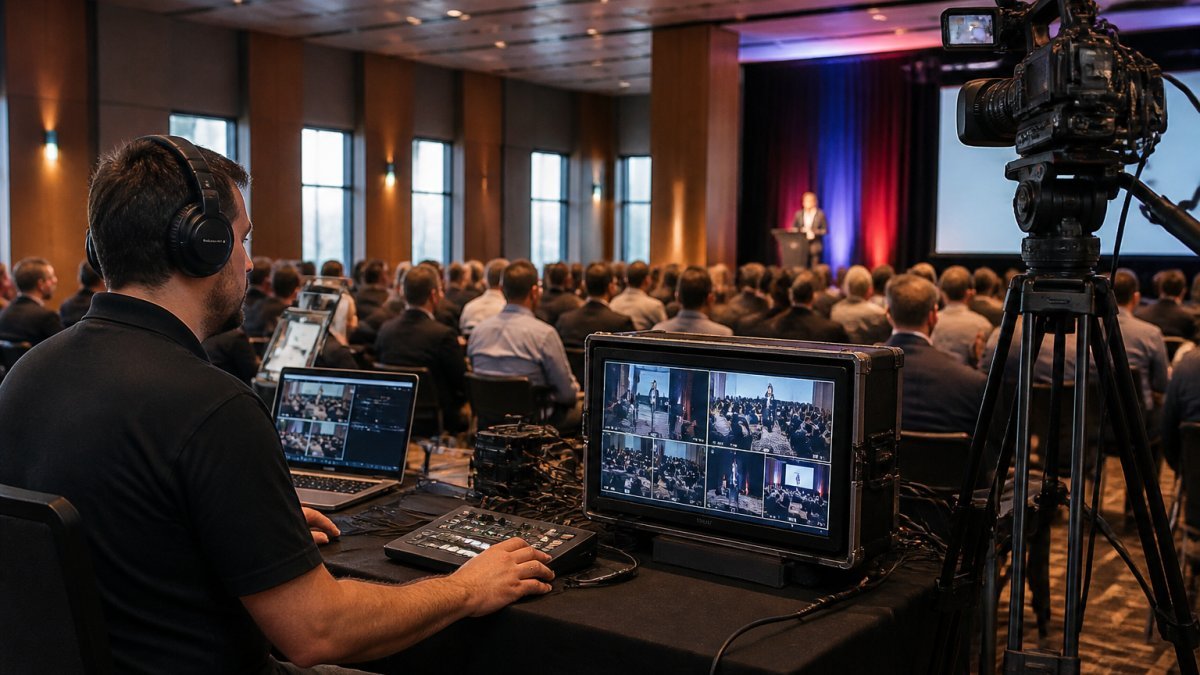
Good live streaming best practices for business events come down to three things: rehearse, simplify, and always have a fallback. Most failures we see are unplanned, not technical mysteries.
Start with a run-through on site, at the same time of day as the real event. Test the venue’s upload speed, not the office’s.
Keep the production simple. Two cameras and a clean audio feed beat six cameras and muddy sound. Viewers forgive a plain shot. They do not forgive echo.
- Rehearse the first five minutes, including the handover to the stream
- Use a wired connection for the encoder where possible
- Nominate one person whose only job is watching the stream
The most common mistake is treating audio as an afterthought. Viewers will tolerate a soft-focus picture for an hour. They will leave after 30 seconds of echo or silence. Budget for proper microphones before you budget for a second camera.
Live Streaming vs Video Conferencing: Which Fits Your Conference?
Live streaming and video conferencing solve different problems. Video conferencing is a meeting. Live streaming is a broadcast.
A conferencing tool works well for a town hall with 40 people who all need to speak, but struggles when 2,000 join, because it is built for conversation, not scale.
Streaming platforms are built for one-to-many delivery: large audiences, a stable player, and recording and analytics as standard.
| Factor | Video Conferencing | Live Streaming |
|---|---|---|
| Best for | Small meetings, two-way talk | Conferences, keynotes, AGMs |
| Audience size | Limited by licence tier | Scales to large audiences |
| Interaction | Everyone can speak | Chat, polls, moderated Q&A |
| Production quality | Webcam standard | Multi-camera, mixed audio |
| Recording | Basic, often compressed | Full-quality, yours to keep |
| Typical use | Team stand-ups | Product launches, training |
The hybrid event is where the two meet: run the in-room session as a meeting for speakers and push the broadcast through a streaming platform, so the presenter sees the room and the remote audience sees a clean feed.
Conference Streaming Equipment and Technical Contingency Planning
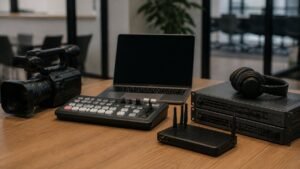
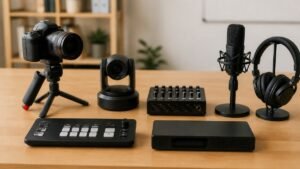
Conference streaming equipment does not need to be expensive, but it does need to be redundant: every critical link has a backup, and every backup has been tested under load.
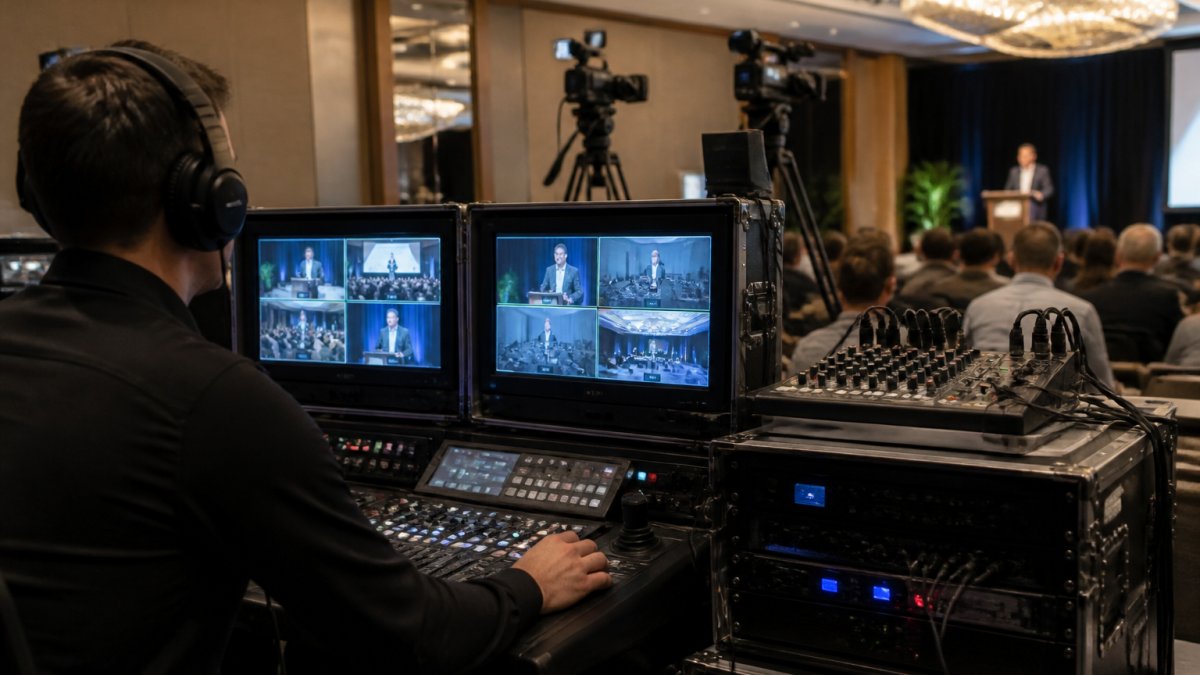
The core kit is short, but the detail is where organisers come unstuck:
- Cameras: one wide shot, one closer shot on the speaker. Use cameras with clean HDMI output and manual exposure control. Auto-exposure will hunt when stage lighting changes.
- Audio: a feed from the venue’s sound desk, plus a backup recorder at the desk. Insist on an isolated feed, not a room mic. If the venue cannot provide a desk feed, bring your own mixer and take a split from the presenter’s microphone.
- Encoder: a hardware unit that pushes the stream, with a second unit on standby, pre-configured and powered. Software encoders on laptops are acceptable for small internal events but introduce update and performance risk.
Bandwidth testing and redundancy
Bandwidth is the most common point of failure. A venue’s shared circuit may test well at 9am and collapse at 2pm when other bookings stream video.
For redundancy, use a bonded cellular router as a secondary path. Configure the encoder to fail over automatically when the primary connection drops below a threshold. Test the failover by physically disconnecting the primary cable during rehearsal.
Failure recovery and contingency planning
Contingency planning is where managed services earn their place: the viewer should never see a black screen. Build a runbook that covers:
- Primary connection loss: automatic failover to bonded cellular. The encoder should hold the stream for up to 30 seconds while the backup path establishes.
- Encoder failure: the standby encoder should already be warm and configured with the same stream key. A technician switches the input source and restarts the push within two minutes.
- Audio loss: switch to the backup recorder feed. Have a holding slide and a pre-recorded apology loop ready to play if the audio cannot be restored within 60 seconds.
Ask your venue for a dedicated circuit and confirm it in writing. Shared venue bandwidth is the single biggest cause of mid-event drops we are called in to fix. If the venue cannot guarantee it, plan for a bonded cellular backup from day one and test it under load during rehearsal.
Accessibility and inclusive viewing
Technical planning should include accessibility from the start. Enable live captions, provide a transcript after the event, and check that the player supports keyboard navigation and screen readers. Publish the recording with chapter markers for viewers across time zones, and test the player on both iOS and Android before the event.
Rehearsal checklist
A full technical rehearsal on site is non-negotiable. Run through the first five minutes, including the handover from the venue’s audio desk to your encoder. Test the backup connection by unplugging the primary, confirm the standby encoder is receiving signal, and brief the moderator on remote Q&A. Nominate one person whose only job is watching the stream and backup systems, with the runbook and contact numbers for the venue’s AV team and your platform support.
Security, Privacy and Compliance for Corporate Broadcasts
Corporate broadcasts often carry sensitive material. An AGM, an internal restructure, a legal briefing. Treat the stream like any other business system that holds confidential information.
Access control is the first layer. Use registration with named links, or single sign-on where the platform supports it.
Privacy matters under Australian law. The Privacy Act 1988 and the Australian Privacy Principles govern how you collect and handle attendee data (Australian Privacy Principles). The Office of the Australian Information Commissioner guidance on privacy sets out what that notice should cover.
Recording raises its own questions. Tell attendees they are being recorded, and say where the recording will live. Content ownership should be explicit in your contract.
For publicly listed companies, continuous disclosure rules mean a streamed market briefing needs the same care as a written announcement.
Budgeting, Measurement and the End-to-End Streaming Checklist
Budget depends on scale, venue and how much redundancy you want. We do not publish fixed prices because a single-room AGM and a multi-day conference with three stages are not the same job. Build a realistic estimate by breaking costs into four buckets:
- Production: cameras, audio, encoder, crew. For a single-room conference with two cameras and a technician, pricing depends on quantity, dates, and delivery. Multi-day, multi-stage events scale from there.
- Platform: licensing is often based on viewer hours or concurrent viewers. A one-day event with 500 remote attendees will have pricing that depends on quantity, dates, and delivery. Check whether recording storage and captioning are included.
- Connectivity: a dedicated circuit at the venue may carry a daily hire fee. Bonded cellular backup adds a modest monthly or daily cost. Confirm these with the venue and your provider before signing.
What you can control is scope: spend on audio and connectivity first, cameras second, graphics last. A common pattern is to over-invest in camera count and under-invest in audio quality, the opposite of what viewers notice.
Measurement framework tied to business outcomes
Measurement should tie back to business outcomes, not just viewer counts. Build a dashboard before the event so you know what success looks like. Here is our framework:
- Reach: unique viewers, peak concurrent, geographic spread. Compare against the in-person attendance to show the multiplier.
- Engagement: average watch time, chat and poll participation, Q&A volume. A useful benchmark is average watch time as a percentage of session length; below 40% suggests the content or pacing needs work.
- Lead generation: registrations, attendee job titles, follow-up conversion. Attribute leads by using a unique registration source and tracking follow-up emails or calls.
End-to-end streaming checklist
Here is the checklist we would run for any corporate conference, sequenced from planning to follow-up.
Planning (4-6 weeks out)
- Confirm event objectives and the audience you are trying to reach
- Book the venue and request a dedicated circuit in writing
- Choose the streaming platform and test the player on mobile
Preparation (1-2 weeks out)
- Build the run sheet with speaker timings and camera cues
- Brief the moderator on remote Q&A
- Send join links and reminders to registrants
Rehearsal (1-3 days out)
- Run a full technical rehearsal on site
- Test the backup connection and backup encoder under load
- Assign one person to monitor the stream throughout
Broadcast day
- Send the join link again 15 minutes before
- Monitor stream health and backup systems
- Log any incidents for the post-event review
Follow-up (within 1 week)
- Publish the on-demand recording with chapter markers
- Send a post-event survey to remote attendees
- Review the measurement dashboard against objectives
A stream is only as good as its weakest link. Budget for redundancy on audio and connectivity before you add production polish. That is the difference between a broadcast and an outage.
Conclusion
The hard part of corporate conference live streaming is not the camera.
That is the work we do. Webcasting Livestream provides managed, end-to-end streaming with fail-safe procedures, HD delivery across all devices, and full recordings handed back to you at no extra cost. Your content stays yours.
Get a quote from Webcasting Livestream and run your next conference knowing the stream will hold.
Frequently Asked Questions
What are the benefits of live streaming a corporate conference?
Corporate conference live streaming extends your audience beyond the room, so remote viewers and staff in other offices can attend without travel. It supports lead generation, customer acquisition and brand awareness, and gives you on-demand video content for training and marketing afterwards. It also strengthens relationships with customers and employees who cannot be there in person, and opens revenue opportunities such as paid virtual tickets or sponsored streams. Every session is recorded, so the content keeps working long after the event ends.
What is the difference between live streaming and video conferencing?
Video conferencing tools are built for small, interactive meetings where everyone talks. Live streaming is built for one-to-many broadcast to large audiences, with production-quality video, moderated audience interaction and scalable viewer capacity. For a conference with hundreds or thousands of online viewers, conferencing platforms strain under the load and the viewer experience suffers. Live streaming vs video conferencing comes down to scale and production value: use conferencing for internal meetings, and a managed streaming platform for conferences, AGMs and town halls.
What conference streaming equipment is needed to live stream an event?
A typical setup includes broadcast-quality cameras, a video switcher, professional microphones and audio mixing, reliable wired internet with a backup connection, and encoding hardware or software. For hybrid events you also need a way to bring remote questions into the room. Most organisations rent this equipment as part of a managed service rather than buying it. Confirm the provider supplies redundancy, because a single dropped connection during an AGM is far more costly than the equipment itself.
How do you make a corporate live stream reliable and secure?
Reliability comes from redundancy: dual internet connections, backup encoders and fail-safe procedures tested before the event. Security means controlling access with registration, single sign-on or password protection, encrypting the stream, and restricting recordings to authorised users. For sensitive internal communications, confirm who owns the recordings and where they are stored. Ask your provider how they handle a mid-event failure and what happens if a stream drops, then get that in writing before you sign.