Live Stream Sydney: A Guide to Professional Broadcasting
Table of Contents
- What Live Streaming Means for Your Audience
- Corporate Live Streaming Services: Choosing the Right Platform
- Event Live Streaming Best Practices
- Live Streaming Equipment for Business Events
- Technical Requirements and Streaming Solutions
- Benefits of Professional Event Recording
- Troubleshooting Common Live Streaming Issues
- Frequently Asked Questions
Last Updated: September 21, 2026
What Live Streaming Means for Your Audience
Live streaming transforms how organisations connect with their audiences in real time, whether you’re planning to live stream Sydney events or broadcasts anywhere else. Whether you’re hosting a product launch, corporate town hall, or educational seminar, the ability to broadcast your event to thousands of people simultaneously creates unprecedented engagement opportunities. The difference between a recorded webinar and a genuine live stream lies in immediacy, your audience experiences the event as it unfolds, not as a polished post-production piece.
For corporate environments, live streaming removes geographic barriers. Regional employees, remote team members, and external stakeholders can participate from anywhere. This accessibility drives higher attendance rates and deeper engagement compared to traditional in-person-only events. The real-time interaction, whether through live chat, polls, or Q&A sessions, creates a sense of presence that recorded content simply cannot replicate.
The technical foundation matters more than most organisations realise. Poor stream quality, unexpected disconnections, or audio sync issues damage your credibility and frustrate viewers. Professional live streaming services handle these technical complexities behind the scenes, ensuring your content arrives in high definition across all devices, whether you live stream Sydney conferences or events in other locations. Your team focuses on delivering the message while the streaming infrastructure handles reliability.
Corporate Live Streaming Services: Choosing the Right Platform
Selecting the right corporate live streaming platform depends on your specific event requirements, audience size, and technical capabilities. A platform that works for a 50-person internal meeting may collapse under the load of a 5,000-person product launch. The distinction matters because platform limitations become visible failures during your event.
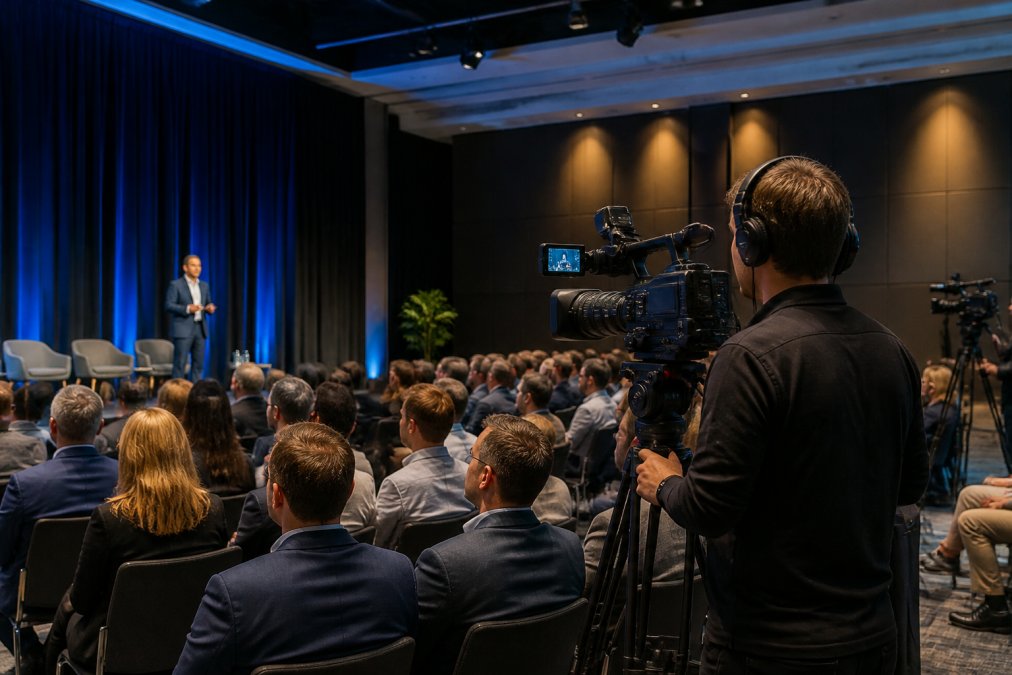
Key factors to evaluate include concurrent viewer capacity, streaming quality options, recording capabilities, and support availability. Many organisations underestimate their concurrent viewer needs, a 500-person event often sees 30-40% simultaneous viewers, but peak moments during announcements can spike much higher. Platform selection requires honest assessment of your maximum realistic concurrent load, not your total registered attendance.
Security and content ownership are critical considerations. Your organisation may be streaming sensitive internal communications, product announcements before public release, or confidential training materials. The platform must guarantee that your stream remains accessible only to your intended audience, with no public indexing or third-party access. Additionally, you should own all recordings outright, no licensing fees, no restrictions on reuse, no surprise limitations when you want to repurpose content for training or archival purposes.
Webcasting Livestream provides professional, end-to-end live streaming solutions specifically designed for corporate environments. Webcasting Livestream provides professional, end-to-end live streaming solutions specifically designed for corporate environments. The platform guarantees no drop-off during your broadcast through fail-safe procedures that maintain connection integrity across varying internet conditions. All video is recorded automatically at no additional cost, ensuring your event is captured in high definition. Content belongs entirely to you, no licensing restrictions, no hidden fees for downloads or reuse.
Event Live Streaming Best Practices
Professional event live streaming requires planning that begins weeks before your broadcast date. The technical setup is only one component; audience experience, engagement strategy, and contingency planning separate successful events from problematic ones.
Begin with a clear streaming schedule communicated to your audience in advance. Specify the exact start time, expected duration, and what viewers should expect, will there be interactive Q&A, or is this a one-way broadcast? Provide multiple ways for people to access the stream: direct link, embedded on your website, promoted through email, and shared on relevant social channels. Different audience segments prefer different access methods, and removing friction increases attendance.
Test your entire broadcast chain at least 48 hours before the live event. This includes camera placement, audio levels, internet connectivity, speaker positioning, and the actual streaming platform interface. Common mistakes emerge during testing, poor lighting that makes speakers difficult to see, audio feedback loops, or bandwidth constraints that degrade stream quality. Testing reveals these issues when you can still fix them, not during your live event.
Prepare your speakers or presenters for the reality of broadcasting. Speakers accustomed to in-person events often feel uncomfortable addressing a camera rather than a live audience. Provide coaching on eye contact with the camera, pacing that works for remote viewers, and how to handle the slight delay in live chat interactions. Rehearsal with the actual streaming setup, not a generic presentation run-through, builds confidence and prevents awkward moments during the broadcast.
Engage your remote audience actively. Static one-way broadcasts generate lower engagement than events that incorporate real-time interaction. Use polls to gather instant feedback, enable live chat moderation to create conversation, and schedule dedicated Q&A segments where viewers can ask questions directly. This engagement transforms passive viewers into active participants, increasing the perceived value of attending live rather than watching a recording later.
Live Streaming Equipment for Business Events
The equipment required for professional event live streaming varies based on event scale, venue constraints, and desired output quality. A small corporate meeting requires fundamentally different equipment than a multi-camera conference broadcast.
For intimate corporate events (under 100 concurrent viewers), a single high-quality camera, external microphone, and reliable internet connection often suffice. Position the camera at eye level with the speaker, use an external microphone to capture clear audio (built-in camera microphones introduce echo and background noise), and verify your internet connection can sustain the required bitrate for your chosen stream quality.
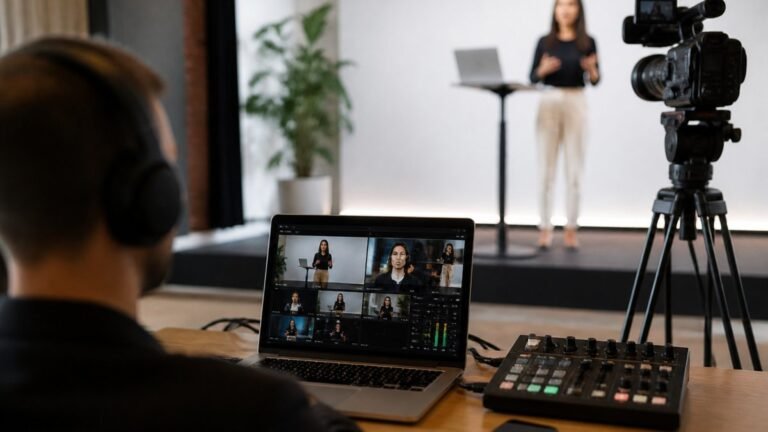
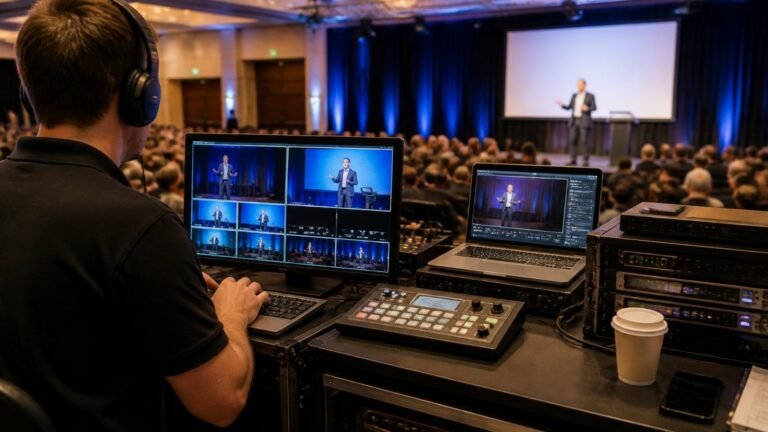
Larger corporate events benefit from multi-camera setups that provide dynamic visual coverage. A primary camera captures the speaker, a secondary camera covers audience reactions or Q&A participants, and a third camera can display presentation slides or product demonstrations. Professional event streaming uses a switcher to transition between these camera feeds in real time, creating a polished broadcast experience rather than a static single-camera view.
Audio quality often determines whether viewers stay engaged or abandon the stream. Invest in professional-grade microphones positioned to capture clear speaker audio without picking up rustling papers, keyboard typing, or ambient room noise. Wireless lavalier microphones allow speakers to move naturally across a stage without trailing cables. For events with multiple speakers or panel discussions, a mixing console ensures balanced audio levels across all participants.
Lighting transforms how viewers perceive your event. Poor lighting makes speakers appear washed out or creates harsh shadows across their face. Professional event lighting uses key lights positioned to illuminate the speaker’s face flatly, fill lights to reduce shadows, and back lights to separate the speaker from the background. This three-point lighting setup requires minimal equipment but dramatically improves perceived production quality.
Internet connectivity deserves special attention. Streaming high-definition video requires consistent bandwidth, typically 5-10 Mbps for HD and 15-25 Mbps for 4K resolution. Test your internet connection under real-world conditions: during the time of day your event will broadcast, with other devices using the network, and with the actual streaming software running. Wired ethernet connections provide more stability than wireless, so position your streaming equipment to connect directly to your network when possible.
Technical Requirements and Streaming Solutions
Professional live streaming demands understanding of technical specifications that directly impact viewer experience. Stream bitrate, resolution, frame rate, and encoding all affect how your content appears on different devices.
Stream resolution determines visual clarity. High-definition (1080p) provides sharp, professional-looking broadcasts across modern devices. 4K resolution (2160p) offers exceptional clarity but requires significantly more bandwidth and viewer devices capable of displaying 4K content. For most corporate events, 1080p HD delivers excellent results without excessive bandwidth demands. Lower resolutions (720p) work adequately for events with limited bandwidth but appear noticeably less polished.
Frame rate, measured in frames per second (fps), affects how smoothly motion appears. Corporate presentations typically use 30 fps, which provides smooth motion without excessive bandwidth consumption. Sports or fast-action events benefit from 60 fps, which captures rapid movement more fluidly. Higher frame rates require proportionally more bandwidth, so select based on your content and available upload speed.
Encoding determines how efficiently your video is compressed for transmission. Modern encoders like H.264 and H.265 balance quality and file size effectively. H.265 provides better compression than H.264, meaning you achieve equivalent quality at lower bitrates, but requires more processing power. For most corporate streaming, H.264 remains the reliable standard with broad device compatibility.
Latency, the delay between what happens and when viewers see it, ranges from near-real-time (2-3 seconds) to several seconds depending on your streaming platform and delivery method.
Benefits of Professional Event Recording
Recording your live stream creates lasting value beyond the broadcast itself. A single event becomes a permanent asset that serves multiple purposes over months or years.
Troubleshooting Common Live Streaming Issues
Even with careful planning, live streaming occasionally encounters technical challenges. Understanding common issues and their solutions prevents small problems from becoming broadcast failures.
Frequently Asked Questions
What makes professional live stream Sydney services different from DIY streaming?
Professional live streaming services handle all technical aspects, camera setup, audio mixing, encoding, and broadcast management, so your team can focus on the event itself. They guarantee HD quality across all devices, manage bandwidth and latency issues, and provide fail-safe procedures to prevent stream drops. DIY approaches often result in poor video quality on mobile devices, audio problems, and the risk of technical failure during critical moments. Professional providers also deliver recorded content automatically, eliminating post-event editing work.
What equipment do I need for high-quality corporate webcasting?
At minimum, you need cameras (ideally multiple for different angles), professional-grade microphones, an audio mixer, lighting equipment, and a reliable internet connection with sufficient bandwidth. Encoders convert your video into a format suitable for streaming. However, if you partner with a professional live streaming provider, they supply and manage most equipment. Your responsibility is typically limited to providing venue access and a stable internet connection. For events expecting thousands of concurrent viewers, professional streaming platforms handle video transmission and delivery to ensure broadcast quality remains consistent regardless of device or location.
How can I be certain your no-drop-off guarantee actually works during my event?
Professional streaming providers use redundant systems, backup internet connections, failover servers, and real-time monitoring, to prevent stream interruptions. A genuine no-drop-off guarantee is backed by service level agreements (SLAs) that outline what happens if a failure occurs. Before booking, ask about their specific technical safeguards, whether they provide on-site technicians during your event, and what compensation or support you receive if an outage happens. Reputable providers conduct pre-event technical rehearsals to identify and resolve potential issues before your audience joins.
Can I own and reuse my event recordings without hidden fees?
Yes, when you work with a professional live streaming provider that prioritises content ownership. Your recordings should be delivered to you in full without additional download or licensing fees. Confirm this in writing before contracting, some providers charge per-minute fees for recordings or restrict how you can reuse content. Professional providers typically include recording as part of their service, delivering files in multiple formats so you can repurpose content for training, marketing, or internal communications across your organisation.