Table of Contents
- What Affects Corporate Event Live Streaming Services Cost
- Live Streaming Production Packages Explained
- Corporate Webcasting Equipment Requirements
- Professional Livestreaming Best Practices
- DIY vs Professional Live Streaming Services
- Webinar and Webcast Pricing Tiers Compared
- ROI and Business Value of Professional Streaming
- Conclusion
Last Updated: August 23, 2026
What Affects Corporate Event Live Streaming Services Cost
The cost of live streaming a corporate event depends on several interconnected factors: audience size, production complexity, event duration, and technical support requirements. Understanding these variables helps you build a realistic budget before contacting a provider.
Event Scale and Attendee Capacity
Audience size drives infrastructure requirements. A webinar with 500 viewers needs far less bandwidth than a product launch expecting 5,000 concurrent viewers. As your audience grows, so does the cost of the streaming platform and CDN (content delivery network) required to distribute video globally without buffering.
Event scale also determines staffing needs. A small training session might need one technician managing a single camera and audio feed. A major corporate conference with multiple speakers and breakout sessions requires a dedicated streaming engineer, technical director, and backup personnel to monitor systems in real time.
Most professional providers charge based on expected concurrent viewer capacity, with tiered packages starting at lower capacities and charging overages if you exceed viewer limits.
Production Complexity and Equipment Needs
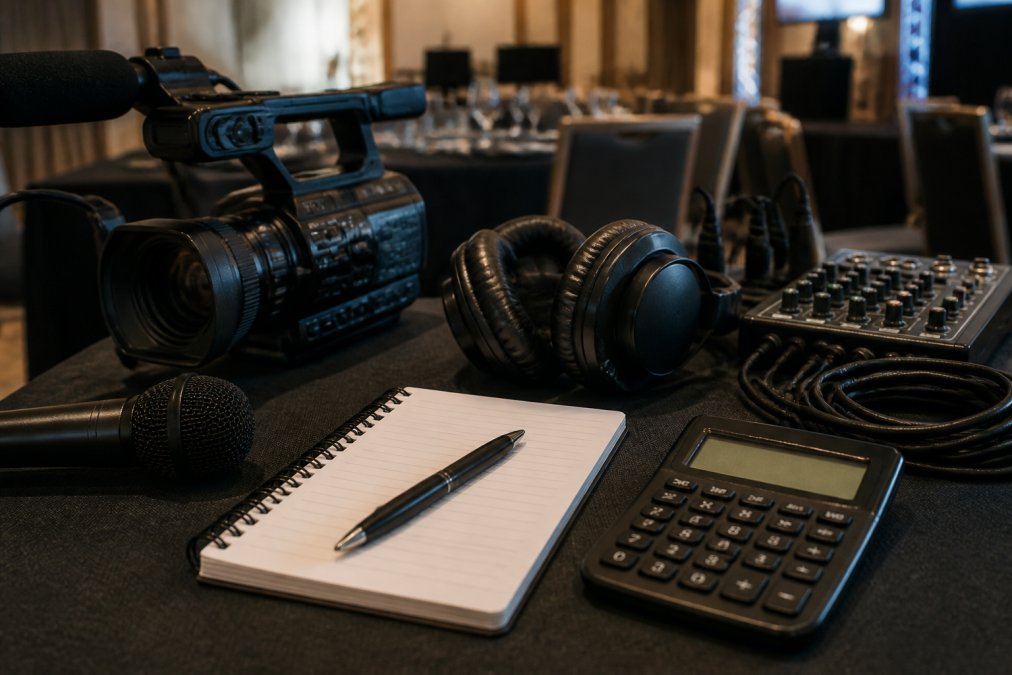
A single-camera setup costs significantly less than multi-camera production with professional switching, graphics overlays, and live chat moderation. Professional 4K cameras, audio mixing consoles, video switchers, and graphic overlay systems all add to the cost.
Equipment rental versus professional service fees also matters. Some providers include equipment in the package price; others charge separately for cameras, lighting, audio gear, and technical support. Clarify what’s bundled versus what’s an add-on before committing.
Duration and Technical Support Requirements
A half-day event costs less than a full-day production because it requires fewer technical staff hours and less platform usage time. Most providers offer tiered rates: two hours, four hours, eight hours, or all-day coverage.
The level of technical support you need also affects pricing. Do you need the provider’s team to handle everything from camera operation to graphics to audience engagement, or are you supplying your own staff and just need the streaming platform? Full-service management costs more but removes the burden from your internal team.
Live Streaming Production Packages Explained
Professional providers typically offer tiered packages that bundle equipment, technical staff, and platform access at different price points.
Single-Camera vs Multi-Camera Production
A single-camera production is the most affordable option and works well for webinars, training sessions, or internal town halls where the focus is on one person or stage area.
Multi-camera production gives you flexibility to cut between different angles, show audience reactions, and capture product demonstrations from multiple perspectives. Three to five 4K cameras positioned around the venue, controlled by a professional video switcher, create a broadcast-quality experience standard for corporate conferences and product launches.
Full-Day vs Half-Day Event Rates
Half-day events (typically 4 hours) are priced lower than full-day productions (8 hours or more). The difference reflects technical staff time, platform usage, and equipment rental duration. Some providers offer discounted rates if you bundle a half-day rehearsal with a full-day event.
Add-On Services and Hidden Costs
The base package price doesn’t always include everything. Common add-ons include graphic overlays and branded templates, multi-platform streaming, live chat moderation, post-production editing, VOD hosting, and technical rehearsals. These add-ons can easily increase your total cost by 20-50% (bls.gov).
Many organisations discover hidden costs only after signing a contract. Ask explicitly about platform fees, bandwidth overages, extended support hours, and post-event deliverable charges.
Corporate Webcasting Equipment Requirements
Professional webcasting demands specific technical infrastructure to ensure reliable, high-quality delivery across all devices.
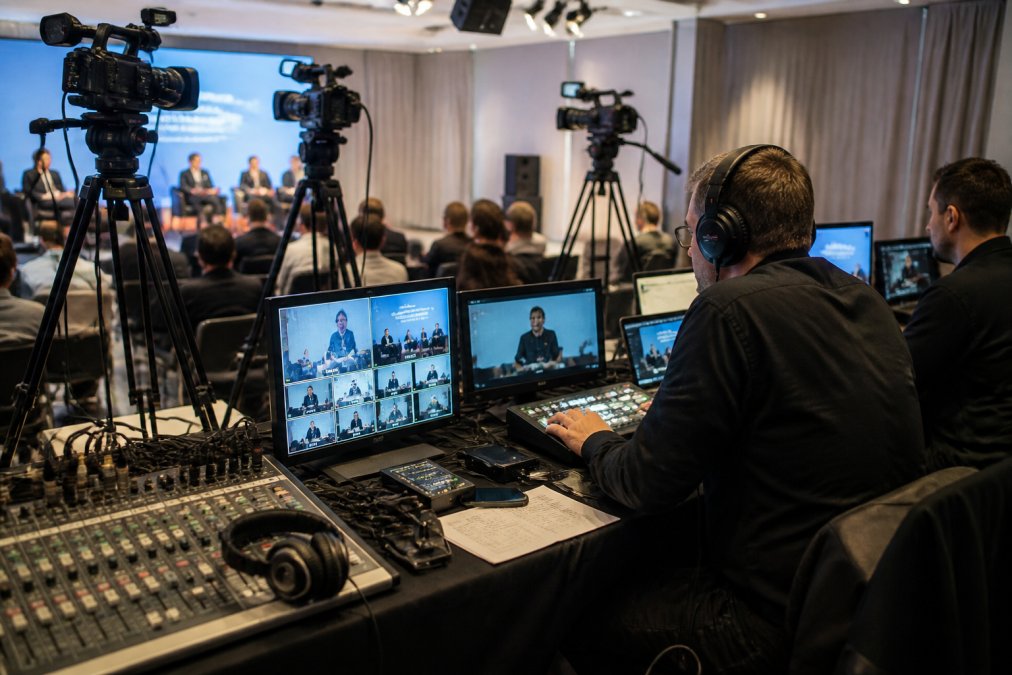
Professional Cameras and Audio Systems
Professional 4K cameras are the foundation of broadcast-quality streaming. They capture fine detail, handle varying lighting conditions, and produce sharp video on large screens and mobile devices.
Audio quality often determines whether a stream feels professional or amateur. A single built-in camera microphone won’t suffice. You need wireless lavalier microphones for speakers, a mixing console to balance audio levels, and professional monitoring to catch problems before they reach viewers.
Internet Stability and Redundant Connections
Live streaming consumes significant bandwidth. A single 4K stream at broadcast quality requires 10-25 Mbps upload speed (peer-reviewed research). If your venue’s internet connection drops, your stream cuts out.
Professional providers use bonded internet connections, combining multiple internet lines (fibre, 4G, satellite) into a single redundant connection (fcc.gov). If one line fails, the stream automatically switches to backup without interruption. This failover protection is essential for mission-critical events.
Professional Livestreaming Best Practices
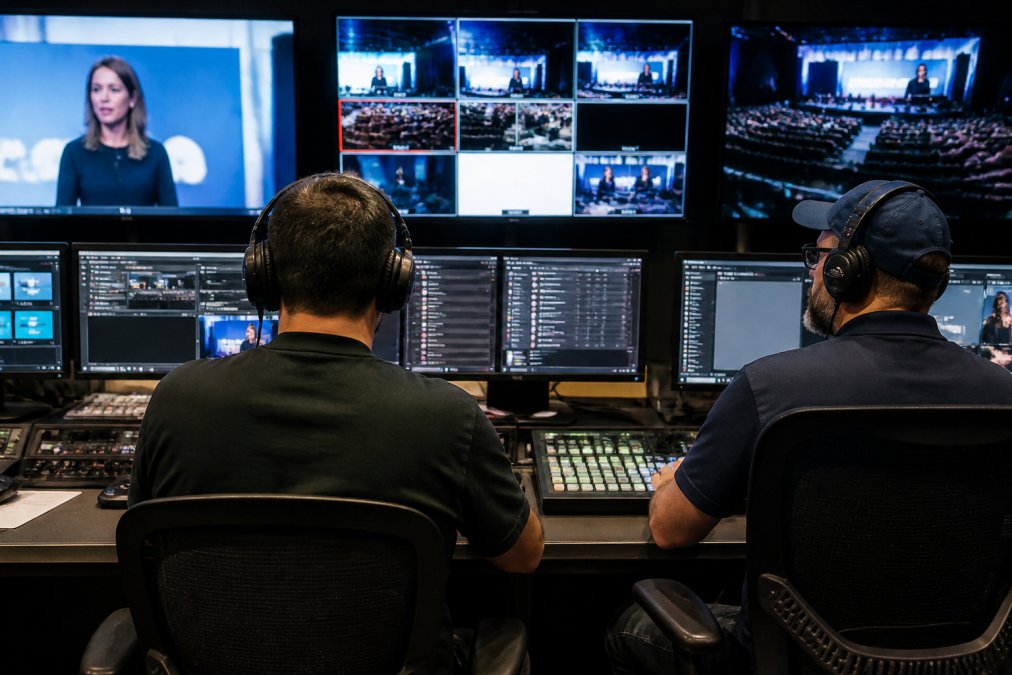
Pre-Event Planning and Technical Rehearsal
Professional providers conduct pre-event planning calls to understand your event format, speaker requirements, technical constraints, and audience expectations.
A technical rehearsal tests every element of the production: cameras are positioned and tested, audio levels are balanced, graphics are checked, the streaming encoder is configured, and backup systems are verified. This rehearsal typically happens the day before or a few hours before the live event, allowing time to fix problems before the broadcast.
Post-Event Deliverables and Content Ownership
A critical question: who owns the recording? Some providers claim ownership and charge fees to download or reuse it. Others deliver full ownership to you immediately after the event.
Professional providers should deliver a complete HD recording (usually within 24-48 hours), the ability to download the recording for internal use or rebroadcasting, hosting options with password protection and analytics, and captions and transcripts.
Content ownership is non-negotiable for most organisations. Clarify this in writing before committing to a provider.
Ask your provider explicitly: “Do we own the recording outright, or do you retain any rights or require fees for reuse?” Get clarity in your contract.
DIY vs Professional Live Streaming Services
You can stream an event yourself using free or low-cost tools like OBS, Zoom, or YouTube Live. But DIY streaming carries significant risk.
DIY streaming requires someone on your team to manage the technical setup, monitor the broadcast in real time, and troubleshoot problems if they occur. If your internet connection fails, your stream is gone. If your computer crashes or audio feedback loops, you’re live with a technical disaster.
Professional providers handle all of this. Their team brings redundant internet connections, backup equipment, and experienced technical staff who’ve managed hundreds of events. If something goes wrong, they fix it in seconds.
For internal training sessions or low-stakes webinars, DIY might be acceptable. For any event where the broadcast matters, product launches, AGMs, press conferences, major conferences, professional service is the safer choice.
Webinar and Webcast Pricing Tiers Compared
Webinar platforms (Zoom, GoToWebinar) offer basic streaming at lower cost. Webcast platforms (professional providers) offer broadcast-quality production at higher cost.
A webinar platform is designed for interactive online meetings with limited attendees. You run the webinar yourself from your computer. Cost is usually a monthly subscription or per-event fee.
A webcast platform is designed for large-scale, broadcast-quality events. A professional team manages the production with multiple cameras, professional audio, graphics, and technical support. You’re paying for expertise and reliability.
For a corporate event expecting thousands of viewers, a webinar platform often isn’t sufficient. But for smaller internal events, a webinar platform might be all you need.
| Platform Type | Best For | Audience Capacity | Technical Support |
|---|---|---|---|
| Webinar (Zoom, GoToWebinar) | Internal meetings, training | Up to 10,000 | Self-service |
| Basic Webcast Provider | Single-camera events | Up to 50,000 | Technician on-site |
| Professional Webcast (Multi-camera) | Corporate conferences, launches | Unlimited | Full production team |
| Enterprise Webcast | Major events, broadcasts | Unlimited | Dedicated account manager |
ROI and Business Value of Professional Streaming
Professional streaming isn’t just a cost, it’s an investment in audience reach and content reuse.
A corporate event that reaches 200 people in a room reaches potentially thousands more through a live stream. Product launches, training sessions, and thought leadership content can be broadcast to your entire organisation, customers, or industry audience without geographic constraints.
The recording becomes an asset you can reuse for months or years. Training content becomes an on-demand resource. A keynote presentation becomes a marketing asset for sales presentations and email campaigns. A major announcement can be re-broadcast to different time zones or repackaged as social media clips.
Professional streaming also builds brand credibility. A polished, glitch-free broadcast signals professionalism. A dropped stream or poor-quality video damages your reputation.
Choosing the right live streaming service depends on your event scale, production requirements, and audience expectations. For corporate events where quality and reliability matter, professional webcasting services deliver value that DIY approaches can’t match. Webcasting Livestream provides end-to-end production management with fail-safe procedures, HD quality across all devices, and full content ownership, eliminating the technical risk so you can focus on your event. GET A QUOTE to discuss your specific event needs and receive a transparent pricing breakdown tailored to your requirements.
Frequently Asked Questions
What factors influence the cost of corporate live streaming services?
Event scale, duration, production complexity, and equipment requirements drive costs. Multi-camera setups, professional 4K cameras, dedicated technical directors, and internet bonding for redundant connections increase pricing. Half-day events typically cost less than full-day productions. Additional services like graphic overlays, live chat moderation, and post-production editing also affect the final quote. Geographic location and travel requirements for on-site support influence fees as well.
What is included in a professional live streaming service package?
Standard packages typically include multi-camera production, professional audio mixing, HD or 4K video encoding, streaming platform access, and event day technical support. Most providers include full HD recording and content ownership. Premium packages add graphic overlays, live chat moderation, VOD hosting, and post-production editing. Some services offer unlimited concurrent viewers and CDN delivery for global reach. Confirm what's bundled versus what costs extra when comparing quotes.
How does event scale affect live streaming production costs?
Larger events with more concurrent viewers, multi-location streaming, or hybrid setups require higher bandwidth, more cameras, and larger technical crews, increasing costs significantly. A 500-person webinar costs far less than a 5,000-person product launch. Attendee capacity, geographic distribution, and platform complexity all drive pricing. Events requiring remote speaker integration or split-screen presentations also add complexity and cost. Discuss expected viewer numbers and event logistics with your provider to get an accurate quote.
What are hidden costs in corporate live streaming I should budget for?
Travel and on-site support fees for regional events, extended setup and rehearsal time, custom branding and graphic design, multi-platform simultaneous streaming, post-event editing and VOD hosting, and technical support beyond the event day. Internet connectivity upgrades or bonding technology for redundancy may be required. Bandwidth overages if viewer numbers exceed estimates can incur additional charges. Always ask providers for a complete cost breakdown and clarify what's included in the base package before committing.
Is professional live streaming worth the investment for corporate events?
Professional streaming expands your audience beyond physical attendees, enabling global reach and future content reuse. Recorded streams serve as training materials, marketing assets, and archival resources. Reliable, high-quality broadcasts protect your brand reputation and ensure message delivery without technical failures. For product launches, investor updates, or large-scale conferences, professional production justifies the cost through extended audience reach and content longevity. Smaller internal meetings may benefit from more cost-effective options, but critical corporate communications warrant professional-grade delivery.
This article was written using GrandRanker