Cinematic Live Event Production: A 2026 Guide
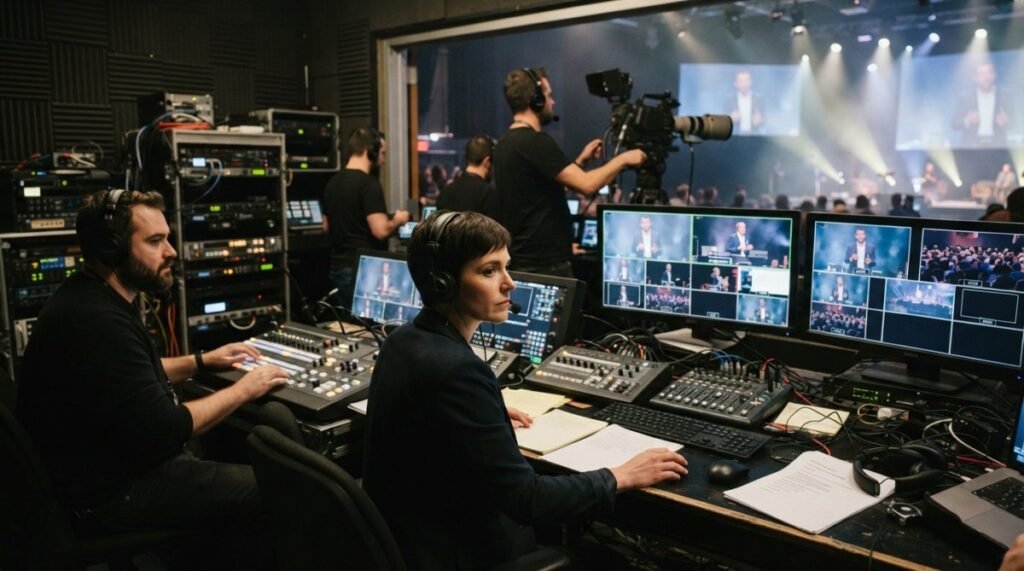
Table of Contents
- What Cinematic Live Event Production Actually Means
- Multi-Camera Live Event Coverage: Building Visual Depth
- Audio Capture and Sound Engineering for Live Broadcasts
- Professional Webcast Recording and Archiving Workflows
- Corporate Event Video Production Best Practices
- Post-Production and Editing for Cinematic Impact
- Handling Technical Challenges in Live Event Production
- Frequently Asked Questions
Last Updated: September 23, 2026
What Cinematic Live Event Production Actually Means
Cinematic live event production captures, broadcasts, and archives live events using professional-grade camera work, lighting, and audio to create a polished, broadcast-quality viewing experience. It prioritises visual storytelling, dynamic composition, and technical precision to engage both in-person and remote audiences simultaneously.
Most events default to basic capture: a single stationary camera. Cinematic approaches treat the event as a visual narrative, orchestrating multiple camera angles, real-time switching, strategic lighting, and engineered audio so dialogue and ambient sound feel intentional.
A poorly lit keynote speaker looks unprepared. A single static camera angle makes viewers feel distant. Professional cinematic live event production closes that gap.
Remote attendees feel present, recordings become reusable marketing assets, and your event looks credible rather than hastily assembled.
Multi-Camera Live Event Coverage: Building Visual Depth
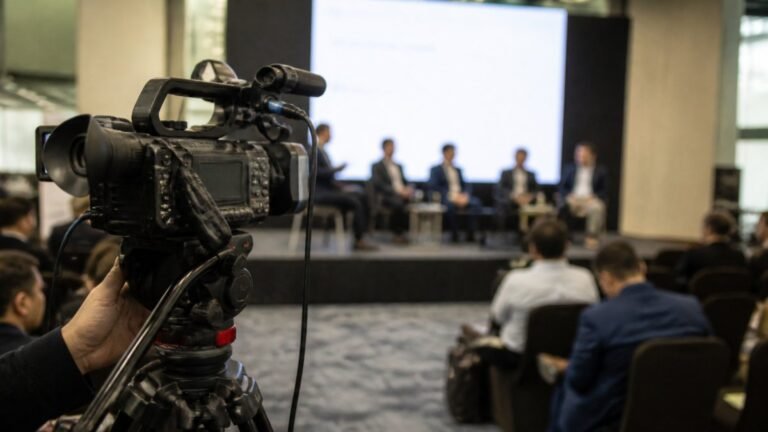
Multi-camera live event coverage positions cameras at different angles and distances, then switches between them in real time to create visual depth and maintain viewer engagement.
Multiple cameras let you show the speaker’s expression, audience reaction, full stage context, and product details. This variety keeps remote viewers engaged by simulating what an attentive in-person attendee would see.
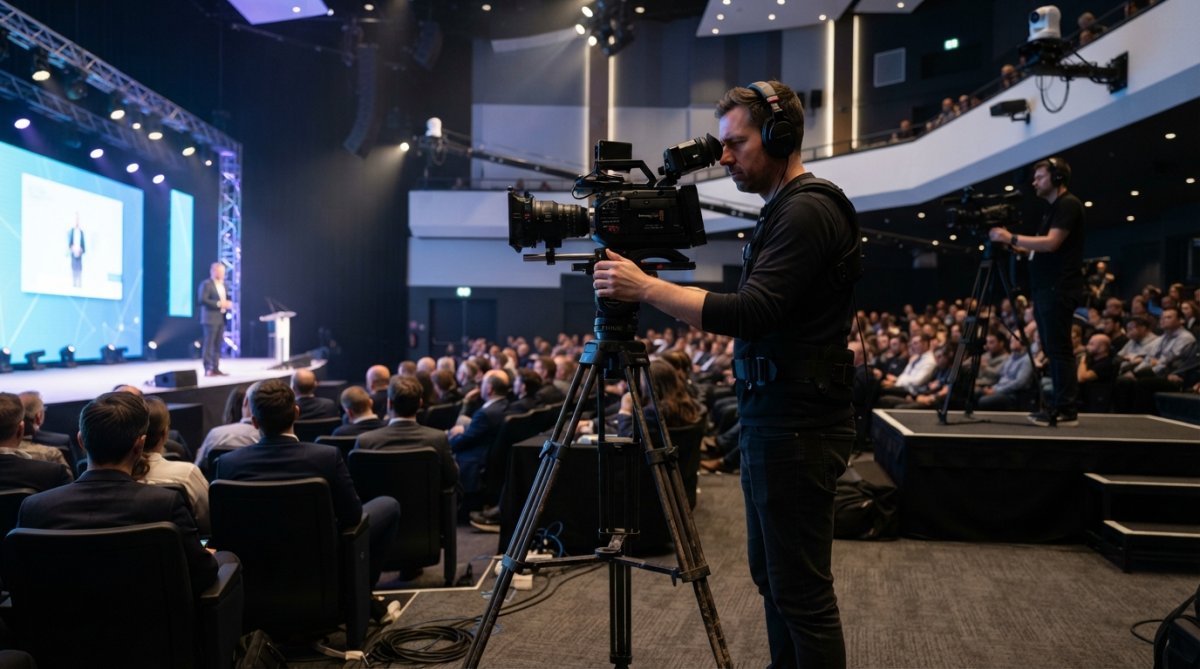
Camera placement and framing for cinematic storytelling
Position your primary camera at eye level, 2-3 metres from the speaker, capturing upper body and face clearly (your “safety shot”). Place a second camera wider to capture the full stage. A third camera, positioned higher or to the side, captures audience reaction and environmental context.
Each camera answers a different visual question: the close-up shows what the speaker is saying, the wide shot establishes location, the reaction shot shows audience response. Cutting between them guides viewer attention.
Common mistakes: placing cameras at the same height, positioning them too far away, or failing to account for stage lighting. Test positions during rehearsal and adjust camera placement or lighting if faces look shadowed or washed out.
Live switching and real-time composition
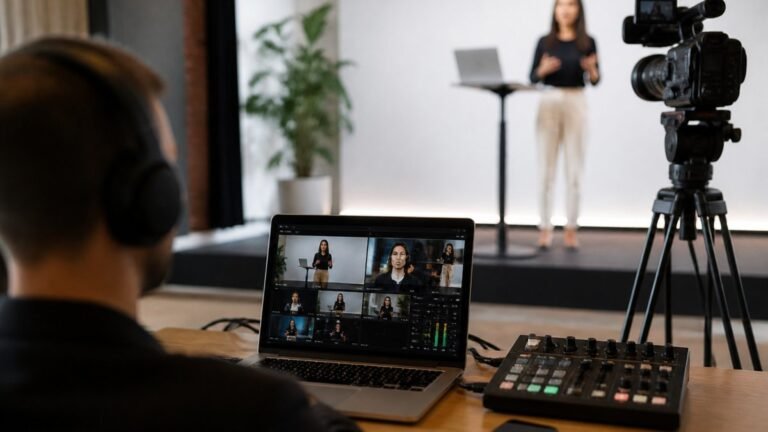
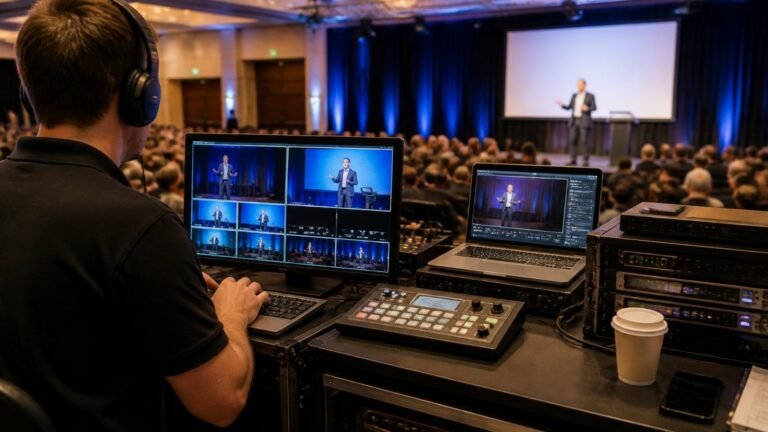
Live switching is the real-time selection of which camera feeds the broadcast. A vision mixer (person or automated system) makes split-second decisions about which angle serves the story best.
Manual switching by a trained operator gives creative control and anticipates moments like product reveals or emotional beats. Automated switching uses software but often misses the human storytelling moments that make production feel intentional.
Cut every 5-15 seconds depending on event energy. High-energy launches cut every 5-8 seconds; slower panel discussions hold shots for 15-20 seconds. Adjust rhythm during rehearsal based on feel.
Audio Capture and Sound Engineering for Live Broadcasts
Audio quality determines whether your cinematic production feels professional or amateur. A beautifully shot event with poor sound drives viewers away within minutes.
Capture audio from multiple sources: a lavalier microphone on the speaker for clarity, a handheld mic for audience questions, ambient microphones to capture room acoustics and applause, and direct audio feeds from presentation systems or musical performances. Route all these into an audio mixer where a sound engineer balances levels, removes feedback, and shapes the overall mix in real time.
The most common error is relying on a single microphone or the camera’s built-in audio. Lavalier mics pick up rustling fabric and breathing. Ambient-only mics miss dialogue. A professional setup uses layered audio sources so the engineer can prioritise what matters moment to moment. During a keynote, dialogue is foreground and applause is background. During a product demo with music, the music and voiceover are balanced equally.
Test your audio setup at least 24 hours before the event. Check microphone levels, listen for electrical hum or interference, confirm wireless mics have reliable signal strength across the venue, and verify that all audio sources route correctly to your broadcast output. Audio problems are often invisible until the live event starts, and they’re difficult to fix in real time.
Professional Webcast Recording and Archiving Workflows
Recording your live broadcast creates a permanent asset you can repurpose for training, marketing, or attendee access after the event ends. This is where cinematic live event production pays dividends beyond the live moment.
Ensuring broadcast-quality capture during live streaming
Record your broadcast output at the highest quality your infrastructure supports. If you’re streaming in 1080p HD, record at 1080p or higher. If you’re streaming in 4K, record in 4K. The recorded file becomes your master archive, the source for all future edits, clips, and distributions. Recording at lower quality than your stream means you’ve permanently lost visual fidelity.
Capture multiple audio tracks separately if possible. Record the mixed audio (what viewers hear), but also record individual microphone feeds so you can remix or correct audio issues during post-production. If a speaker’s lavalier mic peaked during an emotional moment, you can blend in the ambient audio or the handheld backup mic during editing.
Store recordings on redundant storage immediately. A single hard drive failure means losing the entire event. Use cloud backup or multiple local copies so that if one storage device fails, you still have the recording.
Metadata tagging and content organisation for reuse
Tag your recording with metadata as soon as it’s captured: event name, date, duration, speaker names, key topics, timestamps of important segments (keynote start, product reveal, Q&A). This metadata makes it vastly easier to find specific moments during post-production and to distribute clips to social media or internal communications later.
Create a simple spreadsheet or database entry for each event recording. Note the file location, resolution, frame rate, audio track count, and any known issues (audio dropout at 23:45, lighting problem during segment 2). When you’re editing six months later and need to find the moment a CEO announced a new initiative, this metadata saves hours of scrubbing through footage. Consistent logging of these technical specifications also provides a reliable foundation for verifying compliance with complex artist rider requirements during the pre-production phase.
Corporate Event Video Production Best Practices
Corporate events, AGMs, product launches, town halls, training seminars, demand precision because the message matters. A glitchy stream or poor audio during an important announcement undermines the credibility of the announcement itself.
Pre-production planning and technical rehearsals
Schedule a full technical rehearsal at least 48 hours before the event, ideally in the actual venue. Run through the entire event as if it’s live: speakers deliver their full remarks, presenters run their slides, videos play, transitions happen. Your production team operates all cameras, audio, lighting, and switching exactly as they will during the live event.
During rehearsal, identify problems that would derail the live broadcast: a speaker’s microphone doesn’t reach a particular stage area, a projector’s brightness washes out on camera, a camera angle is blocked by a support column, audio feedback occurs when two wireless mics are used simultaneously.
On-site production logistics and crew coordination
Arrive at the venue early enough to set up, test all equipment, and run through your checklist without rushing. Equipment failure happens most often when teams are hurried. A camera that won’t focus, a microphone with no battery, or a network cable that’s loose all become emergencies if you discover them five minutes before the event starts.
Post-Production and Editing for Cinematic Impact
Raw footage from a live event is rarely broadcast-ready. Post-production, editing, colour grading, sound mixing, graphics, transforms raw capture into a polished final product.
Social media edits and short-form content distribution
Extract 15-30 second clips from the full recording for social media distribution. A CEO’s key quote, a product demo moment, or audience applause, these short clips are far more shareable than a full 90-minute recording. Add text overlays, captions, or simple graphics to make the clip stand alone without requiring context from the full event.
Handling Technical Challenges in Live Event Production
Technical problems during live broadcasts are inevitable. Preparation and clear decision-making protocols determine whether a problem becomes a minor blip or a broadcast failure.
Frequently Asked Questions
What is the difference between standard and cinematic live event production?
Standard live event production typically uses single or dual camera setups with basic switching, focusing on capturing what happens. Cinematic live event production employs multi-camera coverage, professional lighting design, dynamic camera movements, colour grading, and intentional visual storytelling. It transforms a straightforward broadcast into a visually engaging experience with depth, motion, and emotional impact. Cinematic production requires more pre-planning, skilled operators, and post-production work, but delivers broadcast-quality results that hold audience attention and create lasting impressions.
What equipment is needed for professional cinematic live event filming?
Professional cinematic live event production requires multiple broadcast-quality cameras (typically 4K or HD), a professional video switcher or mixing console for live switching, high-quality microphones and audio mixing equipment, professional lighting rigs (key, fill, and backlight), robust cabling infrastructure, a reliable streaming encoder, backup power supplies, and monitoring equipment. You’ll also need a production control room or truck to house the switcher and technical crew. The specific setup depends on venue size, event type, and broadcast requirements. Hiring an experienced production crew who understand camera operation, live switching, and audio mixing is essential to execute cinematic storytelling effectively.
How do you ensure high-quality audio in live event production?
High-quality audio requires strategic microphone placement, professional audio mixing during the live event, and redundant audio feeds as backup. Position lavalier microphones close to speakers, use overhead condenser mics to capture ambient sound, and place boundary microphones on stage to capture natural acoustics. A skilled audio engineer monitors levels in real-time, adjusting gain and EQ to maintain clean, balanced sound throughout the broadcast. Test all microphones and audio paths during rehearsals to identify and fix issues before the live event. Recording a separate, high-fidelity audio track alongside the video stream ensures you capture pristine sound for post-production editing and archiving.
Can I record a livestream event for later viewing and content repurposing?
Yes. Professional webcast recording and archiving capture the entire live broadcast as a master file, which you own and control. This recording serves as the foundation for multiple uses: replaying the full event on-demand, creating short-form social media edits, extracting keynote speeches or interviews for training libraries, and repurposing segments for future marketing. Recording during the live stream ensures you capture the broadcast-quality output exactly as your audience saw it. Proper file organisation, metadata tagging, and storage management make it easy to locate and reuse specific moments months or years later. This approach maximises ROI by extending the lifespan of your event content far beyond the live broadcast.