Alternatives to vMix for Corporate Streaming: 2026 Guide

Table of Contents
- Why Corporate Teams Look Beyond vMix
- Top Alternatives to vMix for Corporate Streaming
- OBS vs vMix for Corporate Events
- Enterprise Live Streaming Software: What to Look For
- Live Streaming Production Best Practices for Corporate Broadcasts
- Hardware, Bandwidth, and Security Requirements
- Pricing Models and Subscription Tiers
- Conclusion
- Frequently Asked Questions
Last Updated: September 15, 2026
Why Corporate Teams Look Beyond vMix
vMix has earned its place in live production, but it was built for Windows workstations with dedicated GPU horsepower, and that requirement alone rules it out for many corporate IT environments. For teams producing town hall meetings, AGMs, and internal communications, the search for alternatives to vMix for corporate streaming usually starts with one of three triggers: a Mac-first fleet, a stretched IT department, or a need for enterprise security that desktop software was never designed to provide.
The right platform is the one your IT team can support without adding headcount. Production features matter less than reliability, security, and who owns the recording.
Top Alternatives to vMix for Corporate Streaming
The best alternatives to vMix for corporate streaming fall into four groups: free open-source software, professional desktop suites, browser-based studios, and cloud-native platforms. Your choice depends on whether you need local hardware control or remote collaboration.

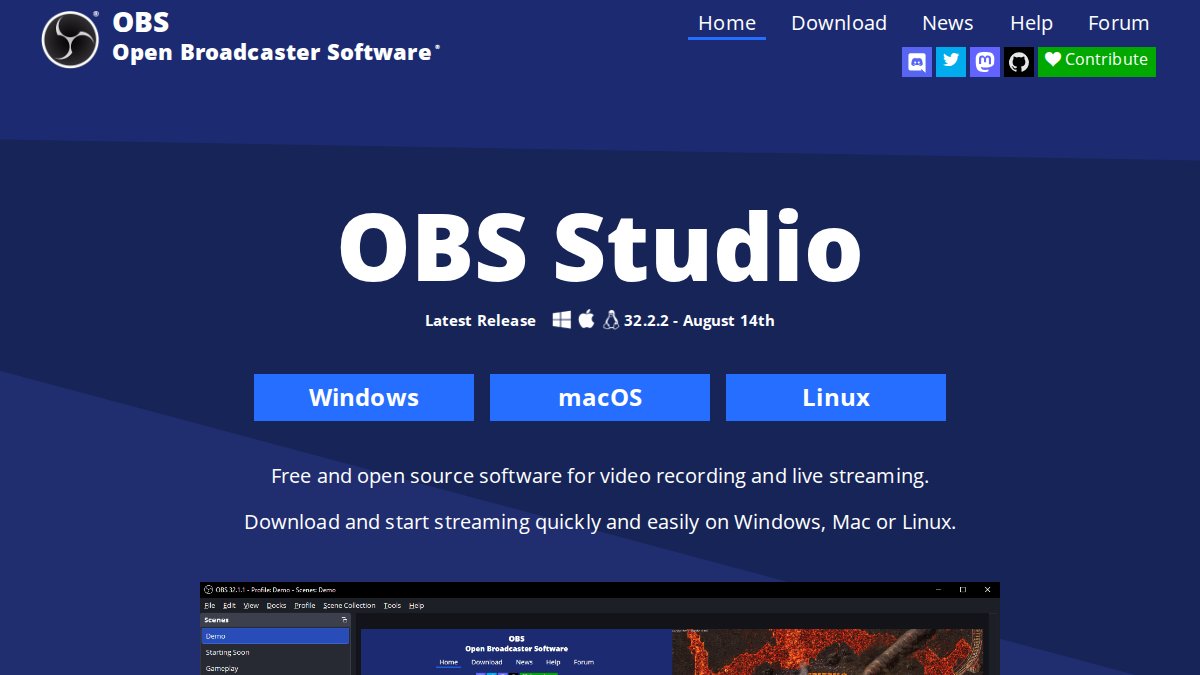
OBS Studio: Free and Open-Source Power
OBS Studio is a free, open-source video recording and streaming suite with real-time mixing, unlimited scenes, and a large plugin ecosystem. It costs nothing and handles multi-camera switching, but the learning curve is steep for non-technical staff, and it ships without enterprise-grade support. For a one-off internal webinar, it works. For a 5,000-viewer product launch, you are on your own if something breaks.
Wirecast: Professional-Grade Reliability
Wirecast is a professional-grade production tool for multi-camera switching, advanced audio mixing, and hardware encoder support. It is the closest desktop equivalent to vMix for teams that need broadcast-quality output and reliable capture card integration. The trade-offs are real: it consumes significant hardware resources and costs considerably more than open-source options.
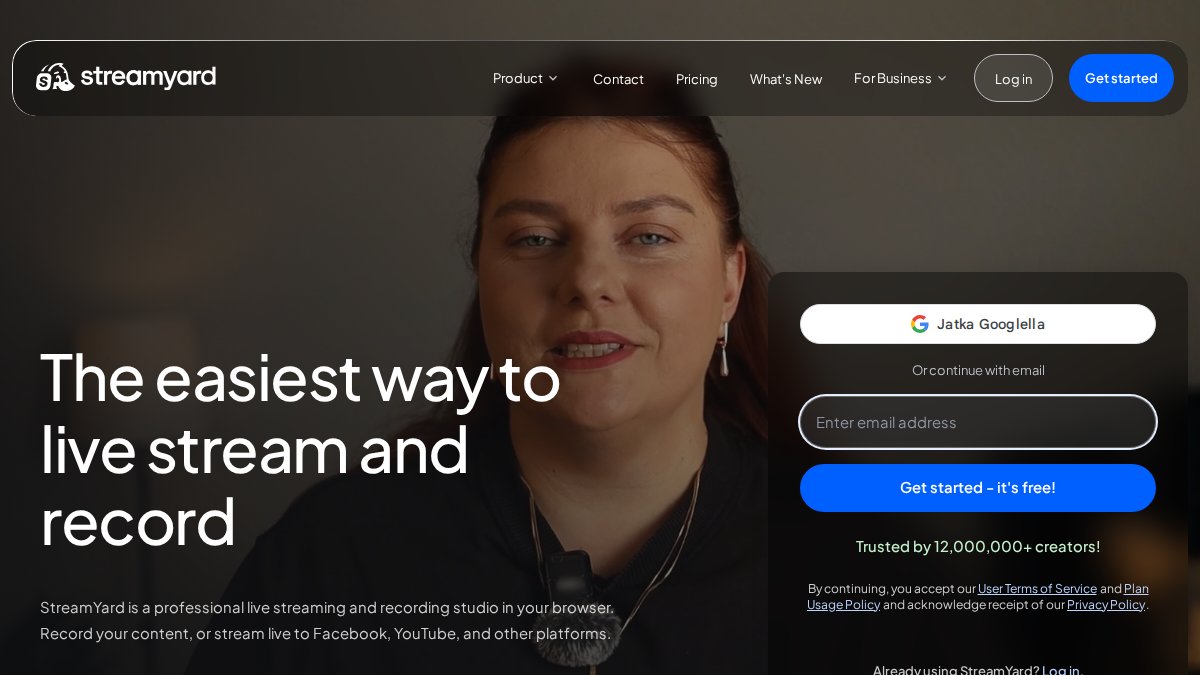
StreamYard: Browser-Based Simplicity
StreamYard runs entirely in a browser, so guests join through a link and nobody installs software. It handles branding overlays, lower thirds, and multi-platform distribution to LinkedIn, YouTube, and Facebook. The limitation is control: advanced video production settings are out of reach, and a weak browser session affects output quality. It suits internal communications and webinars, not complex broadcasts. Professional productions requiring precise lighting integration often necessitate dedicated DMX software for events to ensure that visual cues remain perfectly synchronized with the live stream.
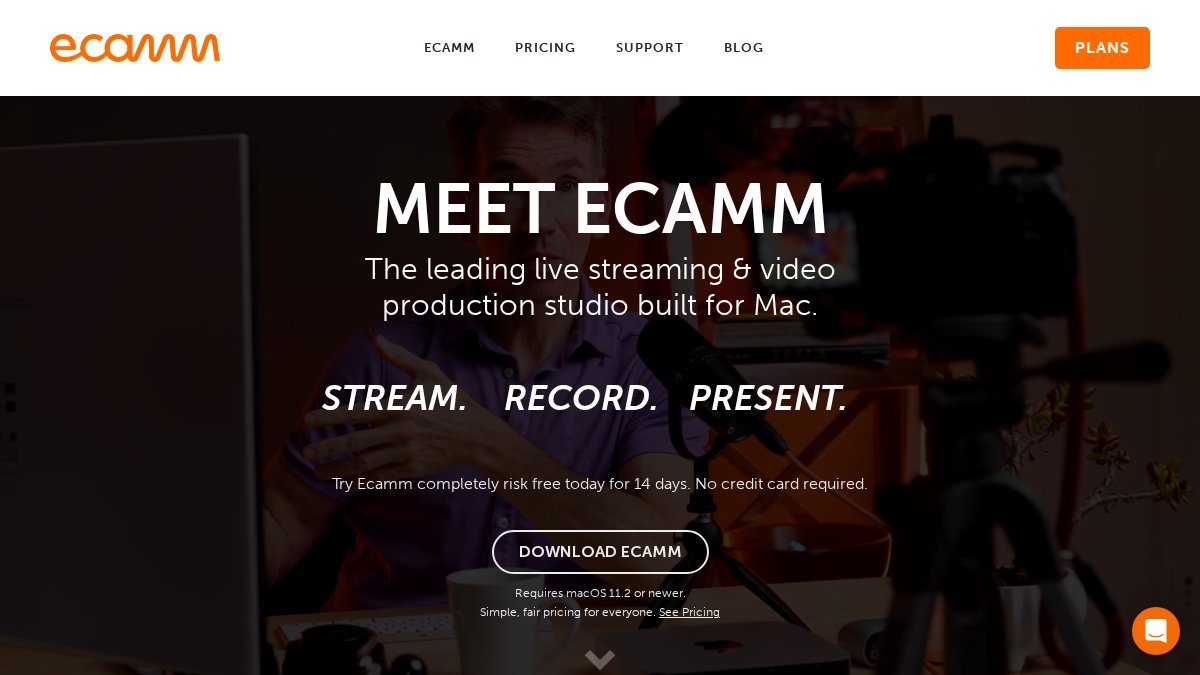
Ecamm Live: Optimised for macOS
Ecamm Live is built exclusively for macOS, with native integration, virtual camera support for Zoom and Teams, and multi-camera switching with professional transitions. If your organisation runs Apple hardware, it delivers high-quality results with an intuitive interface. Windows users are locked out entirely, and full features require a subscription.
Cloud-Native Options: Grabyo, Evmux, and Castr
Cloud-native platforms move production off local hardware. Grabyo offers browser-based switching, real-time clipping, and enterprise-grade security for global events. Evmux provides a cloud studio with collaborative tools for distributed production teams. Castr specialises in simultaneous multi-platform distribution and cloud transcoding. Each depends on consistent high-speed internet, and none gives you the local hardware control a desktop switcher offers.
OBS vs vMix for Corporate Events
OBS is the better choice for budget-conscious teams with technical staff; vMix suits productions needing hardware capture and proven reliability. The real difference comes down to support. OBS is free but unsupported, while vMix carries licensing costs but a mature ecosystem.
| Factor | OBS Studio | vMix |
|---|---|---|
| Cost | Free | Paid licence |
| Platform | Windows, macOS, Linux | Windows only |
| Learning curve | Steep | Moderate |
| Hardware capture support | Limited | Extensive |
| Enterprise support | None native | Available |
For corporate events where a dropped stream means a failed AGM, free software with no support line is a risk many IT teams will not accept.
Enterprise Live Streaming Software: What to Look For
Enterprise live streaming software is production and distribution software built for organisational use, meaning it prioritises security, scalability, and support over raw creative control. Most comparison articles stop at a feature checklist. For corporate buyers, the deciding factors are usually invisible in a demo: how the platform authenticates users, how it traverses the corporate firewall, where recordings are stored, and who can retrieve them under a legal hold.
Security and identity
Single sign-on is the first gate. Ask whether the platform supports SAML 2.0 or OpenID Connect so staff authenticate through your existing identity provider rather than a separate password. Role-based access control should distinguish between a producer who can switch cameras, a presenter who can share a screen, and an administrator who can download the master recording. For sensitive internal communications, confirm that streams are encrypted in transit and that recordings are encrypted at rest, and check whether the vendor supports your retention schedule rather than imposing its own.
Firewall traversal and network posture
Corporate networks rarely allow arbitrary outbound traffic. A platform that requires a wide range of open ports will stall in a security review. Look for one that operates over standard HTTPS (TCP 443) and, where peer-to-peer contribution is used, supports TURN relays over 443 as a fallback. If your organisation uses a forward proxy with TLS inspection, test that the contribution and playback paths survive it during the pilot, not on event day.
Data residency and sovereignty
Where recordings and live streams are processed and stored matters for privacy obligations. Ask the vendor which regions host your content, whether data is replicated across borders, and whether you can pin storage to a specific jurisdiction. For organisations handling personal information, this feeds directly into your obligations under the Privacy Act 1988 and the Australian Privacy Principles (Australian Privacy Principles). The Office of the Australian Information Commissioner publishes guidance on cross-border disclosure that is worth reviewing before you sign.
Scalability for internal audiences
Concurrent viewer capacity is not a single number. A platform may handle 10,000 viewers on a public CDN but struggle with 2,000 employees on a locked-down corporate network. Ask how the platform distributes load, whether it supports content delivery network integration, and whether it can use peer-to-peer delivery inside your own network to avoid saturating a single office uplink during a global town hall.
Support model and exit
A named technical contact, a documented escalation path, and a tested failover procedure are worth more than a long feature list. Equally, confirm that recordings are provided in a standard format you can archive without a proprietary player, and that there are no hidden download or reuse fees. Content ownership should be explicit in the contract, not implied.
Run a security and network review before a feature comparison. A platform that fails SSO, firewall traversal, or data residency will not reach the pilot stage, no matter how good its switching looks.
Live Streaming Production Best Practices for Corporate Broadcasts
Reliable corporate broadcasts follow a consistent production workflow: test the full signal chain, encode with headroom, and always record locally as a backup. Live streaming production best practices are less about creativity and more about removing single points of failure.
Skipping the rehearsal is the most common cause of a failed corporate stream. Test on the venue’s live network, because a connection that works in the office often behaves differently on site.
Hardware, Bandwidth, and Security Requirements
Matching hardware to the production
Bandwidth budgeting
Distribution without saturating the office
Security controls that matter
Record every feed locally as a backup, even when streaming to the cloud. A local recording survives a network failure, a CDN outage, or a platform incident, and it is the asset you will need for the post-event edit.
Pricing Models and Subscription Tiers
| Platform | Pricing Model | Best For |
|---|---|---|
| OBS Studio | Free | Technical teams on a budget |
| StreamYard | Subscription | Simple internal webinars |
| Ecamm Live | Subscription | macOS-based production |
| Wirecast / Grabyo | Contact for pricing | Large-scale enterprise events |
Conclusion
Frequently Asked Questions
What are the best professional alternatives to vMix for corporate events?
Wirecast and Livestream Studio are strong professional alternatives for corporate streaming, offering multi-camera switching and hardware integration. For cloud-based workflows, Grabyo and Evmux provide browser-based production with enterprise security. OBS Studio is a free option if your team has technical expertise. The right choice depends on your budget, hardware, and whether you need remote collaboration or on-site production control.
Is OBS Studio suitable for high-stakes corporate live streaming?
OBS Studio can handle corporate streaming, but it lacks native enterprise support and has a steep learning curve. For high-stakes events like AGMs or product launches, the risk of configuration errors is higher without dedicated technical support. Many organisations pair OBS with a managed service provider to ensure stream stability and professional backup procedures are in place.
How does Wirecast compare to vMix for multi-camera production?
Wirecast offers similar multi-camera switching capabilities to vMix, with strong hardware integration and reliable performance for complex productions. It consumes more system resources than some alternatives, and pricing is subscription-based. For corporate teams already familiar with vMix, Wirecast feels familiar but may require hardware upgrades to match the same input capacity.
Are there reliable cloud-based alternatives to vMix?
Yes. Grabyo, Evmux, and Castr offer cloud-based production and distribution. Grabyo targets large enterprises with global scalability and advanced security. Evmux provides collaborative browser-based production for remote teams. Castr focuses on multi-platform distribution rather than switching. Cloud tools reduce hardware requirements but depend on consistent high-speed internet for reliable output.
What should corporate teams look for in enterprise live streaming software?
Prioritise security features like encryption and access controls, integration with existing video conferencing platforms, and scalability for large audiences. Check for hardware-accelerated encoding support to maintain stream stability. Consider whether you need on-premises control or cloud flexibility, and evaluate the level of technical support available during live events. Recording and archival workflows are also essential for training and compliance.