Table of Contents
- What Makes High Quality Event Webcasting Solutions Essential
- Quick Comparison: Leading Event Webcasting Platforms
- Webcasting Livestream: End-to-End Professional Production
- Corporate Webcast Production: What You Need to Know
- Live Streaming Platform for Events: Core Features That Matter
- Event Webcast Recording and Content Ownership
- Secure Live Streaming for Business: Reliability and Protection
- How to Choose the Right Webcasting Provider
- Frequently Asked Questions
Last Updated: October 8, 2026
What Makes High Quality Event Webcasting Solutions Essential
Choosing the right event webcasting solutions can be the difference between a flawless broadcast and a disaster that damages your brand. When thousands of people tune in to your corporate AGM, product launch, or conference, technical failures aren’t just embarrassing, they cost money, erode trust, and leave lasting damage. According to industry practitioners, the most common complaint isn’t about features or price. It’s about reliability. Streams that drop mid-presentation. Audio that cuts out. Video that buffers while your CEO is speaking.
This guide from Webcasting Livestream covers what actually matters when selecting high quality event webcasting solutions. We’ve analysed the core features that separate platforms that deliver versus those that disappoint, and we’ve built our recommendations around what organisations genuinely need: broadcast quality that works, technical support that’s responsive, and the assurance that your event won’t fail when it counts.
The stakes are real. A Fortune 500 company streaming their annual earnings call to 10,000 investors can’t afford downtime. A government agency broadcasting a town hall to regional audiences across multiple states needs reliability. A charity fundraiser streaming to supporters nationwide needs a platform that won’t choke under pressure. Yet many organisations still choose platforms based on price alone, only to learn too late that budget options come with budget reliability.
What follows is a breakdown of the platforms and services that actually deliver broadcast-quality live streaming. We’ll show you what separates the best event webcasting solutions from the rest, and we’ll help you avoid the mistakes that leave you scrambling on event day.
Quick Comparison: Leading Event Webcasting Platforms
| Platform | Best For | Key Strength | Audience Capacity |
|---|---|---|---|
| Webcasting Livestream | Professional, mission-critical events | No drop-off guarantee, content ownership, HD across all devices | Nationwide scale |
| Cisco Webex | Large-scale corporate broadcasts | Enterprise reliability, professional-grade features | Large audiences |
| SummitCast | Multi-format events (virtual, hybrid, onsite) | Flexible event support across all formats | Varies by event type |
| ON24 | Webinar platforms with broadcast capability | Webinar-focused feature set | Medium to large |
| Zoom Events | Virtual events and webinars | Accessibility and ease of use | Moderate to large |
Webcasting Livestream: End-to-End Professional Production
Webcasting Livestream stands apart because it treats your event like it matters. It’s a managed service where an expert team handles your broadcast from setup through delivery.
The no drop-off guarantee is the core promise. Your stream won’t fail during your event. That’s not marketing language, it’s a backed commitment. When you’re broadcasting to thousands of people, that assurance changes everything. The team manages fail-safe procedures to ensure seamless connection across your audience nationwide, whether they’re in major cities or regional areas with variable internet quality.
Content ownership belongs to you, not the platform. All video is recorded and provided at no extra cost. That matters for compliance, training reuse, and archival. You’re not locked into licensing agreements or surprise fees to download your own broadcast.
HD quality streams across all devices. Mobile, tablet, desktop, the viewing experience stays consistent. No degradation, no buffering. For corporate communications where perception matters, that reliability is essential.
Webcasting Livestream’s approach works because they manage the technical complexity on your behalf. Your IT team doesn’t need to provision servers or troubleshoot streaming protocols. You brief them on your event, they handle the rest.
The service model means you’re paying for expertise and reliability, not just platform access. For mission-critical events, earnings calls, shareholder meetings, government broadcasts, that’s the right trade-off.
Corporate Webcast Production: What You Need to Know
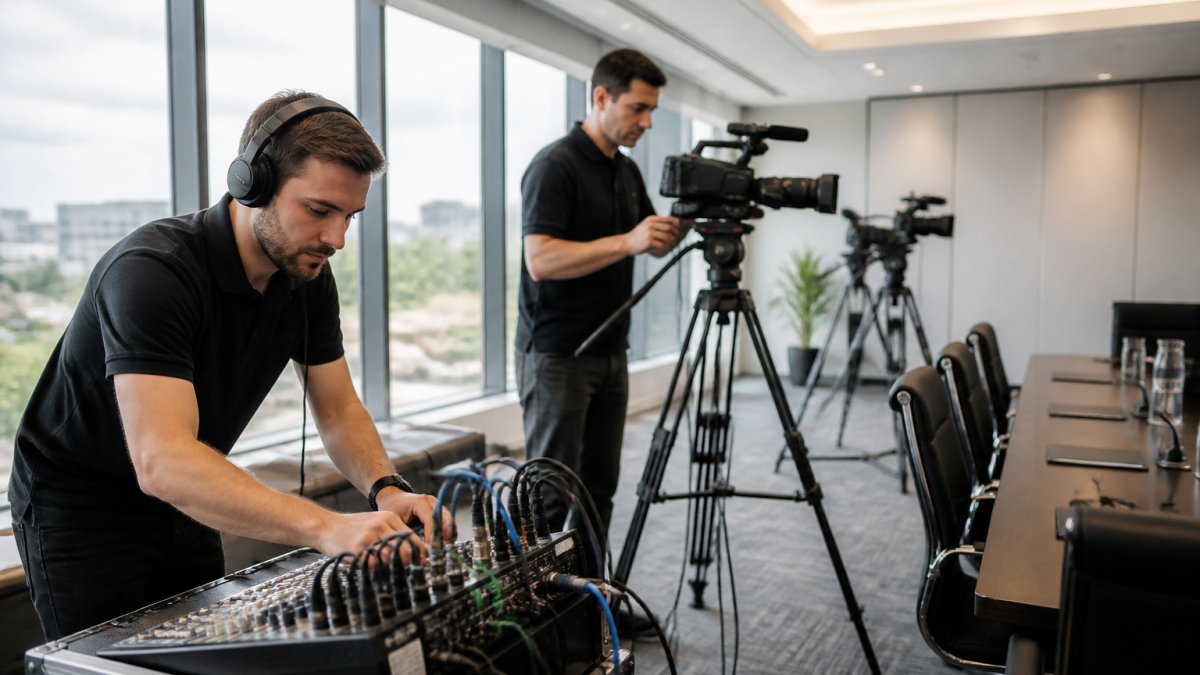
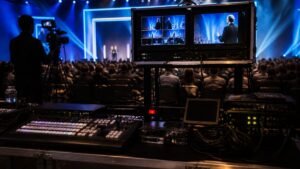
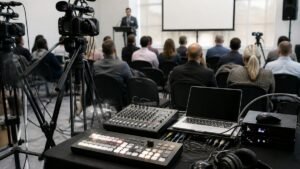
Corporate webcast production is more than pressing record. It’s about capturing your message clearly, managing multiple camera angles, integrating multimedia, and delivering seamless broadcast quality to a distributed audience.
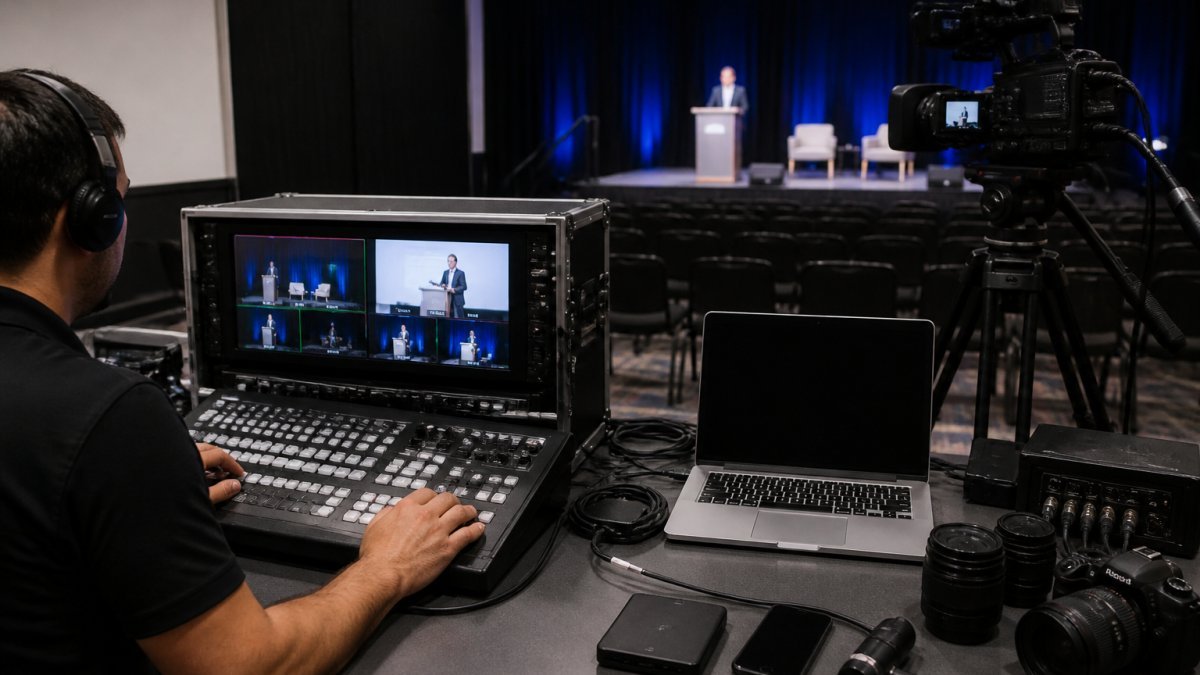
End-to-end production means the service provider handles setup, camera placement, audio capture, graphics overlay, and live switching. Your team focuses on delivering the message. The production crew manages the technical execution. This separation of concerns allows your team to focus on delivering the message while the production crew manages the technical execution. Professional visual consistency extends beyond the broadcast feed to include the physical environment, where high-impact tradeshow display graphics reinforce your brand presence for both virtual and in-person audiences.
Multi-camera setups capture different angles of your speaker, audience reactions, and presentation slides. Multi-camera production feels polished.
Audio quality determines whether people stay or leave. Professional webcast production includes in-room microphone placement, mixing, and monitoring. No feedback. No dropouts. Audio that’s clear from the first word.
Multimedia integration, slides, video clips, graphics, lower-thirds with speaker names, requires real-time switching and coordination. Professional production services handle it seamlessly.
Many organisations assume their internal IT team can manage a broadcast. Broadcasting requires different skills than network management. Streaming protocols, encoding, bitrate management, and failover procedures are specialist knowledge. Underestimating this complexity can lead to events failing.
The remote production model has matured significantly. Your production crew doesn’t need to be onsite anymore. They can manage your broadcast from a studio, controlling cameras remotely and switching feeds in real time.
Live Streaming Platform for Events: Core Features That Matter
When evaluating a live streaming platform for events, focus on features that affect broadcast quality and audience experience.
Broadcast quality starts with encoding. The platform needs to adapt bitrate based on viewer bandwidth without degrading video quality. A viewer on a fast connection gets HD. A viewer on slower internet gets a watchable stream. Both stay engaged.
Audience engagement features, live polls, Q&A, chat moderation, add interactivity. But they’re secondary to reliability. A platform with perfect engagement tools that crashes mid-event is worthless.
Streaming platform choice affects distribution. Can you broadcast to your own website, social media, and third-party platforms simultaneously? Simulcasting multiplies your reach. A platform that locks you into their player limits your options.
Attendee capacity matters for scale. Know your expected attendance and verify the platform can handle it.
Analytics and reporting tell you what happened. How many people watched? For how long? What regions? Which devices? This data informs future event strategy.
Event Webcast Recording and Content Ownership
Recording your event is non-negotiable. You’re investing in production, audience, and messaging. Capture it for reuse.
Content ownership determines what you can do with recordings. If the platform owns the content, you’re limited. If you own it, you can repurpose it for training, compliance documentation, marketing, and archival.
Automatic recording removes the risk of human error. You don’t have to remember to press record. The platform captures everything. You get the full broadcast plus any backup recordings.
Download and distribution options matter. Can you download your recording in standard formats? Can you upload it to your learning management system? Can you share it across your organisation? Platforms that restrict download or charge fees for access are limiting your asset value.
Storage and retention policies vary. Some platforms delete recordings after 30 days. Others retain indefinitely. For compliance-heavy industries, indefinite retention is essential. Check the terms.
Ownership, easy download, and flexible distribution are important considerations for a platform.
Transcription and captioning add accessibility. Automated transcripts make recordings searchable and accessible to deaf and hard-of-hearing viewers. This is both an accessibility requirement and a practical tool for finding specific moments in long recordings.
Secure Live Streaming for Business: Reliability and Protection
Security and reliability are intertwined.
Encryption protects your broadcast from interception. For sensitive internal communications, this matters. Your stream should be encrypted end-to-end, from source to viewer.
Access control determines who can watch. Public events broadcast to anyone. Private events require authentication. Some platforms offer geo-blocking, IP whitelisting, or password protection. Understand your access requirements and verify the platform supports them.
Failover procedures prevent outages. If the primary connection drops, automatic failover to a backup connection keeps the stream alive. This is the difference between a momentary glitch and a complete failure. Webcasting Livestream’s no drop-off guarantee is backed by these procedures.
Compliance requirements vary by industry. Healthcare broadcasts must meet privacy standards. Financial broadcasts must meet regulatory requirements. Government broadcasts must meet security protocols. Verify the platform supports your industry’s requirements.
DDoS protection prevents malicious attacks that could take your stream offline. For high-profile events, this is a real risk. Enterprise-grade platforms include DDoS mitigation.
Uptime guarantees back the promise. A platform claiming uptime should document it. Review their uptime reports and SLA terms.
How to Choose the Right Webcasting Provider
Selecting the right provider starts with clarity on your needs. Not every event needs the same solution.
Define your event type. Are you broadcasting a corporate meeting to 50 people or a product launch to 50,000? Virtual, hybrid, or in-person with remote audience? The event type determines the platform requirements.
Assess your technical capacity. Can your IT team manage the broadcast? Or do you need a managed service? Self-service platforms require technical expertise. Managed services handle the complexity for you.
Verify reliability claims. Ask for uptime documentation. Ask what happens if the stream fails. Ask for references from similar-sized events.
Test before committing. Run a test broadcast with your actual audience size. See how the platform performs under real conditions.
Check content ownership. Confirm you own the recordings. Confirm you can download them. Confirm you can reuse them without additional fees.
Evaluate support. Is support 24/7? Do they have a phone number or only email? For mission-critical events, support quality matters. You need someone to call if something goes wrong.
Compare total cost. Price per broadcast is one factor. Add recording storage, support, and any premium features. Some platforms charge extra for features others include. Understand the full cost.
Assess geographic coverage. If you’re broadcasting to regional audiences, verify the platform works reliably in those regions.
For organisations hosting mission-critical corporate events where reliability is non-negotiable, Webcasting Livestream delivers professional production, guaranteed uptime, and content ownership. For smaller virtual meetings, self-service platforms may suffice. For anything important, managed service is a safer choice.
The decision ultimately comes down to risk tolerance. Budget platforms are cheaper upfront but carry the risk of failure. Professional services cost more but aim to mitigate risk. For most organisations, the cost of a failed broadcast, lost productivity, damaged credibility, or a rescheduled event, can exceed the cost of professional production.
Selecting high quality event webcasting solutions requires understanding what reliability actually means and what features deliver it. The providers that focus on uptime, content ownership, and professional production are the ones that keep events running smoothly.
At Webcasting Livestream, we’ve built our service around this principle: your event shouldn’t fail.
Cisco Webex professional webcast capabilities and ON24 webinar platform features offer self-service options for organisations with technical capacity. For mission-critical broadcasts where failure isn’t an option, professional event production standards demonstrate the level of expertise required.
GET A QUOTE from Webcasting Livestream today and ensure your next event delivers the broadcast quality your audience expects.
Frequently Asked Questions
What should I look for in a high quality event webcasting solution?
Prioritise HD video quality across all devices, reliable broadcast without stream drops, professional technical support during your event, and automatic recording included. Check whether the platform handles your expected audience size (from hundreds to thousands of concurrent viewers), supports multiple camera angles and multimedia integration, and delivers content in formats you can reuse for training or on-demand viewing. Confirm the provider has fail-safe procedures.
Can I own the recordings from my corporate webcast production?
Yes, with the right provider. Many professional webcasting services deliver all recordings to you at no extra charge and confirm that the content belongs to you, not the platform. This is crucial for reusing event footage in training, marketing, or internal communications. Before booking, explicitly ask whether recordings are yours to download, edit, and redistribute, and whether there are any restrictions on how long you can store them.
How does a live streaming platform for events handle regional internet quality variations?
Professional platforms use adaptive bitrate streaming, which automatically adjusts video quality based on each viewer’s connection speed. This means attendees in areas with slower internet still receive a watchable stream, while those with faster connections see HD quality. Ask about their track record in regional areas and whether they’ve handled events with geographically dispersed audiences across varying network conditions.
What security measures protect sensitive content during secure live streaming for business?
Enterprise-grade webcasting solutions use encryption for streams in transit, password protection or access controls to restrict who can view, and secure data centres that comply with relevant privacy standards. For sensitive internal communications, ask whether the provider offers private streaming (not indexed by search engines), IP whitelisting, and audit logs showing who accessed the broadcast. Clarify their data retention and deletion policies.