Table of Contents
- Start With Event Goals, Audience and Format
- Build a Virtual Event Production Checklist Template That Covers Every Phase
- Lock In Your Virtual Event Equipment Checklist Before Anything Else
- Run a Virtual Event Technical Rehearsal Checklist (Not Just a Dry Run)
- Write a Virtual Event Run of Show Template With Timestamps, Cues and Owners
- Map Contingency Plans, Accessibility and Recording Consent
- Plan Post-Event Handoff, Recording Delivery and Evaluation
- Frequently Asked Questions
Last Updated: October 6, 2026
Start With Event Goals, Audience and Format
A virtual event production checklist works only when it is built backwards from a clear goal. Teams that open a template first and fill in the blanks later usually end up with a list that covers everything and decides nothing.
So before you write a single line, answer three questions:
- What does success look like? A training session, an annual general meeting and a product launch need very different checklists.
- Who is watching? Internal staff on managed laptops behave differently from 5,000 public attendees on mobile phones.
- How is it delivered? Live, prerecorded or hybrid changes every technical decision that follows.
Every item you add later should trace back to one of those three answers. If it does not, cut it.
Most teams over-plan content and under-plan format. The format decision drives your platform, your crew size and your rehearsal schedule, so lock it in first, not last.
Build a Virtual Event Production Checklist Template That Covers Every Phase
A virtual event production checklist template is a single document that tracks every task from announcement to post-event handoff, grouped by planning phase and assigned to a named owner. It is not a to-do list you rewrite each time.
Build it in five phases:
- Strategy: goals, audience, format, date.
- Pre-production: budget, platform, agenda, speakers.
- Technical: equipment, connectivity, rehearsal.
- Live delivery: run of show, roles, backup plans.
- Post-event: recording delivery, evaluation, follow-up.
Keep one owner per task. Tasks without a name attached are the ones that quietly disappear.
| Phase | Typical Lead Time | Owner |
|---|---|---|
| Strategy and goals | 8-12 weeks out | Event lead |
| Platform and budget | 6-8 weeks out | Producer |
| Speaker briefing | 3-4 weeks out | Content lead |
| Technical rehearsal | 1 week out | Technical director |
| Live delivery | Event day | Production team |
Lock In Your Virtual Event Equipment Checklist Before Anything Else
Your virtual event equipment checklist decides whether the stream holds up under pressure. Get this wrong and no amount of good content will save the broadcast.
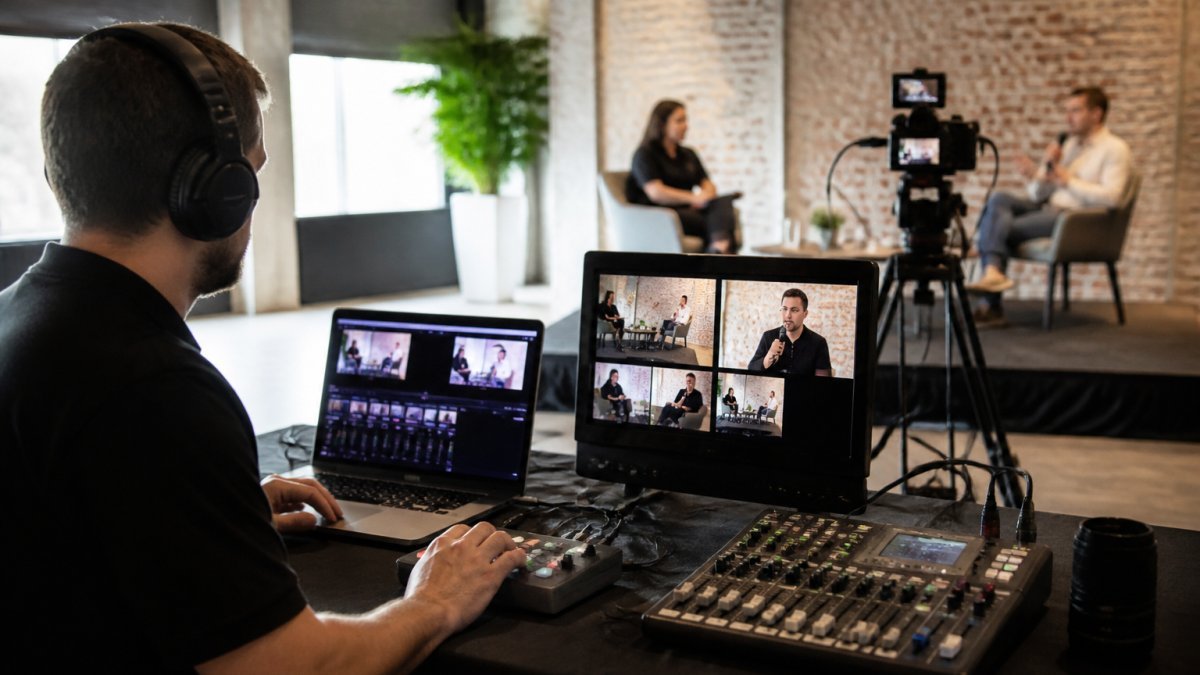
The core kit for a studio-based stream:
- Broadcast cameras with clean HDMI or SDI output
- A vision mixer for switching between sources
- Wired lavalier or shotgun microphones, plus a backup
- Dedicated lighting with no window glare behind speakers
For speakers joining remotely, send a short kit list in advance: external microphone, wired connection, neutral background and a test call. It takes ten minutes and removes most of the risk.
Running your encoder on venue Wi-Fi is the most common cause of mid-event dropouts. Hardwire the primary connection and keep a bonded 4G or 5G modem as your fallback.
Run a Virtual Event Technical Rehearsal Checklist (Not Just a Dry Run)
A virtual event technical rehearsal checklist tests the full signal path end to end, not just whether the speakers can hear each other. A dry run confirms people can talk. A technical rehearsal confirms the stream survives.
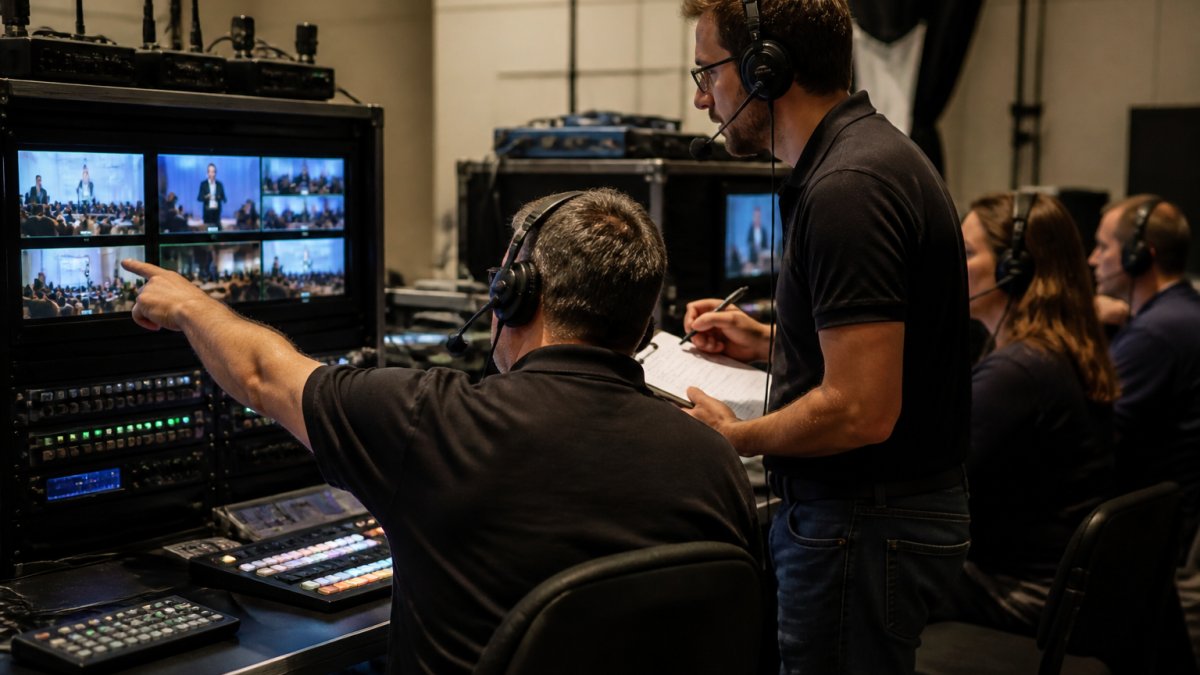
Most production teams run three distinct rehearsals, and each one has a different purpose:
- Crew-only signal test (T-7 to T-5 days). No speakers, no host. You are testing the chain from camera to encoder to platform to a playback device you control. Confirm every camera, microphone and screen-share source appears in the vision mixer, that audio is embedded on the correct channel, and that the platform receives the stream at the bitrate you intend to publish.
- Full technical rehearsal with speakers (T-2 days). Everyone who will appear live joins from the same device, network and room they will use on the day. You are testing people and signal together.
- Dress rehearsal (T-1 day or morning of). Run the show in real time, in order, with the run of show open. No stopping to fix things, note issues and fix them after.
Work through this order in every rehearsal:
- Confirm every camera, microphone and screen share appears in the mixer, labelled correctly
- Check audio levels on each source, aim for peaks around -6 dBFS with no clipping
- Test the stream at the lowest bandwidth your audience will realistically use, not just your studio connection
- Check captions, lower thirds and slide legibility on a phone screen, not just a desktop monitor
- Run a full recording test, then play the file back on a different machine
- Rehearse the handover between presenters and the moderator, including who speaks first after a transition
- Time each segment against the run of show and note where you are running long
- Trigger one deliberate failure, pull a cable, mute a mic, drop a screen share, and watch how the crew responds
Record every rehearsal. Watching it back catches audio sync drift, awkward transitions and on-screen text that nobody notices live.
A rehearsal where nothing goes wrong has usually not tested anything. Build at least one deliberate failure into every rehearsal so the crew has practised the recovery, not just the happy path.
Keep a written pass/fail log for each rehearsal. If a segment has not passed by the dress rehearsal, either cut it or replace it with a pre-recorded backup. Do not carry an untested live segment into event day on hope.
Write a Virtual Event Run of Show Template With Timestamps, Cues and Owners
A virtual event run of show template is a minute-by-minute script that lists what happens, who triggers it and what the audience sees.
Each row should carry five fields:
- Time: start and end, to the minute
- Item: the segment or cue
- Owner: the person responsible
- Action: what they do
For example: 10:00-10:02, welcome sequence, producer, roll pre-recorded intro, cut to host if the video stalls.
The contingency column is what separates a professional run of show from a schedule. Fill it in for every live segment, not just the risky ones.
Map Contingency Plans, Accessibility and Recording Consent
Contingency planning, accessibility and consent are the three areas most checklists skip. They are also the three that cause the most damage when they go wrong. Treat each as a checklist section with named owners, not a paragraph of good intentions.
Contingency plans as decision trees
A contingency plan is not a list of things that might break. It is a pre-agreed response with a trigger, an owner and a time limit. Write each one as: if X happens, Y triggers Z within N seconds.
- Presenter drops out mid-session. Trigger: no audio or video from the presenter for 20 seconds. Response: moderator fills, producer rolls the pre-recorded backup of that segment, technical director confirms the presenter’s return before cutting back.
- Encoder or vision mixer failure. Trigger: stream drops or freezes for 15 seconds. Response: technical director switches to the backup encoder or backup laptop already logged into the platform; producer posts a holding slide and a short message in the chat.
- Primary internet loss. Trigger: hardwired connection drops. Response: failover to the bonded 4G or 5G modem, which should already be connected and tested, not sitting in a bag.
- Platform outage. Trigger: platform dashboard unreachable or attendees reporting they cannot join. Response: producer posts the backup join link (a second platform or a plain video call) to the registration email list and social channels; host announces it verbally if the stream is still up.
- Delayed session. Trigger: a segment runs more than five minutes over. Response: producer decides whether to cut a later segment, shorten a Q&A, or extend and notify attendees via chat.
Keep a pre-recorded backup of every live segment ready to roll. The cheapest insurance on event day is a backup file and a named person who can trigger it within seconds.
Accessibility built into the checklist
Accessibility is not a post-event fix. Build it into the production checklist so it is captured at the same time as the run of show.
- Live captions. Book a captioner or enable the platform’s automatic captions, and test them in rehearsal. Automatic captions are a starting point, not a substitute for a human captioner on a paid event.
- Transcript. Export a transcript after the event and publish it alongside the recording. This also improves search and repurposing.
- Slides and on-screen text. Minimum 24pt body text, high contrast, no text over busy imagery. Check legibility on a phone screen during rehearsal.
- Audio description and interpretation. If you have attendees who need interpretation, book it early and test the audio routing so interpretation does not bleed into the main stream.
- Keyboard navigation and screen readers. Ask your platform provider how the registration flow and player behave for keyboard-only and screen-reader users, and test it yourself.
Recording consent and privacy
If you record or stream attendees, you need clear notice and consent. In Australia, the handling of personal information, including recordings that identify individuals, is governed by the Privacy Act 1988 and the Australian Privacy Principles. Practical checklist items:
- Add a consent notice to the registration flow, not just the event page
- State what is recorded, where it will be stored, who can access it, and how long it will be kept
- Give attendees a way to opt out of being on camera, and tell them how
- Get written permission from speakers before publishing recordings
- Restrict access to raw footage and recordings to named team members
Contingency, accessibility and consent are the three sections most teams write last and need first. Give each one a named owner and a place in the run of show, and they stop being risks and start being procedures.
Plan Post-Event Handoff, Recording Delivery and Evaluation
The event is not finished when the stream ends. Post-event handoff is where most of the long-term value sits, and it is where loose checklists fall apart.
Close out with these steps:
- Confirm the recording is complete and backed up in two places
- Deliver the master file and any edited cuts to the client
- Export the transcript and captions
- Pull attendance, watch-time and engagement metrics
- Send the follow-up email with the recording link
- Run a short debrief and log what to change next time
If you would rather not manage any of this, that is exactly where we come in. At Webcasting Livestream, we run end-to-end managed production with fail-safe procedures, HD streaming across all devices, and every recording provided to you at no extra cost.
Frequently Asked Questions
What should be included in a virtual event production checklist?
A complete production checklist should cover event goals, target audience, format, budget, platform selection, speaker management, equipment, technical rehearsal, run of show, contingency plans, accessibility, recording consent, promotion, and post-event follow-up. Break it into phases: pre-production, rehearsal, live day, and post-event. Assign an owner to every task so nothing falls through. The checklist should be a living document that your production team updates as the event date approaches.
How do you test a virtual event before going live?
Run a full technical rehearsal at least 48 hours before the live date. Test audio levels, video quality, screen sharing, livestream latency, and backup internet. Walk through the run of show with speakers so they know their cues and timing. Check that the platform handles your expected concurrent viewer count. Then do a second shorter test on the day, about 90 minutes before doors open, to confirm nothing has changed.
What should you do if a virtual event livestream fails?
Have a backup plan before you need one. This means a secondary internet connection, a pre-recorded fallback video, and a clear escalation path for your production team. If the primary stream drops, switch to the backup within seconds and notify viewers through the platform chat or a holding slide. After the event, review what failed and update your contingency section so the next event is tighter.
What tasks should be completed after a virtual event?
Post-event tasks include downloading and archiving recordings, sending follow-up communications to attendees, collecting feedback, reviewing engagement metrics such as attendance and Q&A participation, and calculating return on investment. Also debrief with your production team while details are fresh. If you own the recordings, store them securely and make them available for training or on-demand use. A post-event checklist prevents loose ends from being forgotten.
A checklist only earns its keep when it survives a real event. The hard part is not writing the list; it is having a production team that can execute it when a presenter drops out or a connection fails. That is what we do. Webcasting Livestream handles the technical rehearsal, the run of show and the live delivery with fail-safe procedures, so your recording is captured cleanly and delivered to you at no extra cost. Get a quote and let us take the technical risk off your plate.