Table of Contents
- Why Businesses Look Beyond Synergy Video for Event Streaming
- Event Streaming Platforms Comparison: Key Features to Evaluate
- Corporate Event Live Streaming Platforms: What Sets Them Apart
- Webinar Platforms with Audience Engagement Features
- Event Recording and On-Demand Video Capabilities
- Reliability, Uptime, and Regional Performance
- Conclusion: Choosing Your Synergy Video Alternative
- Frequently Asked Questions
Last Updated: October 6, 2026
Why Businesses Look Beyond Synergy Video for Event Streaming
When planning a major corporate event, AGM, product launch, or training session, choosing the right video platform can make or break the experience. Many organisations consider Synergy Video but find it doesn’t fit their needs, synergy video alternatives have evolved, and what works for one event often falls short for another.
At Webcasting Livestream, we’ve worked with corporations, government agencies, and event organisers who explored multiple solutions before settling on the right fit. The decision to look beyond a single platform comes down to a few factors: reliability during high-stakes broadcasts, ownership of recorded content, regional performance, and handling concurrent viewer loads without degradation.
The challenge isn’t finding a platform, it’s finding one that matches your event requirements, scales with your audience, and avoids unnecessary technical risk. This guide breaks down the key evaluation criteria and the alternatives organisations are turning to in 2026.
Event Streaming Platforms Comparison: Key Features to Evaluate
Most comparison pages rank platforms on generic video features, resolution, latency, price per seat. That framing breaks down in a real event workflow.
A more useful approach is to evaluate platforms against the six stages of a real event: registration and access control, live production, audience interaction, accessibility, recording and distribution, and event-day support. The table below maps those stages to the questions worth asking a vendor.
| Event stage | What to evaluate | Why it matters for events |
|---|---|---|
| Registration and access | Single sign-on, registration gating, password or domain restriction, waiting rooms | Prevents uninvited attendees joining an AGM or internal town hall; supports member-only or shareholder-only sessions |
| Live production | Multi-camera switching, lower-thirds and graphics, pre-recorded video roll-in, countdown slates | Lets a producer run a broadcast-style event rather than a single webcam feed |
| Audience interaction | Moderated Q&A, live polls, chat with profanity filtering, hand-raise, breakout rooms | Keeps large audiences engaged and lets organisers control what appears on screen |
| Accessibility | Live captions, transcript export, screen-reader-compatible player, keyboard navigation | Required for many public-sector and regulated events; improves reach for hearing-impaired viewers |
| Recording and distribution | Automatic recording, downloadable master file, on-demand hosting, clip export | Determines whether you can reuse the event for training, compliance, or marketing |
| Event-day support | Named technician, pre-event rehearsal, backup stream path, escalation contact | The difference between a five-minute fix and a failed broadcast |
Audience capacity is not a single number. Ask vendors to distinguish between concurrent viewers, peak concurrent viewers, and total registrations. A platform handling 500 concurrent viewers may buckle if 3,000 join in two minutes.
Production controls separate event platforms from meeting tools. Video-conferencing tools optimise for everyone on camera at once; event platforms optimise for a director choosing which feed goes live, when a lower-third appears, and how a pre-recorded segment rolls in without a visible cut.
Moderation is an event-day risk, not a nice-to-have. For public or large internal events, unmoderated chat and Q&A can derail the session.
Accessibility is increasingly a procurement requirement. Public-sector and many enterprise buyers now ask vendors to confirm captioning support, transcript availability, and player compatibility with assistive technology. Confirm whether captions are live (human or automated) or post-event only, and whether transcripts are exportable.
Integrations matter more than the feature list suggests. Platforms that fit event workflows integrate with registration systems, CRM or marketing automation, calendar tools, and learning management systems.
Build a one-page scorecard using the six stages above and score each shortlisted platform out of five. It forces the conversation away from generic feature lists and towards the workflows your event actually depends on.
Platforms worth serious consideration fall into three categories, managed services, self-serve platforms, and hybrid models, but the category matters less than whether the platform answers the stage-by-stage questions above with specifics rather than marketing language.
Corporate Event Live Streaming Platforms: What Sets Them Apart
The difference between a generic video platform and one purpose-built for corporate events comes down to reliability, professional features, and support when things go wrong.
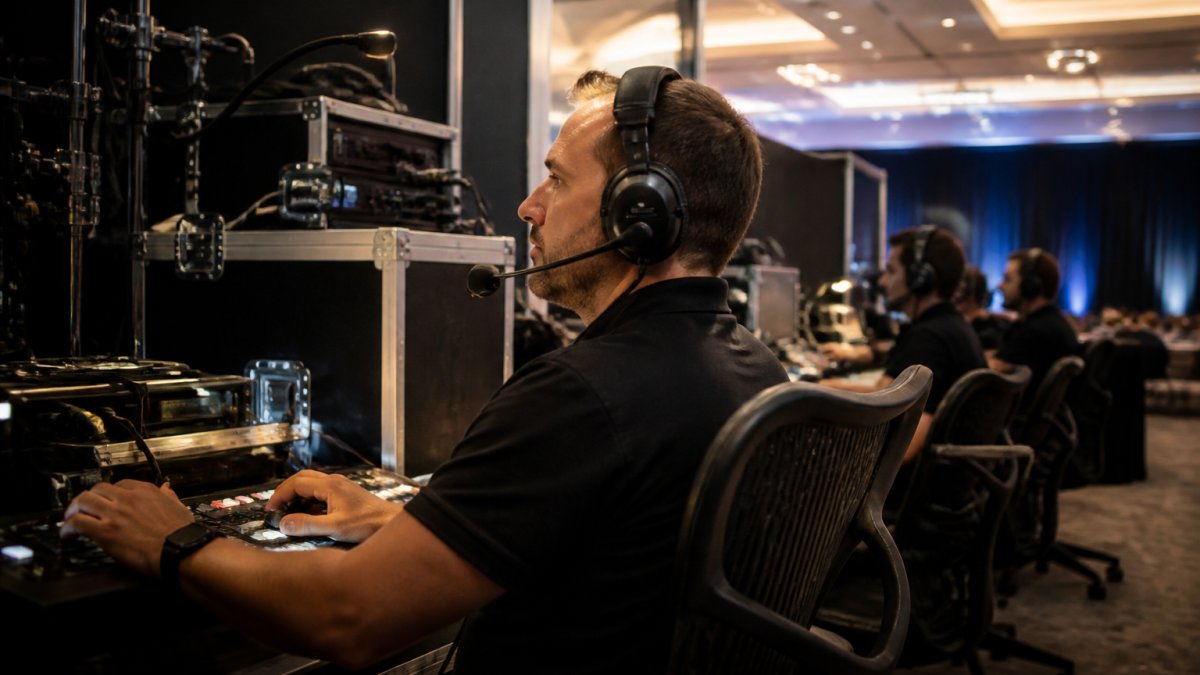
Corporate event platforms offer features general-purpose tools don’t: multi-camera switching, professional graphics overlays, audience polls and Q&A integration, and fail-safe redundancy. They’re designed for high-stakes events, where a glitch during your AGM or product launch doesn’t just disappoint viewers, it reflects poorly on your organisation.
Webcasting Livestream exemplifies this category. It provides managed services with a no-drop-off guarantee, fail-safe procedures, and HD quality across all devices. Our expert team handles the broadcast end-to-end, particularly valuable if your internal IT resources are stretched thin.
Self-serve platforms offer more control but more responsibility. They work well if your team has broadcast experience or your events are simpler in scope, but less professional support means higher risk of technical failures during your live event.
What sets corporate-focused platforms apart is reliability. A platform acceptable for gaming or social content isn’t acceptable for an AGM broadcast to your entire organisation. The difference in architecture, redundancy, and support is substantial, and worth paying for when the event matters.
Webinar Platforms with Audience Engagement Features
Webinars sit in a slightly different category than large-scale corporate events, though the line blurs increasingly. A webinar platform prioritises audience interaction: live polls, Q&A, chat moderation, and breakout rooms for smaller discussions.
Many organisations use webinar platforms for training, product demos, and educational sessions where participation drives success. Engagement features, asking questions, voting on topics, real-time discussion, drive higher attendance and better learning outcomes.
Webinar platforms excel at interactive features but may lack the broadcast quality or production capabilities needed for larger, formal corporate events. A 100-person training webinar with polls and Q&A suits a dedicated webinar platform; a 5,000-person product launch needing multi-camera switching, professional graphics, and zero risk of failure demands a stronger solution.
The key distinction: webinar platforms optimise for engagement and ease of use, while corporate event platforms optimise for scale, reliability, and professional production. Few platforms excel at both, choose based on what your event requires.
Event Recording and On-Demand Video Capabilities
One of the most overlooked aspects of event streaming is what happens after the broadcast ends. Recording opens up significant value: employees who missed the live event can watch on-demand, clips can be repurposed for marketing, and you create a compliance record for regulatory events.
Some platforms charge extra for recording or limit how you use the recordings; others include it but make files hard to download or edit. The best approach: platforms that automatically record every stream at no additional cost and give you full ownership of the files.
This matters especially for repeatable events, monthly town halls, quarterly training, regular webinars. Recording each and building an on-demand library multiplies the value of every broadcast.
Webcasting Livestream includes comprehensive recording at no extra cost, with all video provided automatically. Recording is a core feature, not an upsell, and you own the content for future use without licensing restrictions.
Reliability, Uptime, and Regional Performance
Reliability is the section most comparison pages skip, because it’s hard to quantify. For event organisers, it’s the only section that matters once the countdown clock hits zero.
Reliability in event streaming has four distinct layers, and a platform can be strong on one and weak on another:
1. Ingest reliability, getting the signal out of the venue. Your encoder sends the stream to the platform; if that link drops, nothing downstream can save the broadcast. Ask whether the platform supports bonded connections (combining multiple internet paths), a secondary encoder, or store-and-forward buffering during brief outages. For venues with a single unreliable uplink, bonded ingest is often the difference between a clean stream and a stuttering one.
2. Platform redundancy, keeping the stream available. Ask where the platform’s ingest and origin servers sit, whether they run across multiple availability zones, and what happens if a primary region fails.
3. Delivery performance, reaching viewers. Most platforms deliver via a content delivery network (CDN) with edge nodes close to viewers. For audiences across capital cities and regional areas, the number and location of edge nodes affects buffering and start-up time.
4. Adaptive bitrate, coping with variable connections. A viewer on a stable fibre connection and a viewer on a congested mobile connection should both get a watchable stream. Adaptive bitrate streaming adjusts quality in real time based on each viewer’s bandwidth. Without it, viewers on weaker connections either buffer constantly or drop out.
Questions worth putting to any vendor in writing:
- What is your published uptime commitment, and what remedy applies if it isn’t met?
- Do you support redundant ingest, and is it included or an add-on?
- How many CDN edge locations serve this region, and can you share performance data from regional test points?
- What is your process if the primary stream fails mid-event, automatic failover, manual switch, or restart?
- Who is our named contact on event day, and what is the escalation path?
- Can we run a full rehearsal on the production environment before the event?
Plan for the event day, not just the platform. Even a reliable platform can be undermined by venue Wi-Fi, a presenter’s laptop, or a last-minute slide change.
Migration is its own project. Moving platforms is a small implementation, not a switch. Export existing recordings and confirm file formats are usable. Rebuild registration and access rules. Re-test integrations with your CRM, registration system, or LMS.
Don’t accept “99.9% uptime” as a complete answer. Ask what counts as downtime, how it’s measured, whether scheduled maintenance is excluded, and what the remedy is. An SLA without a remedy is a marketing statement, not a commitment.
A platform that answers these questions with specifics, and lets you rehearse on the production environment before the event, is far safer than one that simply promises reliability in its brochure. A no-drop-off guarantee is only meaningful when backed by the redundancy, failover, and support structures described above.
Conclusion: Choosing Your Synergy Video Alternative
The decision to move beyond a single platform comes down to recognising that your needs, regional reliability, content ownership, professional production support, or audience scale, aren’t being met. The right synergy video alternatives depend on what your events actually require.
For organisations needing professional, managed live streaming with a no-drop-off guarantee, fail-safe procedures, and HD quality across all devices, Webcasting Livestream delivers the reliability and expertise critical corporate events demand. With all recordings provided at no extra cost and content that belongs entirely to you, it’s built for businesses that can’t afford technical failures during their broadcasts.
The challenge of choosing an event streaming platform doesn’t have to be complicated. The real question is simple: can your platform handle your event without failing, deliver professional quality to all your viewers, and give you ownership of the content afterward? If your current solution doesn’t confidently answer yes to all three, it’s time to explore alternatives. Get a professional assessment of your event streaming needs and discover how managed services can eliminate technical risk from your next broadcast.
Frequently Asked Questions
What should I compare when choosing a synergy video alternative for events?
Evaluate uptime guarantees and reliability in regional areas, whether the platform records all content automatically, audience engagement tools (polls, Q&A, chat), HD quality across mobile and desktop devices, security features for sensitive communications, concurrent viewer capacity, and whether you retain full ownership of recordings. Check if technical support is managed by the provider or requires internal IT involvement, and confirm integration with your existing systems.
Which event streaming platforms support live audience interaction?
Leading corporate event live streaming platforms offer live polls, moderated Q&A sessions, chat functionality, and real-time audience reaction features. Look for platforms that allow attendees to submit questions without downloading apps and provide moderator controls to manage audience participation. Some platforms also offer networking features for virtual and hybrid events.
Can event recording and on-demand video be accessed without extra fees?
Many professional event streaming platforms include recording and on-demand access as standard, with no additional charges. Verify that your chosen platform provides full HD recordings, allows you to download and reuse content for training purposes, and stores recordings securely. Some platforms offer tiered storage options, so confirm how long recordings are retained and whether you can access them indefinitely after your event ends.
How do I know if an event streaming platform will handle high concurrent viewers reliably?
Ask providers about their infrastructure capacity and uptime guarantees. Platforms serving corporate events typically support thousands of concurrent viewers without performance degradation. Request details on their fail-safe procedures, geographic server distribution, and how they handle peak traffic. Test with your expected audience size during a pilot event, and confirm that the provider offers technical support throughout your broadcast to address issues immediately.